Loading video…
Sound

original sound - giftedcomputerinstitute
giftedcomputerinstitute · Original audio
0:00–:––
Playing this video’s own audio, so you’ll hear the creator over the sound.
Hook
Posted Jul 30, 2026Video · 0:40by @giftedcomputerinstitute
The video provides a quick and practical solution to a common Excel user problem using simple keyboard shortcuts, making it highly shareable and useful for a broad audience interested in productivity tips.
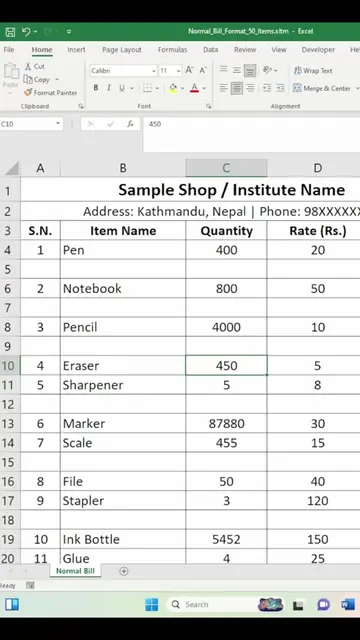
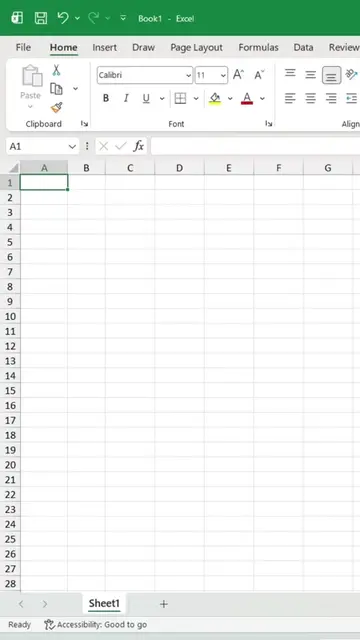
This video demonstrates a quick way to adjust column width and row height in Microsoft Excel using keyboard shortcuts. It shows how to select all data with Ctrl+A, then use Alt+H+O+I and Alt+H+O+A to automatically adjust column width and row height respectively.
Excel मा Column Width र Row Height Adjust गर्ने सजिलो तरिका | AutoFit Trick #ExcelTips #MicrosoftExcel #ExcelTutorial #ComputerTips #LearnExcel #ExcelShorts #MSExcel #OfficeTips #ComputerCourse #GiftedInfoNP #TechTips #NepaliTech #ExcelLearning #ProductivityTips #ReelsNepal #FacebookReels#AITools #Productivity #TechTips #ComputerTips #NepaliTech #GiftedInfoNP #Website #OnlineTools #LearnTechnology #TechNepal #UsefulWebsites #KeyboardSkills
Excel मा Column Width र Row Height Adjust गर्ने सजिलो तरिका | AutoFit Trick
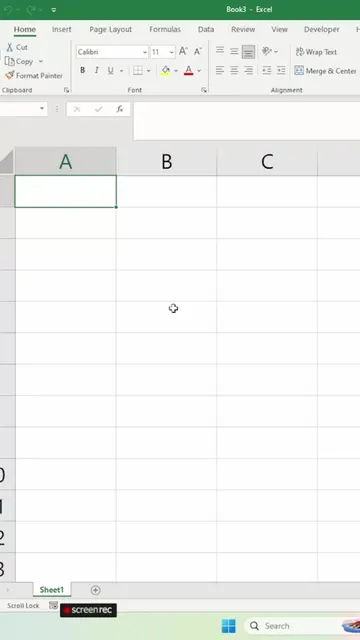
Introduction to the problem of adjusting column width and row height in Excel
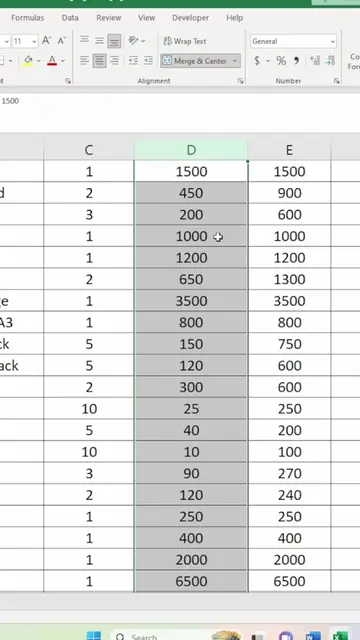
Demonstration of selecting all data using Ctrl+A
Applying shortcut Alt+H+O+I for column width adjustment
Applying shortcut Alt+H+O+A for row height adjustment
Encouragement to follow for more tips
Microsoft Excel ACTS - it is used to organize and format data, and its interface is operated. Removing it would change what happens in the video.
Playing this video’s own audio, so you’ll hear the creator over the sound.
Promotes 2 products. Create free account to see more.
Outliers and viral hits: their videos on Overshot, all time.
Spreadsheet software for people organizing, analyzing, and sharing data
All time.