Loading video…
Sound

original sound - allahwaahidu
TV— PLUS BF🇧🇫📢🎥 · Original audio
0:00–:––
Playing this video’s own audio, so you’ll hear the creator over the sound.
We didn’t find a product being promoted in this video. Its hook, format and structure below still show why it took off.
Browse products winning on TikTokThis video is a straightforward demonstration of a phone's setup process, which is a common and useful piece of content for potential buyers. The clear, step-by-step visual guide allows viewers to see what to expect when setting up a new device, making it informative and practical.
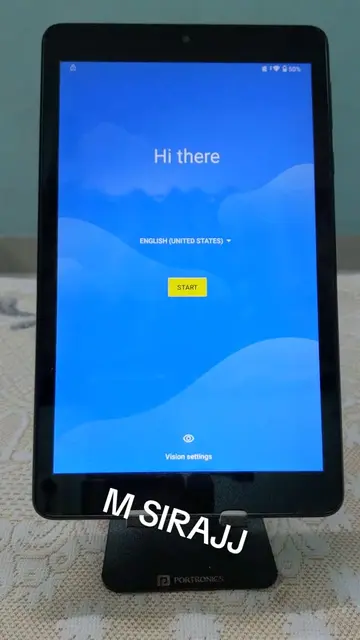
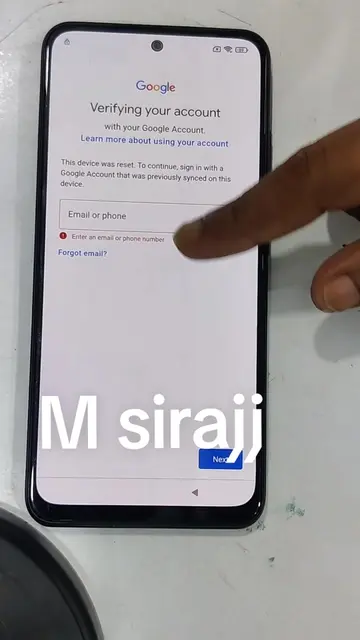
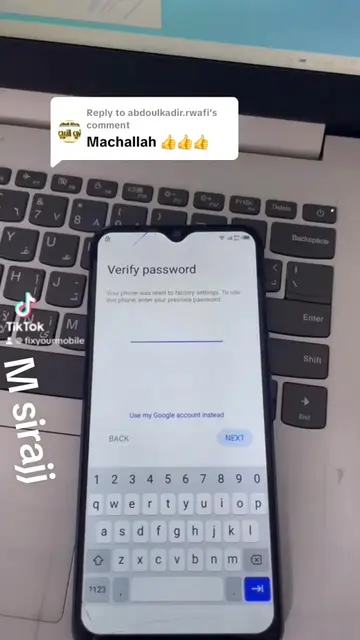
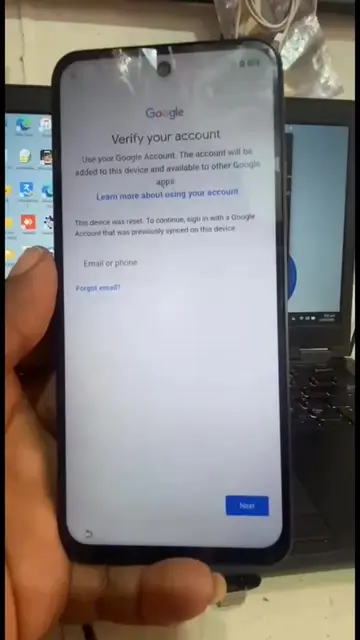
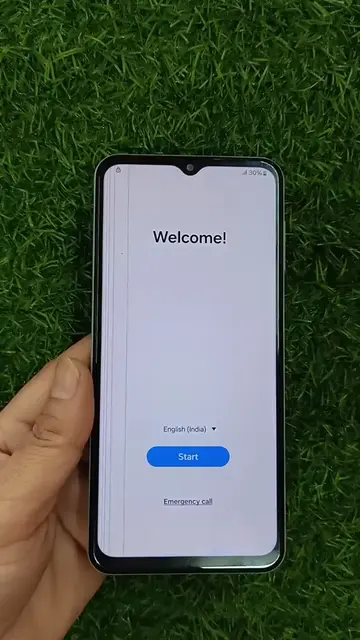
The video shows the initial setup process for an Infinix smartphone. It guides the user through language selection, country/region selection, SIM card insertion, and terms of use agreement. The process includes verifying the password and account information, and then proceeds to Google services and app review before reaching the home screen.
Piliin ang wika
Select language
Select country/region
Insert SIM card
Operating instructions and terms of use
Verify password and account
Google services and app review
Phone setup completion
Infinix (phone brand): appears on the back of the phone as a logo and on screen during setup. Removing it would not change what happens in the video. Google (company): appears as a logo on the phone and on screen during setup. Removing it would not change what happens in the video. Infinix ID (account service): appears on screen during setup. It is used to log in or register. Removing it would change the setup process. Google Account (account service): appears on screen during setup. It is used to sign in. Removing it would change the setup process. Star Gate (Wi-Fi network name): appears on screen when connecting to Wi-Fi. Removing it would not change what happens in the video. Android (operating system): appears on screen during setup and in phone information. Removing it would not change what happens in the video. XOS (operating system): appears on screen during setup and in phone information. Removing it would not change what happens in the video. TikTok Lite (app): listed under "Review additional apps". Removing it would not change what happens in the video. Ayoba chat games.news.m (app): listed under "Review additional apps". Removing it would not change what happens in the video. Scooper News: Trending&v (app): listed under "Review additional apps". Removing it would not change what happens in the video. Spotify: Music and Podcasts (app): listed under "Review additional apps". Removing it would not change what happens in the video. Candy Puzzle (app): listed under "Review additional apps". Removing it would not change what happens in the video. Google Photos (app): listed under "Review additional apps". Removing it would not change what happens in the video. Google Play Store (app): appears on screen during setup. Removing it would not change what happens in the video. Google Play services (app): appears on screen during setup. Removing it would not change what happens in the video. Google Assistant Go (app): appears on screen during setup. Removing it would not change what happens in the video. Google Go (app): appears on screen during setup. Removing it would not change what happens in the video. Hi Browser (app): listed under "App list". Removing it would not change what happens in the video. Hi Translate (app): listed under "App list". Removing it would not change what happens in the video. Carlcare (service): listed under "App list". Removing it would not change what happens in the video. FreeFire (app): listed under "App list". Removing it would not change what happens in the video. Gallery (app): listed under "App list". Removing it would not change what happens in the video. Gboard (app): listed under "App list". Removing it would not change what happens in the video. AI Gallery (app): listed under "App list". Removing it would not change what happens in the video. Android Setup (app): listed under "App list". Removing it would not change what happens in the video. Boomplay (app): listed under "App list". Removing it would not change what happens in the video. Calculator (app): listed under "App list". Removing it would not change what happens in the video. Calendar (app): listed under "App list". Removing it would not change what happens in the video. Camera (app): listed under "App list". Removing it would not change what happens in the video. AI Assistant (feature): appears in settings. Removing it would not change what happens in the video. Kids Mode (feature): appears in settings. Removing it would not change what happens in the video. Power Marathon (feature): appears in settings. Removing it would not change what happens in the video. Digital Wellbeing & parental controls (feature): appears in settings. Removing it would not change what happens in the video. XOS Lab (feature): appears in settings. Removing it would not change what happens in the video. Special function (feature): appears in settings. Removing it would not change what happens in the video. Passwords & Accounts (feature): appears in settings. Removing it would not change what happens in the video. Safety & emergency (feature): appears in settings. Removing it would not change what happens in the video. System (feature): appears in settings. Removing it would not change what happens in the video. Accessibility Menu (feature): appears in settings and is turned on. Removing it would not change what happens in the video. Accessibility button (feature): appears on screen. Removing it would not change what happens in the video. Nearby Share (feature): appears on screen. Removing it would not change what happens in the video. Google Help (website): appears on screen. Removing it would not change what happens in the video.
Playing this video’s own audio, so you’ll hear the creator over the sound.
Promotes 4 products. Create free account to see more.
Outliers and viral hits: their videos on Overshot, all time.