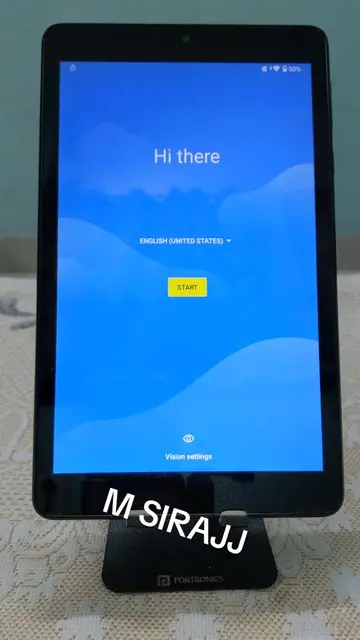
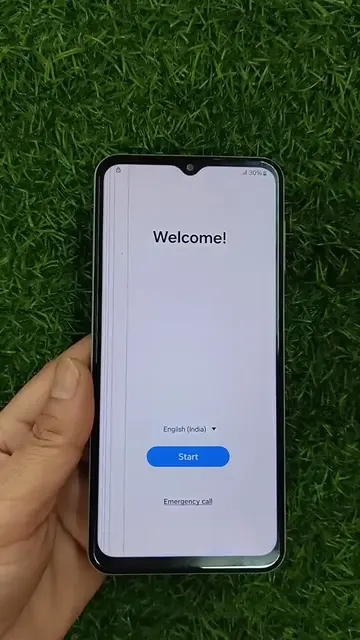
On-screen text
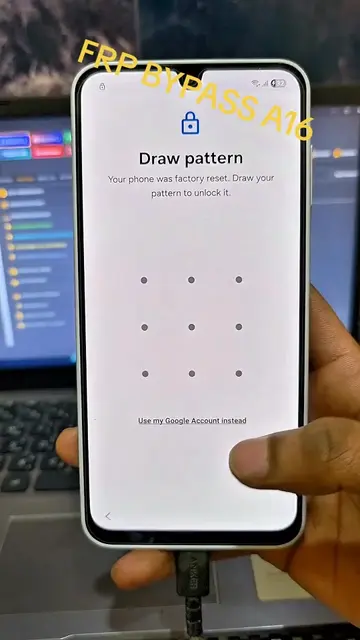
Verify password
Your phone was reset to factory settings. To use this phone, enter your previous password
Use my Google account instead
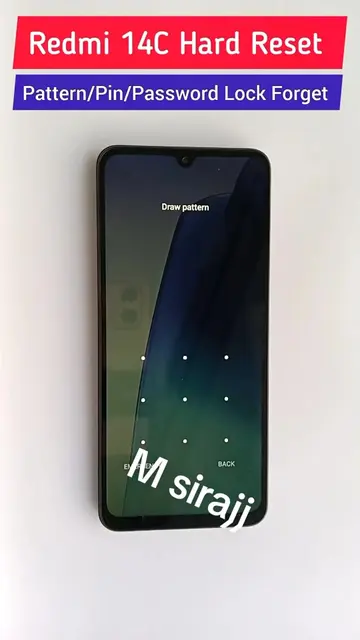
BACK
NEXT
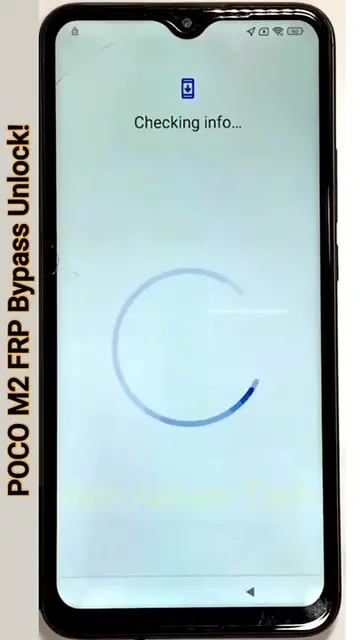
Checking info...
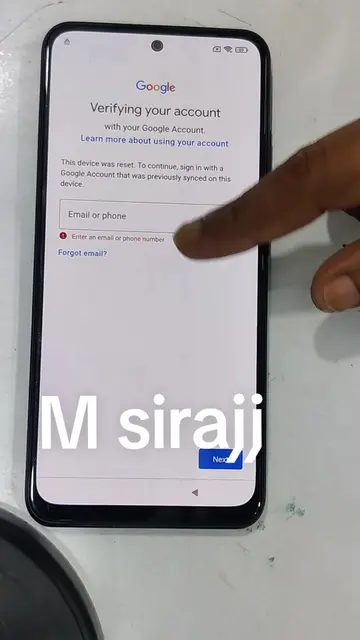
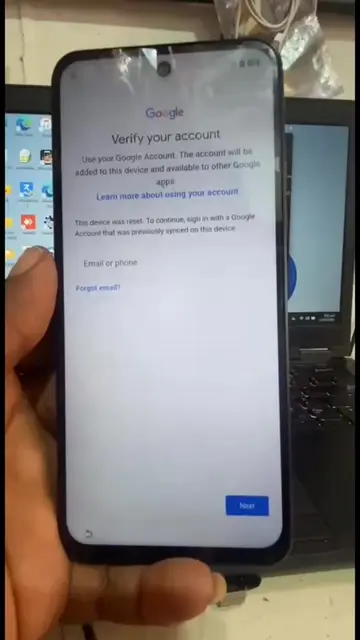
Google
Verify your account
with your Google Account
Learn more about using your account
This device was reset. To continue, sign in with a Google Account that was previously synced on this device.
Email or phone
Forgot email?
Enter an email or phone number
NEXT
Copy apps & data
You can choose to transfer your apps, photos, contacts, Google Account, and more.
Don't copy
NEXT
Connect to Wi-Fi
To get apps and copy data, connect to a network
Danu_Uloom
Connected
H155-381_4162
STC_86E7
STC_4G
ZAIN55G_8D5666_EXT
Add network
See all Wi-Fi networks
Use mobile network for setup
BACK
Add network
Network name
Enter the SSID
Security
None
Advanced options
CANCEL
JOIN
App info
Gboard
Notifications
Permissions
Storage & cache
355 KB used in internal storage
Mobile data & Wi-Fi
No data used
Screen time
Battery
0% use since last full charge
Open by default
No defaults set
Home app
No
Wi-Fi, mobile data, usage are required
Connected devices
Bluetooth, Call
Apps & notifications
Recent apps, default apps
Battery
90%
Display
Wallpaper, screen timeout, font size
Sound
Volume, vibration, Do Not Disturb
Storage
20.34 GB used - 25.49 GB free
Privacy
Permissions, account activity, personal data
Location
Loading
Security
Screen lock, fingerprint
Accounts
No accounts added
Screen lock
Swipe
Fingerprint
Face Unlock
Smart Lock
To use, first set a screen lock
Device admin apps
No active apps
SIM card lock
Encryption & credentials
Encrypted
Trust agents
To use, first set a screen lock
Screen pinning
On
Lock device when unpinning
Prevent others from using this phone without your permission by activating device protection features. Choose the screening lock you want to use
Fingerprint + Pattern
Fingerprint + PIN
Fingerprint + Password
GO BACK
NOT NOW
pattern unknown
Do not power off the phone during the password setting
process, if the battery is lower than 2%, please keep it in
charging state.
CANCEL
NEXT
Touch the sensor
It's on the back of your phone. Use your
index finger.
Skip
Screen lock
Fingerprint
Face Unlock
Smart Lock
Device admin apps
SIM card lock
Encryption & credentials
Trust agents
Screen pinning
On
Saudi Arabia
Senegal
Sierra Leone
Singapore
Somalia
Somaliland
South Africa
Sri Lanka
Tanzania
Thailand
BACK
NEXT
Join in "User Experience
Improvement Program"
Sincerely invite you to take part in the User
Experience Improvement Program. We will collect
the service condition of your phone in order to
improve and promote the product experience.
Terms of Use
Privacy Policy
I have read and I accept the terms of the above User Agreement and Privacy Policy
NEXT
Checking for updates...
This may take a few minutes
Copy apps & data
You can choose to transfer your apps,
photos, contacts, Google Account, and
more.
Just a sec...
Google Services
Tap to learn more about each service, such
as how to turn it on or off later. Data will be
used according to Google's Privacy Policy.
Location
Use location
Allow apps and services
with location permission to
use your device's location.
Google may collect
location data periodically
and use this data in an
anonymous way to improve
location accuracy and
location-based services.
Allow scanning
Allow apps and services
to scan for Wi-Fi networks
and nearby devices at any
time, even when Wi-Fi or
Bluetooth is off
More
Install updates & apps
By continuing, you agree that this device
may also automatically download and
install updates and apps from Google, your
carrier, or your device's manufacturer,
possibly using cellular data. Data rates may
apply. Some of these apps may offer in-app
purchases.
By tapping "Accept", you agree to the
Google Terms of Service. You also
confirm your selection of these Google
services settings. Note: The Google
Privacy Policy describes how data is
handled when using Google services.
ACCEPT
Review additional apps
All of the following apps
From Tecno
Block Blast!
Getting your phone ready...
This may take a few minutes
Lock Screen Only (Setup completed)
Phone after reboot can be unlocked only when
password. Phone cannot be unlocked once you
forget the password. If fingerprint and Face unlock
can be used to unlock and approve purchases.
Fingerprint
Face Unlock
NEXT