Loading video…
Sound

Choir Echo
Olive Oyl
0:00–:––
Playing this video’s own audio, so you’ll hear the creator over the sound.
The video provides a direct solution to a common and frustrating problem (FRP lock) for a specific device model, making it highly searchable and valuable to users facing this issue.
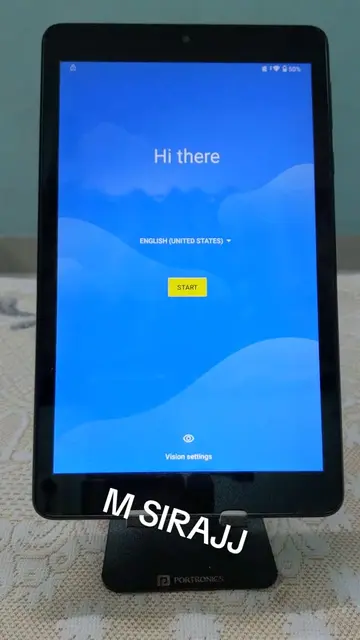
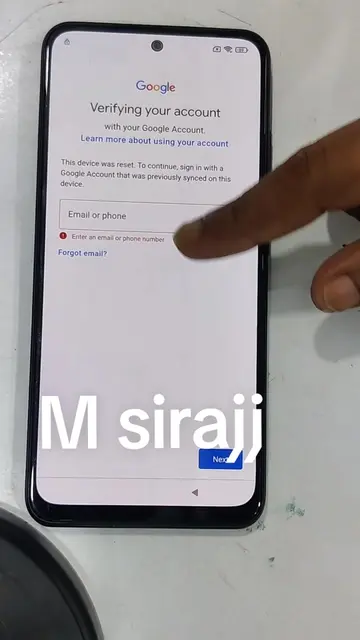
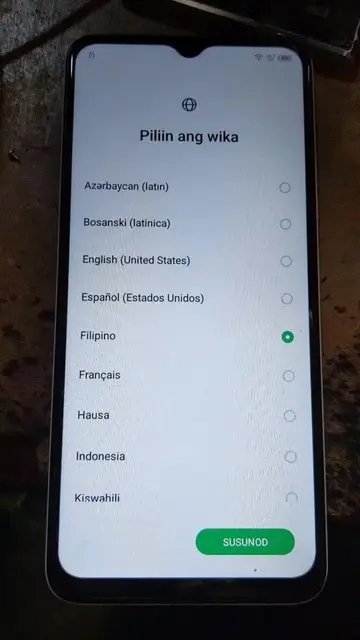
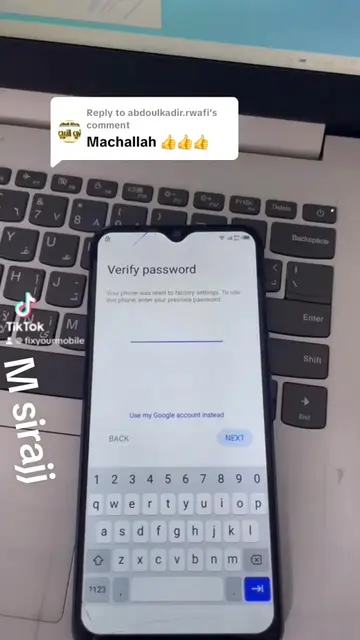
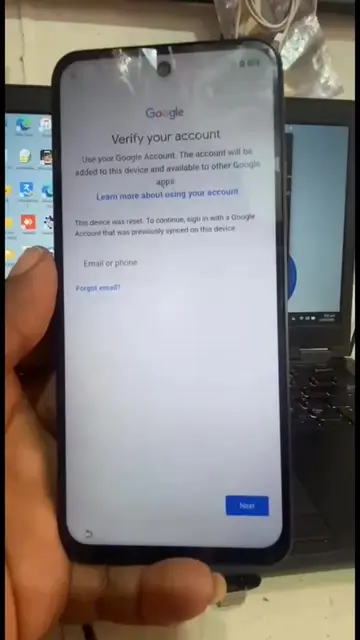
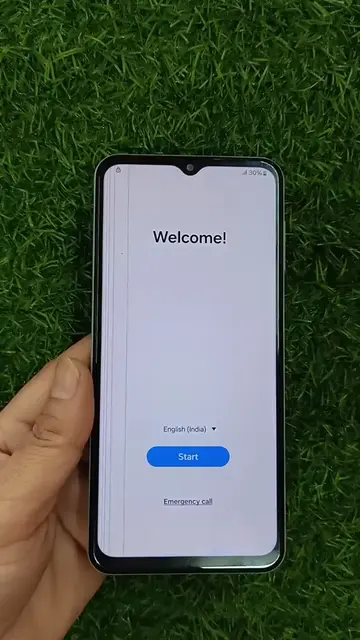
The video demonstrates how to bypass the Google FRP lock on a POCO M2 phone. It involves connecting to a network, adding a custom network, sharing a link to YouTube, then navigating to a website that provides a tool to access settings and create a second space on the phone, effectively bypassing the FRP lock.
POCO M2 FRP Bypass Unlock
Connect to network and add custom network
Share a link to YouTube
Navigate to a bypass website
Access settings and create a second space
Bypass FRP lock
Google: (a) it ACTS - it is the account verification service that the device is trying to use, and its interface is operated. Removing it would change what happens in the video. Chrome: (a) it ACTS - its interface is operated, and it is used to browse the web. Removing it would change what happens in the video. YouTube: (a) it ACTS - its interface is operated, and it is used to browse videos. Removing it would change what happens in the video. Messaging: (a) it ACTS - its interface is operated, and it is used to send messages. Removing it would change what happens in the video. Settings: (a) it ACTS - its interface is operated, and it is used to change device settings. Removing it would change what happens in the video. POCO M2: (a) it ACTS - it is the device being operated on. Removing it would change what happens in the video.
Playing this video’s own audio, so you’ll hear the creator over the sound.
Android smartphone for everyday use
All time.
Promotes 4 products. Create free account to see more.
Outliers and viral hits: their videos on Overshot, all time.