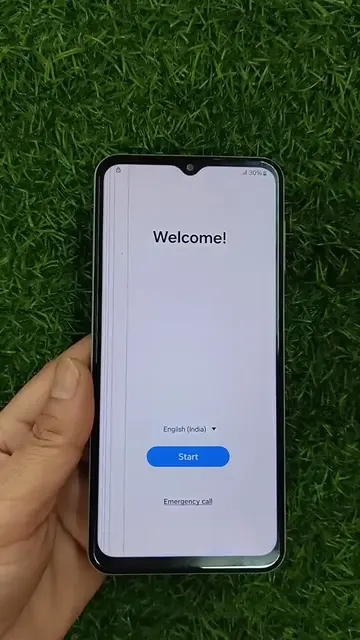
On-screen text
FRP BYPASS A16
Checking info...
Classic Unlocker
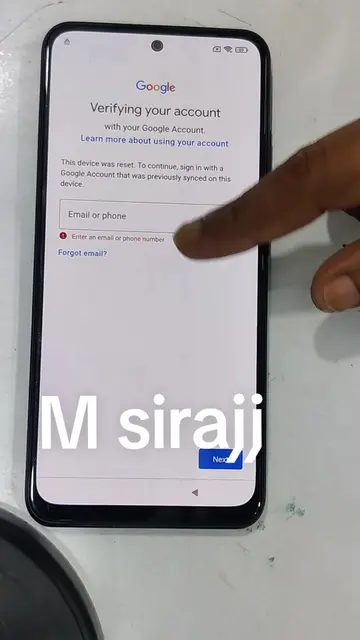
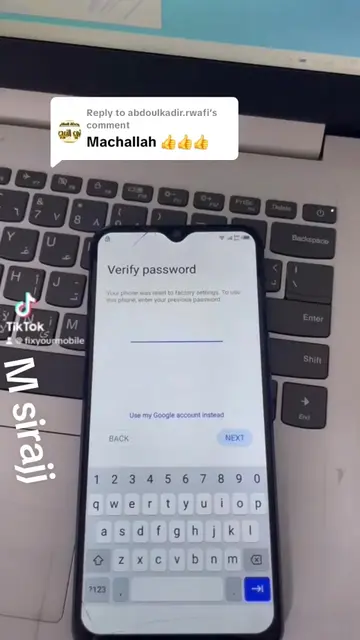
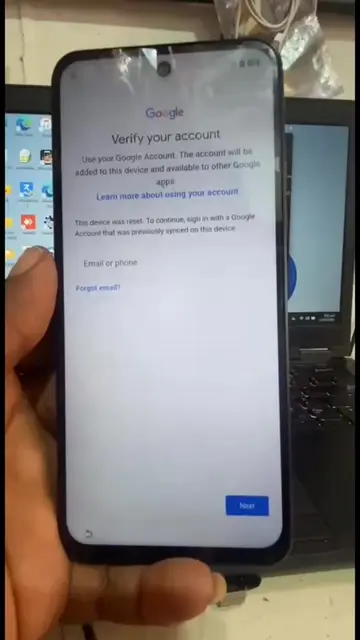
Verifying your account
Use your Google Account. The account that was added to this device and available to other Google apps.
Learn more about using your account
This device was reset. To continue, sign in with a Google Account that was previously synced with this device.
Email or phone
Forgot email?
Next
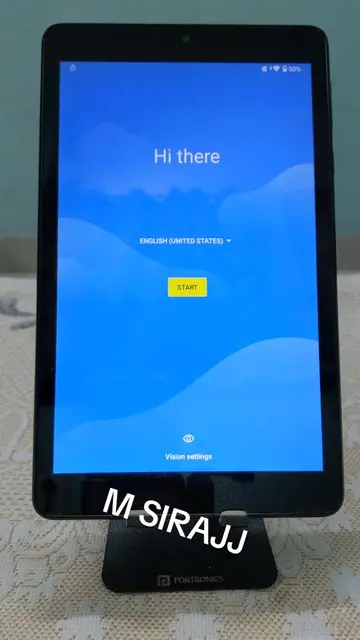
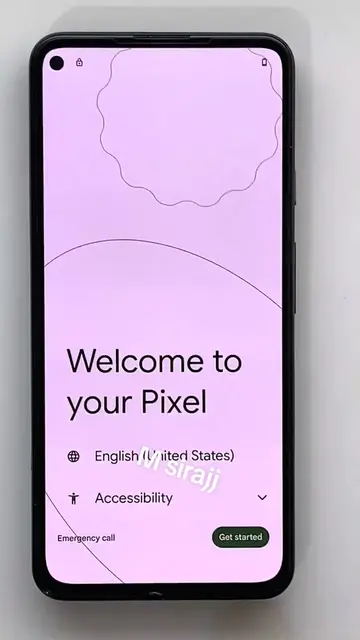
English (United Kingdom)
Start
Emergency call
Accessibility
*#0
COM
FUNCTIONS
[COM+ADS] READ INFO
[COM] FACTORY RESET
[COM] ENTER DOWNLOAD
[COM] REMOVE FRP [2023]
[COM] REMOVE FRP [2024] [USA MODELS]
[COM] CHANGE CSC [USA MODELS]
[COM] REMOVE FRP [ANDROID 16]
[HTTP] INSTALL DRIVER
[HTTP] FRP BYPASS
[ADB] REMOVE PASSCODE
[ADB] ERASE FRP
[ADB] SET DUAL SIMS
[ADB] DISABLE OTA UPDATE
Unlocking Tool 2026.01.20.0
Elapsed time : 1 minute 30 seconds
OK
COM21
Finding for device... COM21
Scanning for device... COM21
Reading Info... FAIL
Connecting to device... OK
Switching connection... OK
Waiting for ADB... OK
Initializing... FAIL
Executing... OK
Waiting for ADB... OK
Erasing FRP... OK
Factory resetting... OK
Remove FRP via adb (regardless rooted or not)
STOP
Factory Reset
After a few seconds
Reboot!
Please do not touch any
button!!
SAMSUNG
GALAXY
Secured by Knox
Welcome
For your review
End User Licence Agreement
This includes your agreement that Samsung may
update your phone software automatically from
time to time to ensure the safety, security, and
functionality of your phone.
Privacy Policy
Sending of Diagnostic Data
(optional)
Agree to all [optional]
Add SIM to connect to a mobile
network.
Add
Easy setup with
another device
Sign in automatically and copy settings,
accounts, and more from another phone
or tablet. Keep your other phone or tablet
nearby and unlocked.
Galaxy or Android device
iPhone® or iPad®
Set up manually
Choose a Wi-Fi
network
Skip Wi-Fi setup?
Wi-Fi is required to:
Connect to the internet
Install software updates
Use device protection features
Back to Wi-Fi setup
Protect your phone
Prevent others from using this phone
without your permission by setting a screen
lock.
Face recognition
Fingerprints
PIN
Password
Pattern
Skip
Device maintenance
Send usage and
diagnostic data
Help improve your Android
device performance by
automatically sending
Diagnostic, device and app
usage data to Google. Your
app will use battery, app stability, and other
improvements. Some
data will also help
Google apps and partners,
such as Android developers.
If you added a Google
Account, app setting is turned on.
This data may be saved to your
Google Account.
Install updates and apps
By continuing, you agree that this device
will automatically download and
install updates and apps from Google. Your
operating and your device's manufacturer
possibly offer more data. Databases may
vary. Some of these apps may offer in app
purchases.
By continuing, you agree to the Google
Terms of Service. You also confirm your
selection of these Google services:
Note: The Google Privacy Policy describes how
Google uses your data when using Google
services.
Accept
Choose your display
mode
Light
Dark
Next
Please wait...
You're all set up!
Home
Settings
Sign in to your Galaxy*
Find your phone if it's lost
Connections
Wi-Fi, Bluetooth, SIM manager
Connected devices
Quick panel, Bluetooth, Smart View
Modes and Routines
Do not disturb, Bedtime mode
Notifications
Status bar, Do not disturb
Connected for charging only. Tap the
USB notification to use USB for
transferring files.
controls
Screen time, App timers
Device care
Storage, Memory, App protection
Apps
Default apps, App settings
General management
Language and keyboard, Date and time
Accessibility
Vision, Hearing, Dexterity
Software update
Download and install
User guide
Learn more
Connected for charging only. Tap the
USB notification to use USB for
transferring files.
About phone
Galaxy A16
Rename
Product name
Galaxy A16
Model name
SM-A165F/DS
Serial number
R5GL109QY3T
Available SIM
IMEI 1
356510343406607
Available SIM
IMEI 2
358899173406607
Status information
Legal information
Regulatory information
Software information
Battery information
Software information
One UI version
8.0
Android version
16
Google Play system update
1 July 2025
Baseband version
A165FXXS6CYL1
Kernel version
6.12.23-android16-5-a165FXXS6CYL1-4k
#1 Mon Dec 09 16:51:25 UTC 2025
Build number
BP2A.250605.031.A3.A165FXXS6CYL1
SE for Android status
Enforcing
ZCP_SM-A165F_16_0001
Mon Dec 09 16:25:03 UTC 2025
Knox version
Knox 3.12
Knox API level 39
Service provider software version
SM-A165FXXS6CYL1