Loading video…
Sound

Tears of the Fallen Titan
Whispering Pineapple Mystic
0:00–:––
Playing this video’s own audio, so you’ll hear the creator over the sound.
The video provides a clear, step-by-step visual guide for a common and frustrating problem (locked phone). The direct demonstration of the process, without unnecessary commentary, makes it easy to follow and replicate.
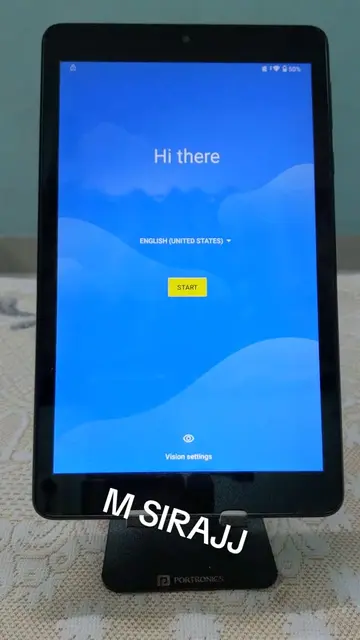
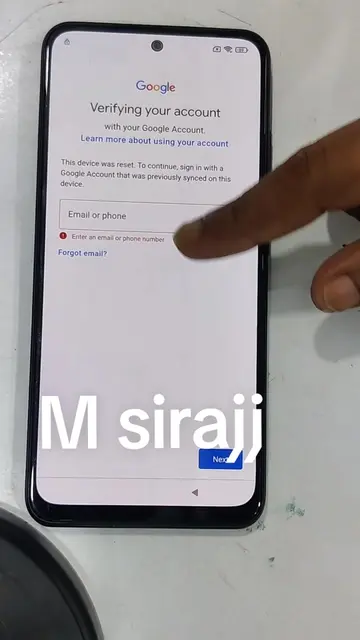
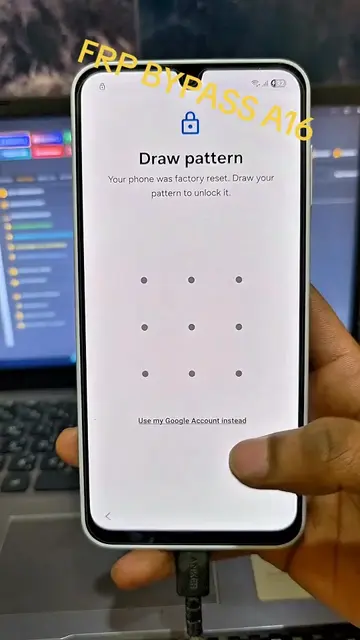
The video demonstrates how to perform a hard reset on a Redmi 14C phone to bypass a forgotten pattern, PIN, or password. It guides the viewer through the process of entering recovery mode, wiping data, and rebooting the system, ultimately leading to the phone's setup screen.
Redmi 14C Hard Reset
Phone is locked with a pattern.
Enter recovery mode by holding volume up and power button.
Navigate recovery menu to 'Wipe Data'.
Confirm data wipe.
Reboot the system.
Phone restarts and goes through initial setup.
Redmi 14C: This is the phone being used in the video. Its interface is operated to demonstrate the hard reset process. Removing it would change what happens in the video. MIUI HyperOS: This is the operating system shown on the phone during the recovery menu and setup process. Its interface is operated to navigate the hard reset. Removing it would change what happens in the video. Android: This is the underlying operating system of the phone. It appears on screen during boot-up. Removing it would not change what happens in the video.
Playing this video’s own audio, so you’ll hear the creator over the sound.
Promotes 4 products. Create free account to see more.
Outliers and viral hits: their videos on Overshot, all time.
Android smartphone for everyday mobile use
All time.