Loading video…
All breakouts
25.5App DemoResult / Flex hookOther
Hook
8:58 PM | 233KB/s
@amanargoje1
24.8K followers · usually 3.0K views a post
Views
70.0K
Likes
2.1K
Comments
25
Shares
350
Promoted product
Google Play Store
Why it worked
The video addresses a common and frustrating technical issue (no internet connection) with a clear, step-by-step solution that is easy to follow. The visual demonstration of navigating through settings and performing the fix makes it highly accessible to a broad audience experiencing similar problems.
Summary
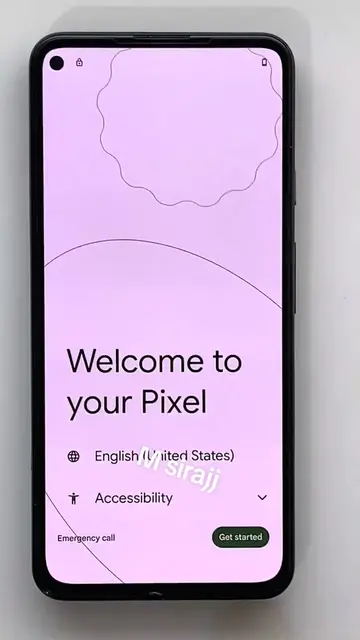
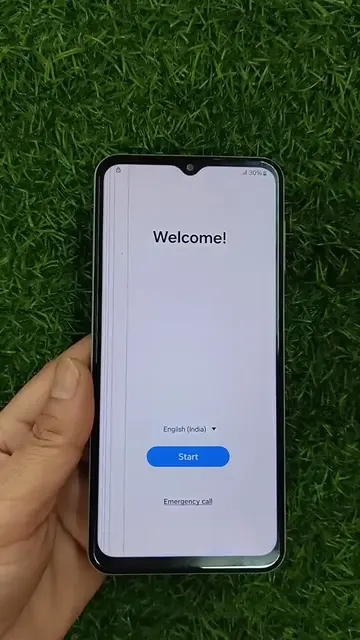
The video demonstrates how to fix a "no internet connection" error on an Android device by clearing the cache and data for the Google Play Store. It shows navigating through the phone's settings to find the app information and then performing the cache and data clearing actions.
Structure
- 1Phone displays "no internet connection" error
- 2User navigates to phone settings
- 3User finds and selects "Google Play Store" app
- 4User clears cache and data for the app
- 5User enables mobile data and background data
- 6App permissions are reviewed
Product placement
Google Play Store: it is an app store where users can download applications. It ACTS, as its interface is operated and visible results come from it. Removing it would change what happens in the video.
Google Play Services: it is a background service for Google apps. It APPEARS, as it is listed in the apps. Removing it would not change what happens in the video.
Google Play Services for AR: it is a background service for AR features. It APPEARS, as it is listed in the apps. Removing it would not change what happens in the video.
More from @amanargoje1
More breakout videos from this creator.