Loading video…
Sound

original sound - digitalgeniushubj
Digital Genius Hub J. · Original audio
0:00–:––
Playing this video’s own audio, so you’ll hear the creator over the sound.
Hook
Posted Aug 12, 2026Video · 0:30by @digitalgeniushubj
The video addresses a common pain point (battery life) with a practical, actionable solution using a widely used app (Google Chrome). The quick, step-by-step demonstration makes it easy for viewers to follow along and implement the tips.
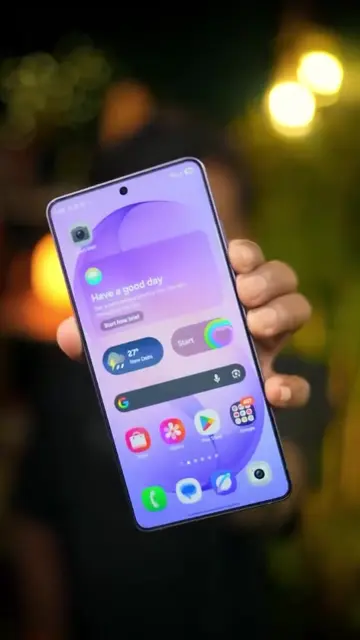
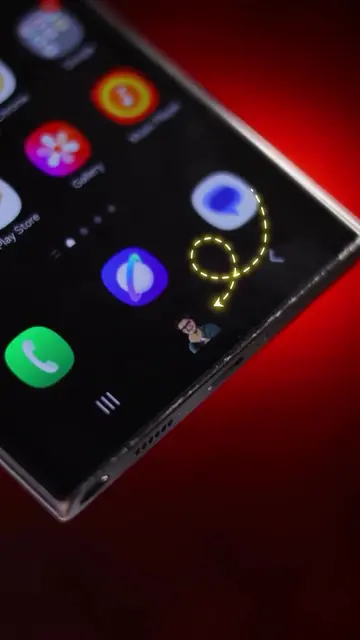
This video demonstrates three settings within Google Chrome that can help extend a phone's battery life. By adjusting account sync, notifications, and enabling dark mode, users can potentially make their phone's battery last longer.
Aap kitne bar charge karte ho ? . . #Tech #battery #explorepage #foryou #viral #fyp #tiktokgrowthchallenge
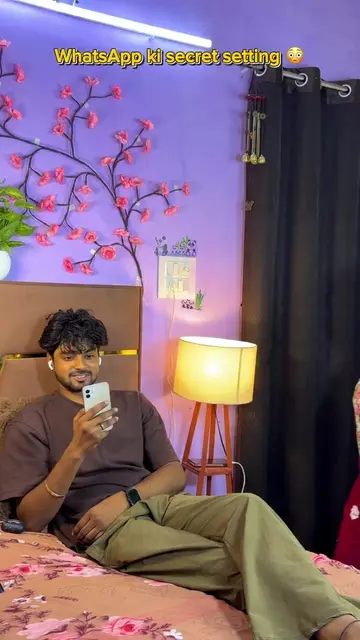
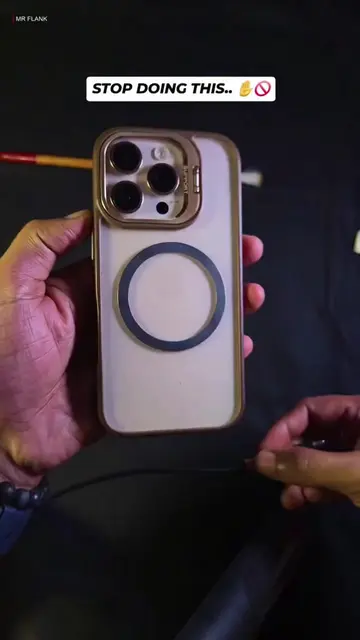
Agar aap bhi apne phone ko din mein 3 se 4 baar charge karte ho
Introduction to the problem of frequent phone charging
Demonstration of changing Chrome settings (profile sync)
Demonstration of changing Chrome settings (notifications)
Demonstration of changing Chrome settings (dark mode)
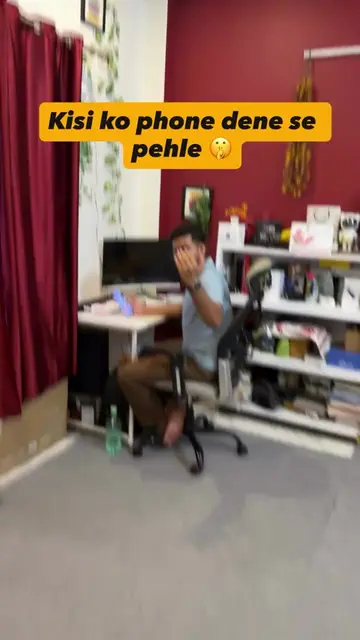
Conclusion on battery saving and call to action
Google Chrome: it ACTS - its interface is operated to change settings. Removing it would change what happens in the video. WhatsApp: it APPEARS - it is mentioned as a place to share the reel. Removing it would not change what happens in the video.
Share this reel to those who charge their phone 3-4 times a day and follow for more informative videos.
Playing this video’s own audio, so you’ll hear the creator over the sound.
Download Google Chrome by Google on the App Store. See screenshots, ratings and reviews, user tips, and more apps like Google Chrome.
All time.
Promotes 25 products. Create free account to see more.
Outliers and viral hits: their videos on Overshot, all time.