Loading video…
All breakouts
4.4Talking HeadDirect Question hookConsumer Apps
Hook
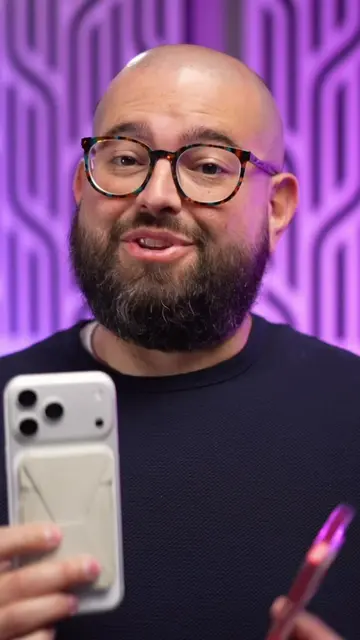
Ever see a QR code on iPhone screen, but not sure how to scan it?
@beardedteacher
68.3K followers · usually 7.9K views a post
Views
34.2K
Likes
1.2K
Comments
35
Shares
278
Promoted product
iPhone
Why it worked
The video provides a simple, actionable solution to a common user problem, making it highly shareable and useful for a broad audience interested in iPhone tips.
Summary
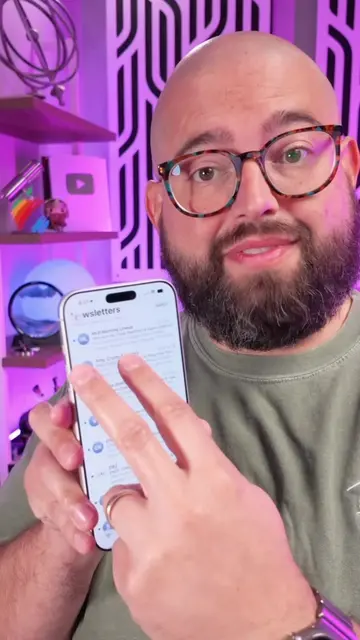
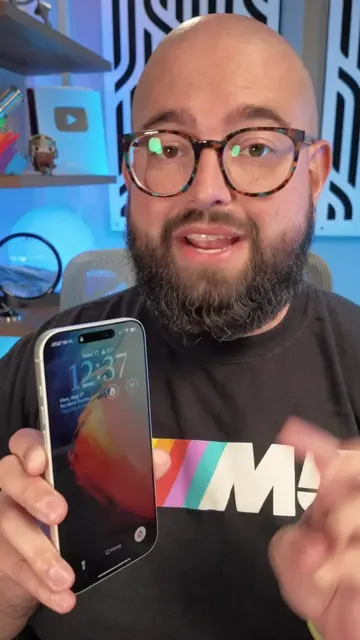
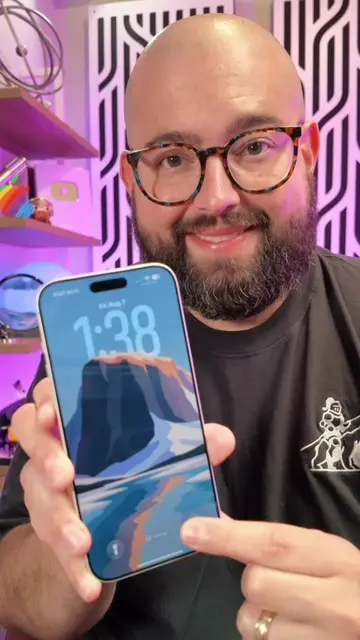
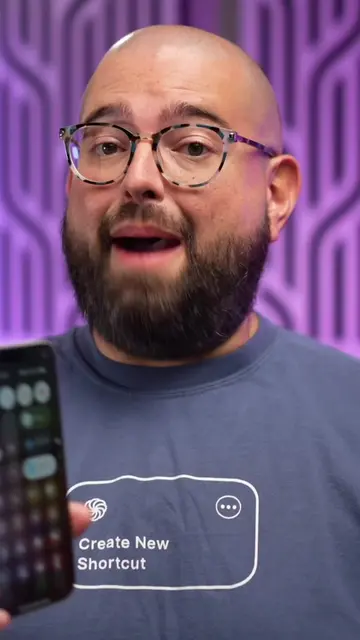
This video demonstrates a quick tip for iPhones: how to scan a QR code that is already displayed on the screen. The creator explains that by taking a screenshot and then long-pressing the QR code within the screenshot preview, users can access options to open the link.
Structure
- 1Introduce the problem: scanning QR codes on screen
- 2Explain the solution: take a screenshot
- 3Demonstrate the process: tap and hold the QR code
- 4Show the options: open in YouTube, Safari, etc.
- 5Call to action: follow for more tips
Product placement
iPhone (acts): The video demonstrates how to scan a QR code on an iPhone screen. Removing it would change what happens in the video. YouTube (appears): A YouTube video is shown on the iPhone screen. Removing it would change what happens in the video. Safari (acts): The video shows the option to open a link in Safari. Removing it would change what happens in the video.
Call to action
Follow right here for more iPhone tips
Original caption
Your iPhone can “scan” a QR code even when it’s already on-screen! #iphonetips #TechTips #shortcuts
More from @beardedteacher
More breakout videos from this creator.