Loading video…
Sound

original sound - daw.zen | ur career ate ★
daw.zen | ur career ate ★ · Original audio
0:00–:––
Playing this video’s own audio, so you’ll hear the creator over the sound.
The video offers practical, actionable advice for a common pain point (creating a portfolio with no experience) using accessible tools. The inclusion of a specific, timely promo from Globe for Canva AI data adds an extra layer of value and relevance, making the content more shareable and engaging.
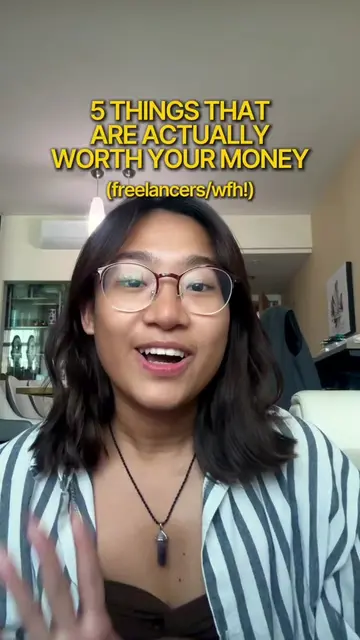
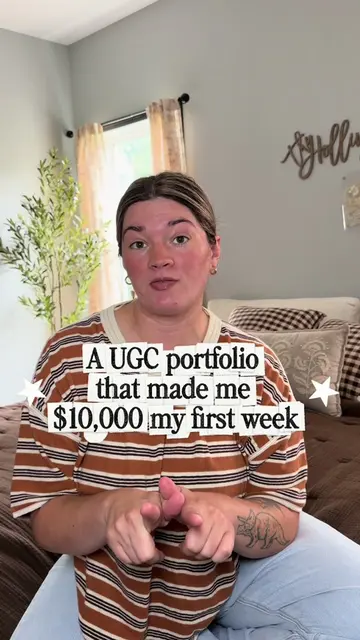
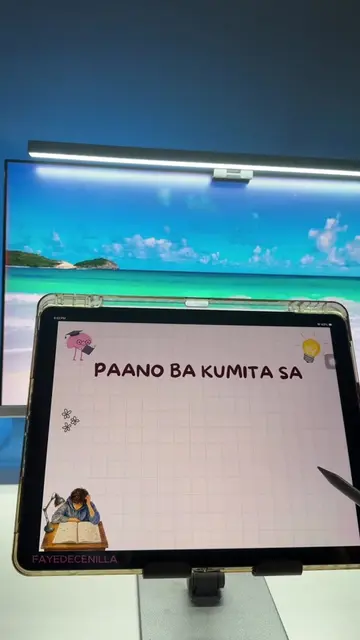
This video provides a step-by-step guide for beginners on how to create a social media marketing portfolio. It covers listing projects, using tools like Canva and Canva AI, creating cover and intro slides, showcasing best works, including social media account examples, and adding testimonials. The video also mentions a Globe promo for Canva AI data.
For students who need a portfolio but have “no experience” -- this is what you should do! I'm sharing what you can actually put in it, from school and passion projects to your best work and testimonials. Save this for when you’re ready to start applying! What’s your daily hustle that needs an AI boost? Share your #EverydayAI story with Go+99 Plus AI! Globe Telecom #DoMoreEverydAI #GoForwardTogether
Making a portfolio as a beginner
Introduction and identifying the need for a portfolio
Step 1: List down projects and save photos
Step 2: Use tools like Canva and Canva AI
Step 3: Create cover and intro slides
Step 4: Showcase best works with descriptions
Step 5: Include social media account examples
Step 6: Add testimonials
Globe promo for Canva AI
Canva: ACTS - it is used to create a social media marketing portfolio. Removing it would change the video's outcome. Canva AI: ACTS - it is mentioned as a feature that can help organize thoughts and provide inspiration. Removing it would change the video's outcome. Globe: ACTS - it is mentioned as a provider of a promo for data. Removing it would change the video's outcome. Go+99 Plus AI: ACTS - it is a specific promo from Globe that provides data for Canva AI. Removing it would change the video's outcome. Globe One App: ACTS - it is the app where the Go+99 Plus AI promo can be accessed. Removing it would change the video's outcome.
Share your #EverydAI story with Go+99 Plus AI!
Playing this video’s own audio, so you’ll hear the creator over the sound.
Promotes 2 products. Create free account to see more.
Outliers and viral hits: their videos on Overshot, all time.
Design app for people creating presentations, worksheets, and other visual content
All time.