Loading video…
All breakouts
21.5Talking HeadListicle hookConsumer Apps
Hook
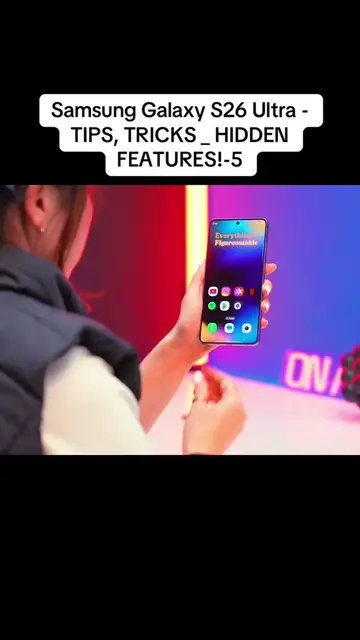
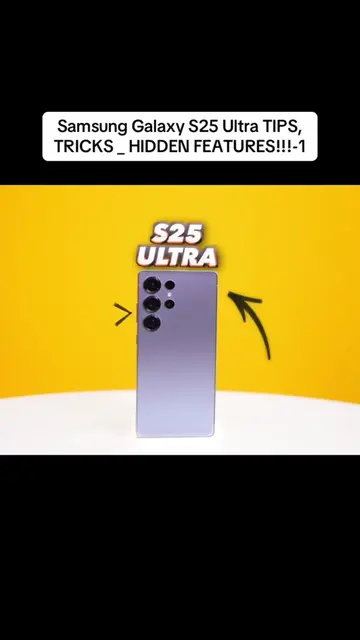
Samsung Galaxy S26 Ultra - TIPS, TRICKS _ HIDDEN FEATURES!-1
@user9453852791661
11.5K followers · usually 4.5K views a post
Views
87.8K
Likes
4.6K
Comments
56
Shares
467
Why it worked
The video likely performed well due to its focus on practical, 'hidden' features of a popular smartphone, presented in a fast-paced, visually engaging format. The demonstration of unique camera capabilities like horizontal lock and the advanced scanner, combined with the customization of the side button to launch an AI assistant, appeals to users looking to maximize their device's utility.
Summary
The video showcases several new features of the Samsung Galaxy S26 Ultra, focusing on camera and side button functionalities. It demonstrates how to customize the side button to launch specific apps like Perplexity, and highlights camera features such as horizontal lock for video recording and an upgraded document scanner. The creator also touches upon fun editing features within the gallery.
Structure
- 1Introduction of Samsung Galaxy S26 Ultra features
- 2Side button customization to launch Perplexity AI
- 3Camera features: horizontal lock and document scanner
- 4Fun editing features in the gallery
Product placement
Samsung Galaxy S26 Ultra: acts - it is the device whose features are demonstrated and explained. Removing it would change the video. Samsung: appears - it is the brand name on the phone. Removing it would not change the video. Perplexity: acts - it is an AI assistant that is demonstrated as an alternative to Google Assistant. Removing it would change the video. Google: appears - it is the brand name for Google Assistant and Perplexity. Removing it would not change the video. Bixby: acts - it is an AI assistant that is demonstrated as an alternative to Google Assistant. Removing it would change the video. Samsung Wallet: appears - it is an option for the side button function. Removing it would not change the video. Camera: acts - it is a function that can be launched by the side button. Removing it would change the video. Privacy display: acts - it is a function that can be launched by the side button. Removing it would change the video. Quick launch: acts - it is a function that can be launched by the side button. Removing it would change the video. Torch: acts - it is a function that can be launched by the side button. Removing it would change the video. Magnifier: acts - it is a function that can be launched by the side button. Removing it would change the video. Voice Recorder: acts - it is a function that can be launched by the side button. Removing it would change the video. Samsung Notes: acts - it is a function that can be launched by the side button. Removing it would change the video. Samsung capture: acts - it is a function that can be launched by the side button. Removing it would change the video. Apps: appears - it is a category of functions that can be launched by the side button. Removing it would not change the video. Digital assistant: acts - it is a function that can be launched by the side button. Removing it would change the video. Power off menu: appears - it is an option for the side button function. Removing it would not change the video.
Original caption
Samsung Galaxy S26 Ultra - TIPS, TRICKS _ HIDDEN FEATURES!-1
More from @user9453852791661
More breakout videos from this creator.