Loading video…
All breakouts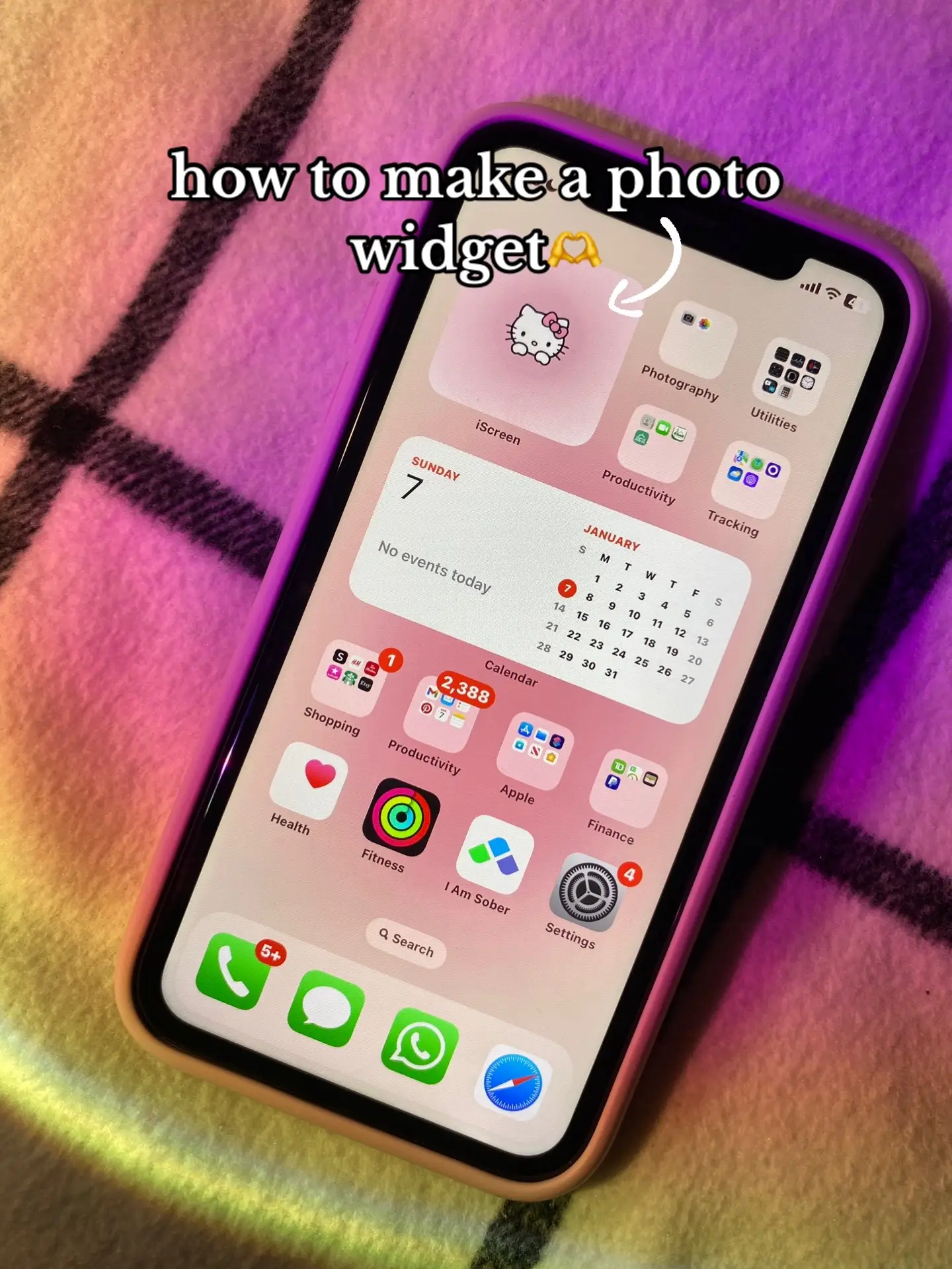 Open on TikTok
1/12
37.8App DemoHow-To hookConsumer Apps
Hook
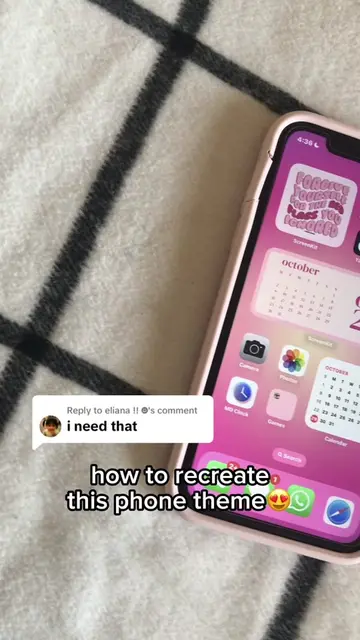
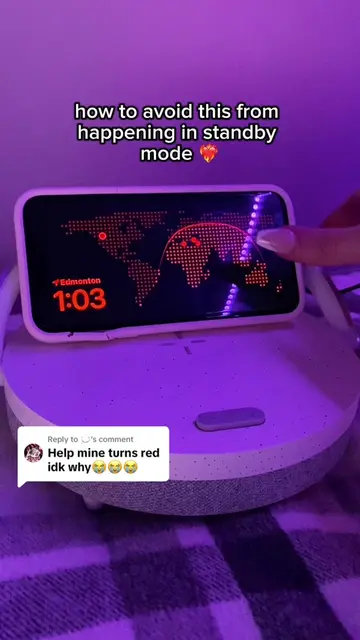
how to make a photo widget 🫶
@rawslife
118.9K followers · usually 22.3K views a post
Views
766.1K
Likes
13.8K
Comments
65
Shares
308
Why it worked
The video provides a clear, step-by-step tutorial on a popular customization trend for iPhones, using a visually appealing aesthetic that resonates with the target audience. The use of on-screen text makes it easy to follow without sound.
Summary
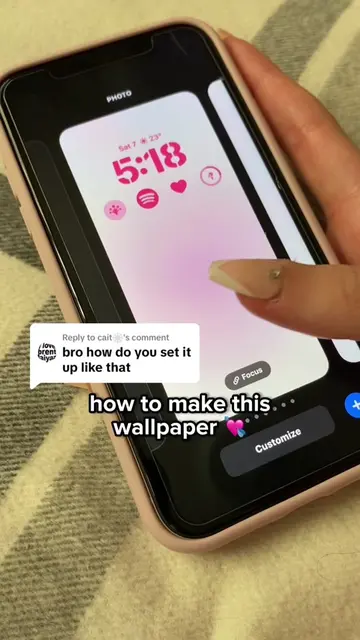
This video demonstrates how to create a custom photo widget for an iPhone using the iScreen app. It guides the viewer through selecting a photo, customizing its appearance, saving it, and adding it to the iPhone's home screen.
Structure
- 1Introduce the concept of making a photo widget
- 2Showcase the iScreen app and its availability
- 3Guide through selecting a photo widget type and size
- 4
Original caption
app: iscreen 🤍 #fyp#foryou#fypシ゚viral#iscreen#iphone#widget#apple#iphonetutorial#ios17#pinkiphone#aesthetic#phonehack#iphonehack#iphone11
More from @rawslife
More breakout videos from this creator.