Loading video…
Sound

original sound - melgreeneconsulting
melgreeneconsulting · Original audio
0:00–:––
Playing this video’s own audio, so you’ll hear the creator over the sound.
Hook
Posted Sep 7, 2026Video · 2:15by @melgreeneconsulting
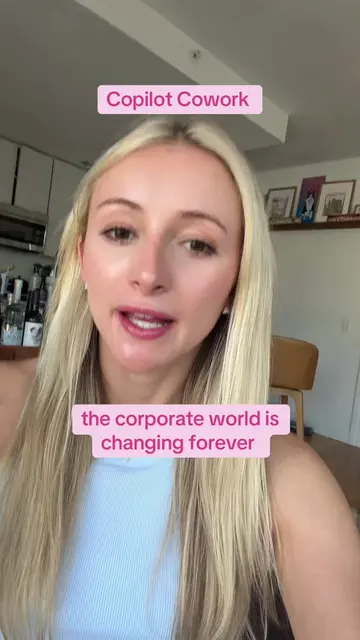
The video provides practical, actionable tips on using new features of a widely adopted software suite (Microsoft Copilot), directly addressing a common pain point (managing work effectively). The clear, concise explanations and the promotion of a challenge to encourage adoption likely resonated with the target audience.
The video highlights five new Microsoft Copilot updates that can be practically used at work, focusing on improvements in Outlook, Excel, Copilot Notebooks, Word, and Excel's Python integration. It also promotes an "Actually Use Copilot Challenge" starting September 9th, designed to help users leverage these new features.
Microsoft shipped five Copilot updates this week that you can actually use at work. 1️⃣ Outlook can organize messages, add categories, create folders, and manage inbox rules from a plain-English instruction. 2️⃣ Excel can summarize what changed in a workbook, identify who made the edits, and help restore an earlier working version. 3️⃣ Copilot Notebooks can use Outlook emails and Teams meetings as project sources, so you can ask questions across the discussion, decisions, and follow-up in one place. 4️⃣ Word can highlight the exact words Copilot changed instead of making you compare an entire rewritten paragraph. 5️⃣ Edit with Copilot in Excel can write and run Python for advanced analysis, then put the results directly into your workbook. Save this so you can check for the features as they reach your account. Microsoft rolls updates out gradually, and availability can depend on your company’s settings. If you have the paid Microsoft 365 Copilot license but you’re still figuring out what to do with it, the Actually Use Copilot Challenge is for you. We kick off live Wednesday, September 9. Over six weeks, you’ll get two short lessons and one mission applied to your real work each week. Doors close Wednesday when we go live. Cohort two will cost more. Enroll at the link in my bio. 🚨 Heads up, you need the paid Microsoft 365 Copilot license that works inside your Microsoft 365 apps. Free Copilot Chat won’t do these.
Microsoft shipped five Copilot updates this week that you can actually use at work
Introduction to Copilot updates
Outlook inbox organization
Excel change tracking and restoration
Copilot Notebooks for project context
Word change highlighting
Excel Python code generation
Promotion of the 'Actually Use Copilot Challenge'
Microsoft Copilot (ACTS - AI assistant that helps users with various tasks across Microsoft applications; removing it would change the video's topic and functionality) Outlook (ACTS - Email client that can organize messages, add categories, create folders, and manage inbox rules; removing it would change the video's topic and functionality) Excel (ACTS - Spreadsheet software that can summarize changes, identify editors, and restore previous versions; removing it would change the video's topic and functionality) Copilot Notebooks (ACTS - Feature that pulls information from emails and meetings to create project summaries; removing it would change the video's topic and functionality) Word (ACTS - Word processor that highlights changes made by Copilot; removing it would change the video's topic and functionality) Microsoft 365 (APPEARS - Subscription service that includes Copilot; removing it would not change what happens in the video) Excel (ACTS - Spreadsheet software that can write and run Python code for analysis; removing it would change the video's topic and functionality)
Comment COPILOT or use the link in bio
Playing this video’s own audio, so you’ll hear the creator over the sound.
Promotes 2 products. Create free account to see more.
Outliers and viral hits: their videos on Overshot, all time.
AI assistant for drafting emails, analyzing documents and handling everyday tasks
All time.