Loading video…
Sound

Mamma Mia
ABBA
0:00–:––
- Videos using it
- 8
- Creators
- 7
- Views on those videos
- 4.1M
The video offers a practical, easy-to-follow tutorial for a specific, desirable design task within a popular platform (Canva), appealing to users looking for creative and educational content.
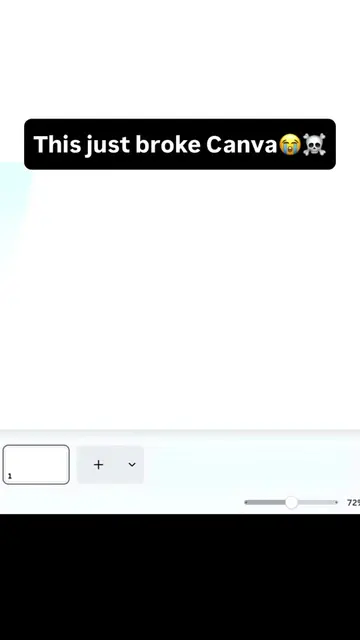
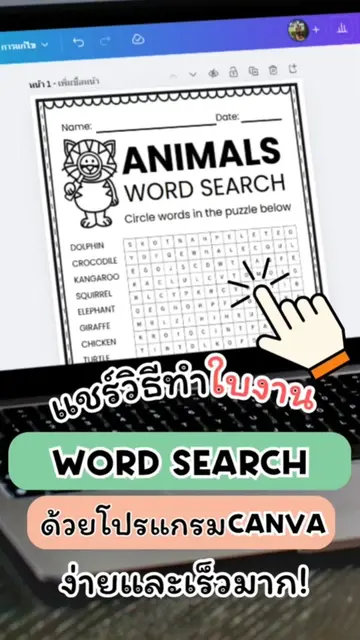
This video demonstrates how to create a jigsaw puzzle directly within Canva without needing external apps. It provides a tutorial on using Canva's features to design custom puzzles for educational or personal use.
Comment “CANVA” if you’re tired of opening Canva and having no idea what to click 😂💚 ✨ How to make a Jigsaw Puzzle in Canva , super easy! No external app needed. Just a simple Canva trick you can use to create fun learning activities for kids, worksheets, classroom activities & more. 🧩 Want to print yours? 📌 A4 matte paper works great! 📌 For a sturdier puzzle, try 200–250 gsm cardstock. 📌 Cut it out with scissors, a Cricut, or any cutting tool you have. Save this tutorial so you can try it later, and share it with a teacher, parent or Canva bestie who would love this! 💚 Follow me for more Canva hacks + creative ideas ✨ #canva#canvatutorial#jigsawpuzzle#viral#canvasart
STOP DOING THIS ❌
Introduction: Stop doing this!
Tutorial: Create a jigsaw puzzle in Canva
Customization: Adjusting puzzle settings
Printing tips
Call to action: Comment CANVA to learn Canva
Canva: ACTS - interface is operated to create a jigsaw puzzle, and the video demonstrates how to use it. Removing it would change what happens in the video.
Comment CANVA to learn Canva the easy way
Design app for people creating presentations, worksheets, and other visual content
All time.
Promotes 1 product. Create free account to see more.
Outliers and viral hits: their videos on Overshot, all time.