Loading video…
Sound

original sound - pames.jawl
James Paul TikTok Growth · Original audio
0:00–:––
Hook
Posted Nov 13, 2026Video · 1:06by @pames.jawl
We didn’t find a product being promoted in this video. Its hook, format and structure below still show why it took off.
Browse products winning on TikTokThe video uses a high-stakes, urgent hook ('Do not post...') to grab attention, followed by a genuinely useful, low-friction tutorial that solves a common creator pain point.
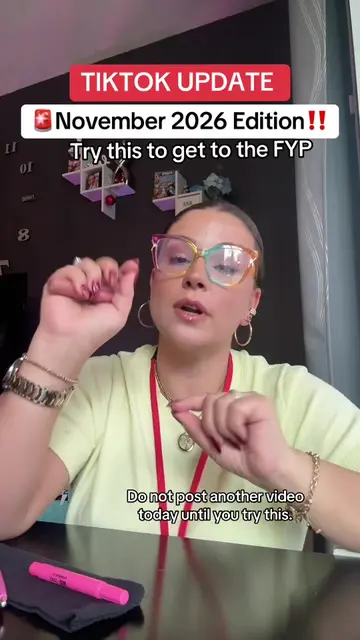
The creator provides a tutorial on how to use the built-in 'Autocut' feature within the TikTok app to create edited videos. He encourages viewers to use this feature to increase their chances of getting on the For You Page.
Tutorial included. How to use TikTok's Autocut feature. Try this to get on the FYP. #howtogoviraltips #autocut #tiktoktips
DO NOT POST a single piece of content today until you go try this.
Urgent hook warning against posting
Step-by-step tutorial for Autocut
Explanation of the feature's benefits
Advice to share to stories for extra reach
Call to action to follow for more tips
TikTok (a) ACTS — the creator demonstrates the platform's built-in 'Autocut' feature to edit a video. Removing this would change the entire video as it is a tutorial on using this specific feature. James Paul TikTok Growth (b) APPEARS — the creator's channel name is visible in the screen recording of his profile.
Make sure you save this tutorial so you can come back and find the steps later. And if you want more TikTok tips that's going to actually help you grow, make sure you follow me.
Promotes 5 products. Create free account to see more.
Outliers and viral hits: their videos on Overshot, all time.