Loading video…
Sound

original sound - pames.jawl
James Paul TikTok Growth · Original audio
0:00–:––
Playing this video’s own audio, so you’ll hear the creator over the sound.
We didn’t find a product being promoted in this video. Its hook, format and structure below still show why it took off.
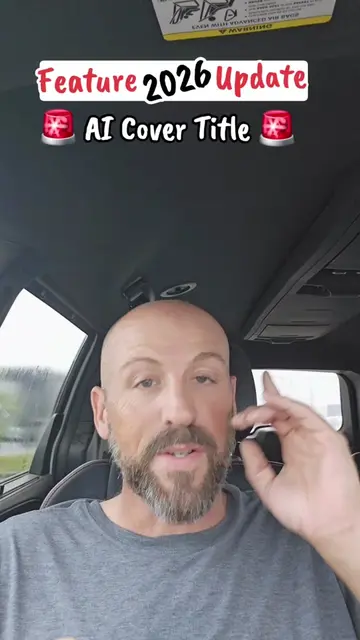
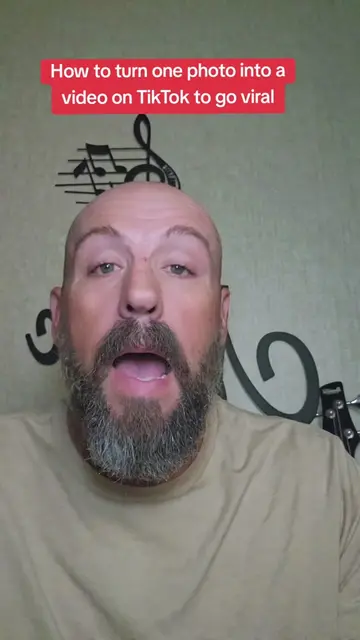
Browse products winning on TikTokThe video uses a high-energy, curiosity-driven hook to address a common pain point—making social media content look professional without external editing tools—and provides a clear, actionable tutorial.
The creator provides a tutorial on how to use the new 'Cover Titles' feature within the TikTok app to enhance photos. He guides the viewer through the steps of selecting a photo, applying a title, and choosing a sound.
TikTok’s AI Cover Titles feature can turn one photo into something eye-catching! 🤯📸 Have you tried this new TikTok feature yet? #AICoverTitles #TikTokTips #NewTikTokFeature #SmallCreators #HowToGoViralOnTikTok
TikTok just did WHAT with photos?! 🤯
Hook about a new TikTok feature
Step-by-step tutorial on accessing Cover Titles
Demonstration of selecting designs and custom titles
Explanation of the automatic sound suggestion
Final instructions and CTA
TikTok: (a) ACTS — the creator demonstrates its interface, specifically the 'Cover Titles' feature, to edit a photo. Removing this would change the video entirely as it is the subject of the tutorial. (b) APPEARS — the app logo and interface are visible throughout.
Save this video so you'll have the steps later when you need it. And follow me for more TikTok features and tips to help grow your account.
Playing this video’s own audio, so you’ll hear the creator over the sound.
Promotes 5 products. Create free account to see more.
Outliers and viral hits: their videos on Overshot, all time.