Loading video…
All breakouts Locked — upgrade to Pro to open.Open on TikTokPro

No preview available · watch on TikTok below
2.9SaaS
Post
Post by @parm.ai
@parm.ai
5.1K followers · usually 1.6K views a post
Views
3.7K
Likes
64
Comments
0
Shares
34
We’re still analyzing this post.
Original caption
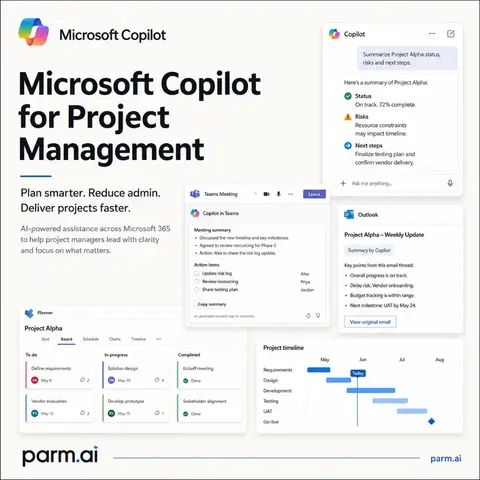
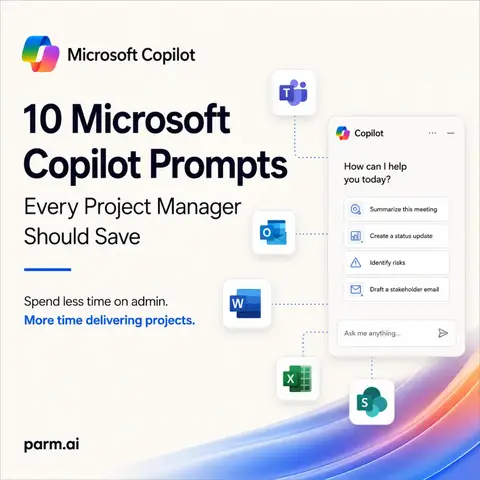
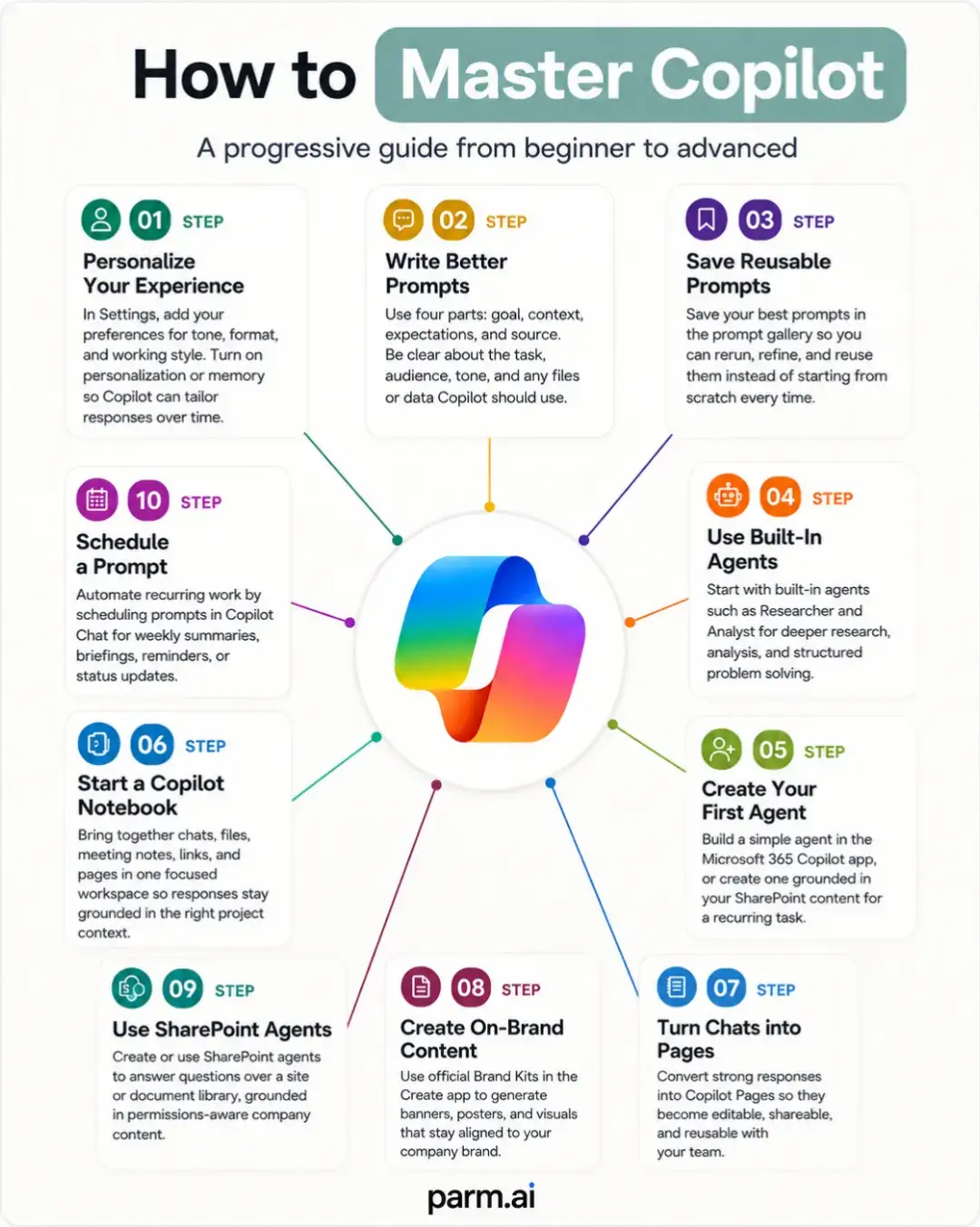
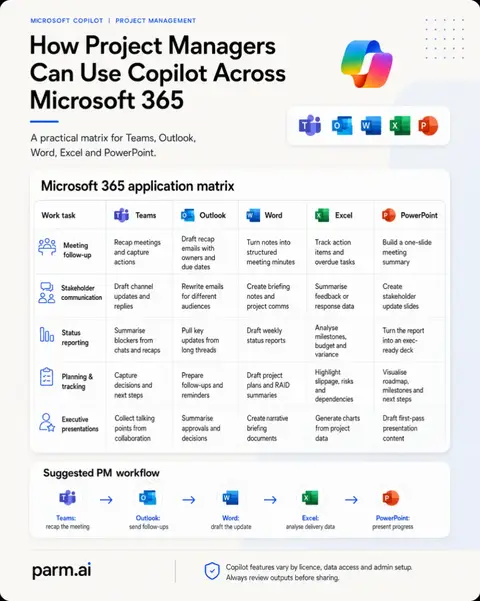
Stop building your project plans from scratch. Let Copilot do the heavy lifting. Most people use Microsoft Copilot to summarise emails, write documents or prepare meeting notes. But Copilot can also help you turn a messy project brief into a structured project plan, complete with tasks, timelines, dependencies, milestones and risks. Here are 5 practical prompts to follow, step by step. 1. Define Your Project Prompt: "Using the project brief provided, define the project objectives, scope (what's included and excluded), measurable success criteria, key deliverables and constraints. Present everything in a structured table and highlight any missing information requiring clarification. Do not invent details." 2. Capture the Work Prompt: "Review the project requirements, meeting notes and objectives. Create a Work Breakdown Structure organised into logical project phases. Identify the deliverables, activities, suggested owners and potential dependencies. Separate confirmed requirements from recommendations." 3. Build Your Project Timeline Prompt: "Using the Work Breakdown Structure, create a draft project schedule. Include task ID, activity, estimated duration, start date, finish date, owner and predecessor. Consider the target completion date and highlight scheduling conflicts, assumptions and activities that could run in parallel. Present the output in an Excel-ready table." 4. Add Dependencies and Milestones Prompt: "Review the draft project schedule and identify task dependencies, critical approval points, resource requirements and key milestones. Highlight activities that could overlap, missing ownership and potential bottlenecks. Recommend changes to improve the sequence of delivery." 5. Challenge and Improve Your Plan Prompt: "Act as an experienced Senior Project Manager reviewing this plan before approval. Challenge the timelines, resource capacity, dependencies, assumptions and delivery risks. Identify unrealistic commitments, missing activities and potential blockers. Present your findings in a table showing the issue, impact, recommended improvement and priority." --- What Should You Have at the End? By following these steps, you should have the foundations of a project plan containing: - Clear objectives and scope - Defined project phases and deliverables - Tasks, owners and estimated durations - A draft delivery timeline - Dependencies and key milestones - Risks, constraints and recommendations Remember: Copilot helps you create and challenge the plan. Your project team is still responsible for validating estimates, dependencies and delivery commitments. #MicrosoftCopilot #ProjectManagement #CopilotTips #Microsoft365 #AIForWork
More from @parm.ai
More breakout videos from this creator.