Loading video…
Sound

original sound - lucyhitchcock
Lucy Hitchcock · Original audio
0:00–:––
Playing this video’s own audio, so you’ll hear the creator over the sound.
Hook
Posted Nov 22, 2026Video · 2:23by @lucyhitchcock
The video provides a highly relatable 'life hack' that solves a common pain point (overwhelm) using a popular tool, making the AI's utility immediately clear and desirable to the viewer.
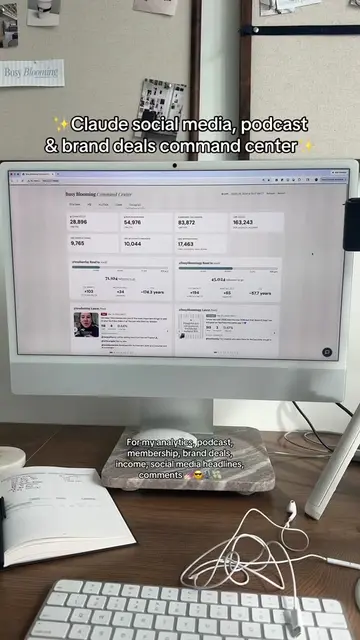
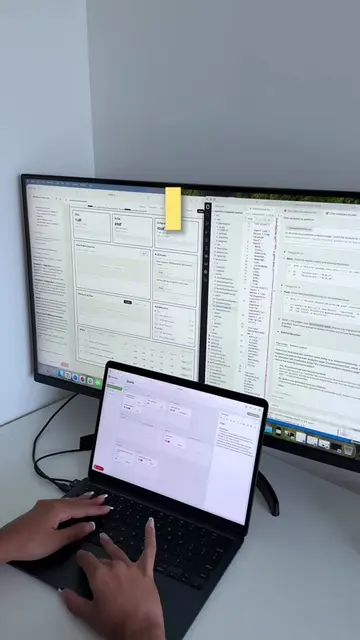
The creator demonstrates how she uses Claude to manage her professional and personal life by creating a centralized 'Lucy HQ' dashboard. She explains how the AI integrates with her calendar and email marketing tools to automate task management and reduce her workload.
How I built a custom Claude dashboard to organise my whole brain/life 😅 I came back from my honeymoon and my brain was total scrambled eggs. I didn’t really know where to start with my never ending to do list… So I brain dumped to Claude and asked it to build me a custom “Lucy HQ” that could manage my life and work all in one place with daily to do list to get everything done. When plans change I just tell it. “Filming 30 days on Thursday now” and it updates my diary AND the dashboard. I shared it on my stories this week and lots of you asked for the prompt. So feel free to copy this & fill in the brackets 👇 ** Build me a personal command centre dashboard called [YOUR NAME] HQ. I’m a [your role] running [your businesses or projects]. My busiest period right now is [e.g. Christmas / a launch]. Pull in my calendar from [Google Calendar / Outlook] and my to-do list (pasted below). Show this week day by day with tick boxes. Give me a section for each of these: 1. [e.g. brand partnerships + deadlines] 2. [e.g. sale or launch campaign] 3. [e.g. content or filming schedule] 4. [anything else on your plate] Flag any clashes or overloaded days and tell me what needs a decision from me. Make it super visual and colourful in my brand colours [hex codes or your website]. Tag each task by business or project. My to-do list: [paste here] ** Two final tips from me * Connect your calendar to Claude first so it can pull your diary in * Then talk to it like your PA every time plans change I’ve got lots of other things to share from how I use Claude as a solo-preneur. It’s honestly helped me save DAYS every single week, and I’m only just unlocking it’s potential!
I built a custom Claude dashboard to project manage my whole life
Introduction to the custom Claude dashboard
Overview of the dashboard's layout and features
Explanation of how the AI integrates with external tools
Demonstration of managing personal and professional tasks
Closing on how to update the dashboard via chat
Claude (by Anthropic): ACTS. It is the AI interface used to build and manage the 'Lucy HQ' dashboard, which the creator operates to track tasks, calendar events, and project timelines. Removing it would change the entire premise of the video. Partner in Wine: APPEARS. Mentioned as a business the creator runs, but it is not the product being demonstrated or sold here. Majestic: APPEARS. Mentioned as a brand the creator works with, but it is not the product being demonstrated. Sassy Digital: APPEARS. Mentioned in bio, but not demonstrated.
Playing this video’s own audio, so you’ll hear the creator over the sound.
Promotes 5 products. Create free account to see more.
Outliers and viral hits: their videos on Overshot, all time.
AI assistant for people solving work and creative tasks
Views and creators: posted in the last 30 days (English videos). Videos: all time.