Loading video…
All breakouts
3.6Text-HeavyOther hookCreator Economy
Hook
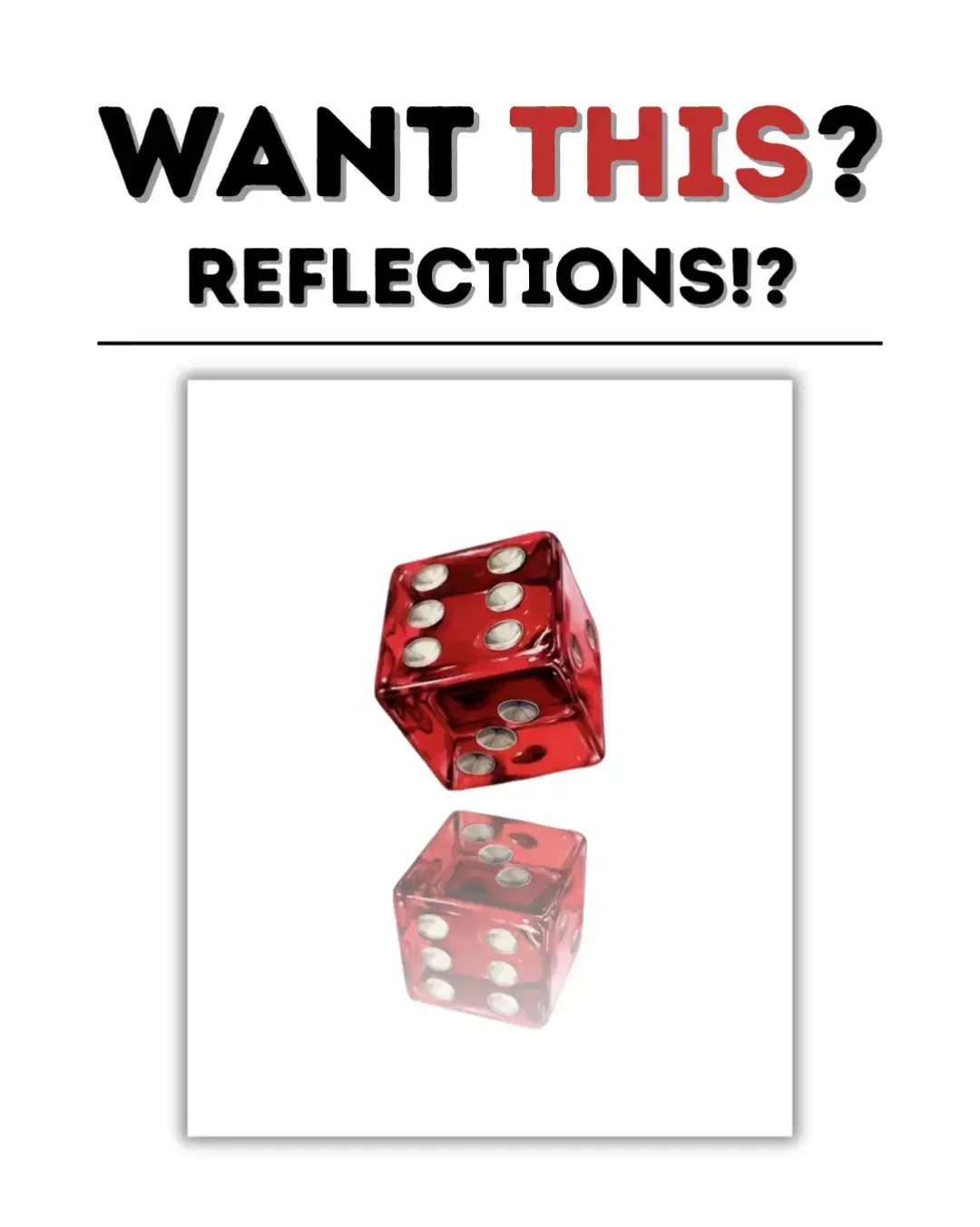
WANT THIS? REFLECTIONS!?
@bellacreatesph_
1.9K followers · usually 1.2K views a post
Views
4.0K
Likes
102
Comments
2
Shares
3
Promoted product
Easy Reflections
Why it worked
The post provides a clear, step-by-step tutorial for a visually appealing design effect, making it easy for users to replicate and encouraging engagement through a practical demonstration.
Summary
This slideshow demonstrates how to use the 'Easy Reflections' app within Canva to add reflections to an image. It guides the viewer through a step-by-step process, from adding an image to adjusting settings and finalizing the design.
Structure
- 1Introduce the desire for reflections
- 2Outline the simple steps
- 3Step 1: Go to your design
- 4Step 2: Add your image
- 5Step 3: Find and select 'Easy Reflections' app
- 6
Original caption
FOLLOW THOSE EASY STEPS AND USE IT TO BE AS CREATIVE AS YOU WANT TO BE! #canva #canvadesign #canvatutorial #fyp #digitalmarketing #digitalproduct #canvareflections #canvahacks #canvatipsandtricks
More from @bellacreatesph_
More breakout videos from this creator.