Loading video…
All breakouts
 229 videos128 creators
3.5App DemoHow-To hookCreator Economy
Hook
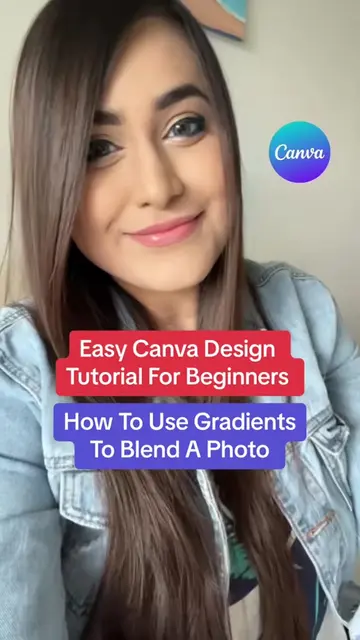
Canva Design Tutorial For Beginners
@inuriofficial
164.3K followers · usually 1.9K views a post
Views
5.8K
Likes
198
Comments
2
Shares
26
Promoted product
Canvacanva.com
Why it worked
The video provides a clear, step-by-step tutorial for a visually appealing design effect that is useful for UGC creators. It highlights a practical application of Canva's features, making it easily replicable and shareable.
Summary
This video demonstrates how to create a realistic water effect background for UGC content using Canva. It guides viewers through steps like opening a canvas, adding and adjusting a photo, duplicating it, removing the background, and layering a water effect image with adjusted transparency.
Structure
- 1Open a blank canvas in Canva.
- 2Add and adjust a UGC photo.
- 3Duplicate the photo and remove its background.
- 4Find and add a water effect image.
Original caption
Easy Canva Design Idea For UGC Creators 🥰 #canvahacks #canvatutorial #canvaforsmallbusinesses #canvaforbusinessowners
More from @inuriofficial
More breakout videos from this creator.