Loading video…
Sound

original sound - techow
TecHow · Original audio
0:00–:––
Playing this video’s own audio, so you’ll hear the creator over the sound.
Hook
Posted Mar 30, 2026Video · 0:57by @techow
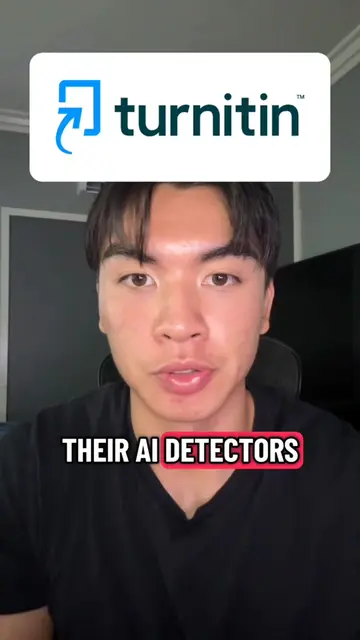
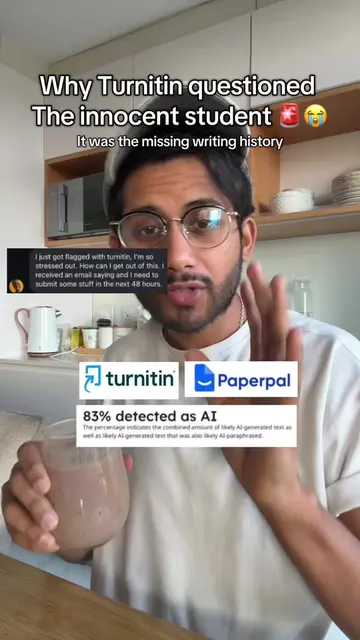
The video addresses a common pain point for students: the fear of their work being flagged for AI use or plagiarism by Turnitin. By offering a free, accessible tool that provides a preview of what professors see, it taps into student anxiety and provides a clear, actionable solution, making it highly relevant and shareable within student communities.
This video demonstrates how to use the Turnitin AI Detector website (turnitinaichecker.ai) to check your academic work for AI-generated content and similarity before submitting it to your professor. It shows how to upload a document, view the AI score and similarity report, and highlights that the tool does not store submissions in Turnitin's database, thus avoiding potential issues.
Check What Turnitin Shows Your Professor before you submit.See your Ai Score +Similarity report in minutes #turnitin #aidetector #aitools #chatgpt #productivity
Check What Turnitin Shows Your Professor before you submit.
Introduction to the problem of professors seeing AI reports
Introducing Turnitin AI Checker website
Demonstrating document upload and report generation
Explaining the similarity and AI score results
Highlighting the benefit of not storing submissions
Call to action to use the tool before submission
The video demonstrates the use of the Turnitin AI Detector website (www.turnitinaichecker.ai) by showing the interface, the process of uploading a document, and the resulting similarity and AI detection reports.
Go to this website: www.turnitinaichecker.ai. Turnitin AI checker.ai. Upload or drag your file here. Start Checking. So before submitting your assignment, run through Turnitin AI checker.ai and see exactly what your professor sees.
Playing this video’s own audio, so you’ll hear the creator over the sound.
Website that checks documents for AI-generated text and similarity, for students
All time.
Promotes 9 products. Create free account to see more.
Outliers and viral hits: their videos on Overshot, all time.