Loading video…
Sound

original sound - vscode
Visual Studio Code · Original audio
0:00–:––
Playing this video’s own audio, so you’ll hear the creator over the sound.
Hook
Posted Apr 24, 2026Video · 0:29by @vscode
The video provides a highly practical and time-saving coding tip that directly addresses a common pain point for developers, making it valuable and shareable content.
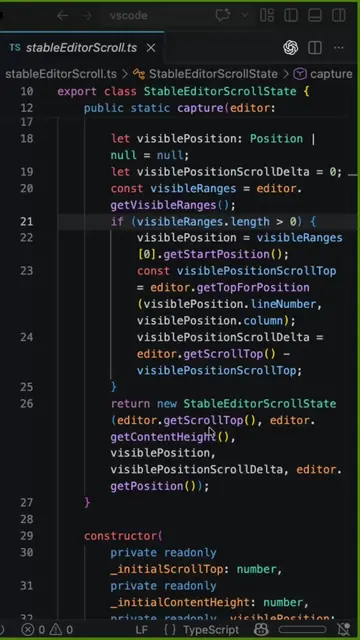
This video demonstrates a VS Code shortcut for efficiently copying, pasting, and editing multiple lines of code simultaneously. It highlights how this feature can save developers significant time compared to traditional methods.
⚡🤯 The fastest way to copy, paste, and edit multiple lines in VS Code… and most devs have NO idea this exists. Just place your cursor at the start of the line, use this shortcut, and watch the magic happen ✨⌨️ Bonus: Multi-line editing will save you even more time 🚀 #VSCode #CodingTips
⚡🤯 The fastest way to copy, paste, and edit multiple lines in VS Code… and most devs have NO idea this exists. Just place your cursor at the start of the line, use this shortcut, and watch the magic happen ✨⌨️
Introduce the problem of inefficient line editing
Demonstrate basic copy-paste
Show multi-line selection and modification
Introduce keyboard shortcuts for Windows and Mac
Show the result of the shortcut
Visual Studio Code (VS Code): an AI code editor that allows users to write, edit, and debug code. It ACTS in this video as the interface where the editing actions are performed. Removing it would change what happens in the video.
Playing this video’s own audio, so you’ll hear the creator over the sound.
Promotes 2 products. Create free account to see more.
Outliers and viral hits: their videos on Overshot, all time.
Free code editor for developers writing and testing software
All time.