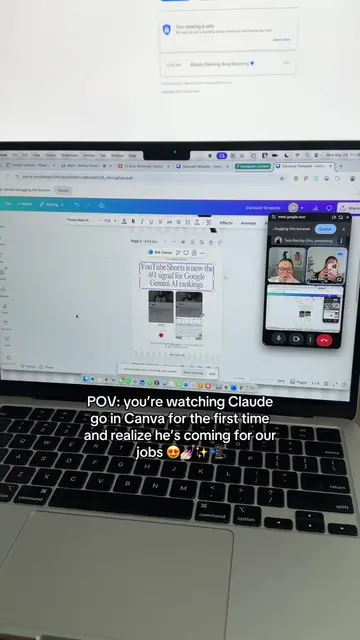
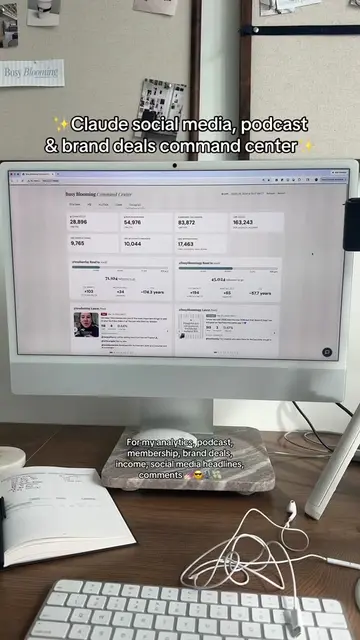
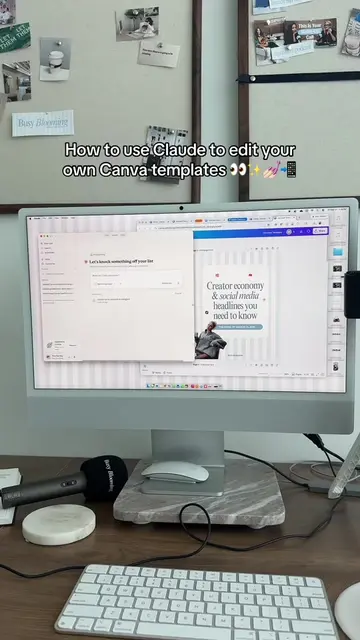
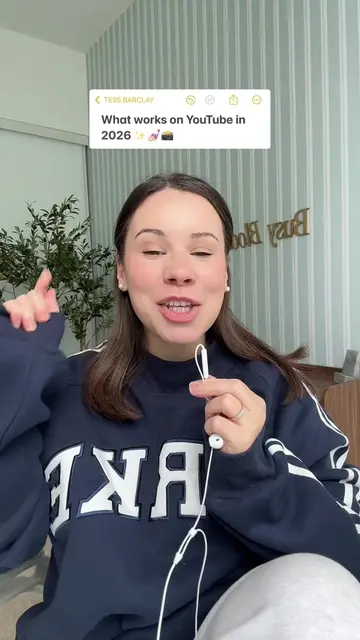
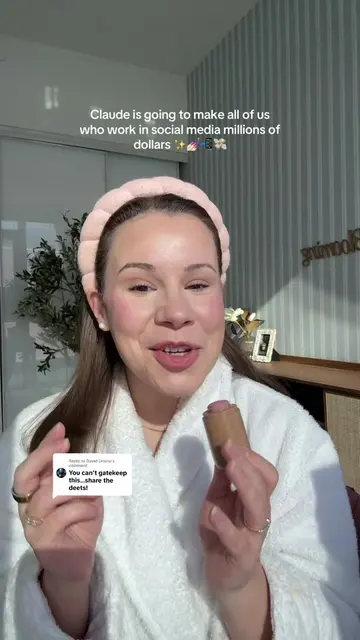
The video provides a practical, step-by-step guide on using an AI tool (Claude) to solve a common pain point for social media creators: content planning and calendar management. It leverages the 'soft sell' approach by demonstrating value and utility rather than a direct advertisement, making it more engaging and shareable.
Summary
This video explains how to use the AI tool Claude to help with content planning and calendar creation. It demonstrates how to prompt Claude to generate content ideas, check their alignment with goals, and populate a Notion content calendar.
Structure
1Introduction to Claude for social media content creators
2Rule: Use AI for non-creative tasks, not idea generation
3Start a weekly content planning chat in Notion
4Prompt Claude for content ideas and temperature checks
5Use Claude to populate Notion content calendar and assign tasks
6Use Claude to populate Google Calendar
Product placement
Original caption
Replying to @georgiacaine__ It’s CLAUDE O’CLOCK!! How to use Claude for your content calendar in Notion 👀💅🏻📲 #claude
More from @tess.barclay
Their other posts in the index, biggest breakout first.
Claude is presented as an AI tool that can assist with content planning and calendar management within Notion and Google Calendar.
On-screen text
CLAUDE 101 ✨
For the social media girlies 💅
How to use Claude for your content calendar 17 🦄
The most important thing with Claude & content creation.. 🎶
Use AI for admin, organizing, automating, etc. 🔮
We also can tell 🎶
girl whatever 🦄
Start a weekly content planning chat in the project ✨
Busy Blooming 💙
Created by you • In your workspace • Share
How can I help you today?
Start a bake in Claude
Sonnet 4.5
Use sonnet 4.5 for this 😎
Layout your ideas, brand deals, podcast episodes etc. 🦄
Happy Sunday! It's time to plan the week of content.
Created by you • In your workspace • Share
Sonnet 4.5
TEMPERATURE CHECK ON
THE CONTENT 🕶️✨
In your project, there should be your vision board, content strategy, goals etc. ✨
But he's not writing them, just different strategic angles 🦄
CONTENT ZOOMIES 🤪🦄
This is all just from a chat!
Not co-work 🎶
This is so great if you spend time assigning tasks & organizing admin
Module 2 ✅
How to use Claude to create your content calendar
Transcript
Welcome back to Cloud 101 for the social media girlies. Today, we're covering how to use Cloud to make your content calendar every single week. The first rule of Cloud with content creation is you don't use him for content ideas, for scripts, for YouTube titles for hooks. AI should make you more creative and take away all the non-creative things. It's just not playing into Cloud's strengths. Like content ideas is like not his thing. So, what you're going to do every single Sunday night when you're doing all your content planning is you're going to start a new chat in your project which we set up in module one. In the chat you'll say, hey, Claude, happy Sunday. Hope you had a gorgeous weekend. It's time to plan the content for the week. Wherever you keep your content ideas, whether it's in your notes app, your notion, he's already sinned with it. So you can just reference that. You can say, for the week I have a list of conscien ideas in my notion, probably all from busy blowing HQ. And then before he even makes your content calendar, he could do a temperature check. So you can say, okay, here are my like seven ideas for the week for TikTok, Instagram, YouTube. Do the line with my content plan, my business plan. Do you have any suggestions of like little tweaks? Because sometimes all of us over here, we get the content zoomies, myself included, where you get distracted and you're not actually even creating content that's like the lines with where you want to go. So have them first take a little temperature check of like okay, this aligns with what you want to do. This is great. Then you ask him to populate your calendar. I do this in two spots. Firstly, he does the content calendar notion. This is the craziest thing. You say, okay, for these seven ideas can you populate my notion content calendar. He will know where the content calendar is. If you have a team or people helping you with social media or your social media manager, this is what's so cool about notion, then we'll get into Google calendar. Is you can say, okay, this is the content calendar for busy blooming. Can you assign this all to Maddie and he will literally go in, populate it in your Notion content calendar and assign it out to Maddie. And then he will even put a little description of a couple of sentences of what the post is about. You also can adjust the tags for if you have a tag for a platform or whatever it is. Then, I get him to populate my Google calendar. And getting cloud to manage your Google calendar is going to be the next module. Module 3. But now you've completed module 2. How do you use cloud to create your content calendar?You are analysing a TikTok video that measurably outperformed its
creator's own baseline, for a swipe file used by founders studying how other
people MARKET their products.
## Is it promoting something?
Two different mistakes to avoid, and the second is the costly one.
FIRST: talking about an industry is not promoting a product.
- "Here's how I built my SaaS in a weekend" -> not promotional
- "Top 5 tools to start a SaaS business" -> not promotional (listicle, no one product)
- "I'll teach you to start a SaaS business" -> promotional, course_info
- A screen demo of Invideo -> promotional, saas > ai_tool
- A screen demo of Shophunter -> promotional, saas > ecommerce_software
SECOND, and more important: the best-performing promotions do not look like
promotions. Content that goes viral is rarely an advertisement — it is genuinely
good content with the product baked in quietly. Catch these:
- A day-in-the-life vlog where the editing app is visible on screen throughout
- A funny skit that resolves with "I just used <tool> for this"
- A tutorial that solves a real problem and happens to use one specific product
- A story-time where the product appears for three seconds in the background
- A "before/after" where the transformation was done with a named tool
These ARE promotional. A quiet sell is still a sell. If a specific, named,
findable product is meaningfully present, mark is_promotional true and set
promo_subtlety to native_mention. Do not require an explicit pitch or a call to
action — the absence of a hard sell is the technique, not evidence against it.
The line to hold: a product must be identifiable and findable. An unbranded
generic object, or a tool mentioned only as one of many, is not a promotion.
## Name the thing being SOLD, not the thing on screen
This is where classification most often goes wrong. Ask what the viewer is being
sold, not what happens to be visible:
- A store doing $50k/mo that runs on Shopify -> the STORE is the product.
Shopify is substrate. Do not name Shopify.
- Someone using a TikTok built-in feature -> that is the platform we are on,
not a product being sold. product_role: substrate.
- "Link in bio" pointing at linktr.ee / beacons.ai / stan.store -> those are
link containers. The product is whatever the container leads to; if you
cannot tell what that is, say "none" rather than naming the container.
- A vlog edited in CapCut, mentioned once -> incidental, not the subject.
- A screen demo of Invideo -> Invideo IS the subject. Name it.
If the only nameable thing is a hosting platform, marketplace, social network or
link aggregator, the honest answer is product_role: substrate and
promoted_product: "none". A generic category ("an AI tool", "a CRM") is also not
a product name — say "none".
## Everything else
Be concrete. Quote the hook exactly as spoken or displayed — never paraphrase.
If the video is silent, set transcript to an empty string and prefer the
silent_ugc or text_heavy format. Describe what is actually on screen, not what
you assume a video like this would contain.
 Claudeseen in 998 videos →