The video provides high-value, actionable educational content that solves a specific problem for a niche audience (social media managers), making the product promotion feel like a helpful resource rather than an ad.
Summary
The creator provides a tutorial on how to set up and use Claude for social media management and content creation. She explains the different features of the tool, including projects, integrations, and how to organize workflows.
Structure
1Introduction to Claude 101
2Overview of Claude's capabilities
3How to set up an account and connect apps
4Explanation of the Projects feature
5Step-by-step guide to creating a project
6Examples of how to use Claude for daily tasks
Product placement
Original caption
Replying to @Frugal Living It’s CLAUDE O’CLOCK!!! ✨🤖💕 This is the BASIC of basics of how to set-up Claude, how much Claude costs, what model of Claude to use, how to set-up Claude projects, how to sync it with Notion & Google calendar & more!! #claude
More from @tess.barclay
Their other posts in the index, biggest breakout first.
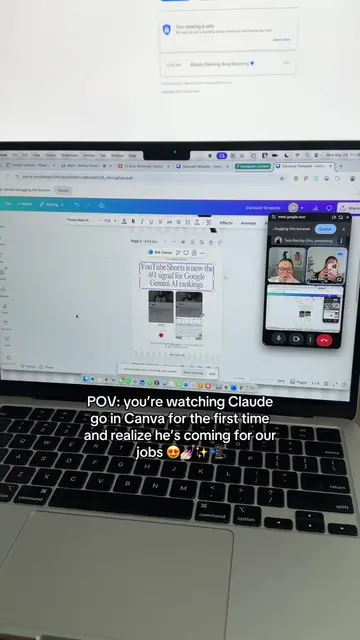
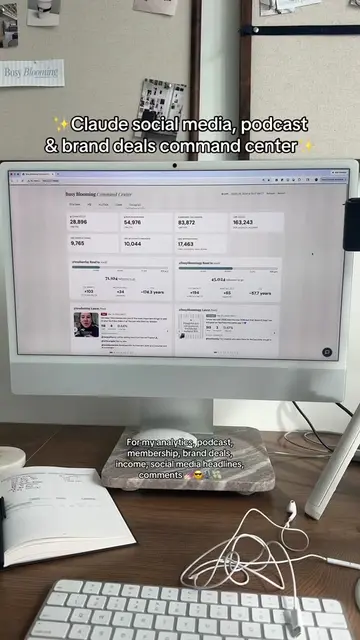
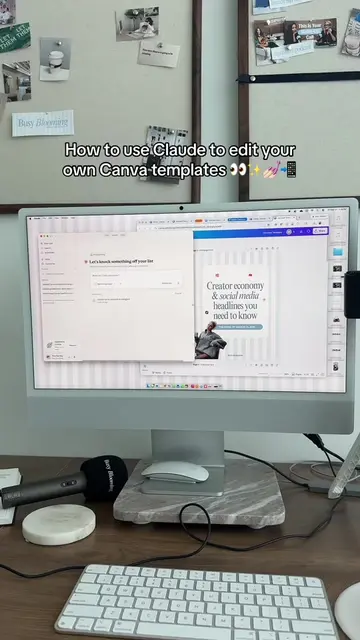
The video is a direct tutorial on how to use the Claude AI tool, featuring screen recordings of the interface.
On-screen text
CLAUDE 101 for the social media & content girlies
Claude-code your content
Why has everyone gone into Claude PSYCHOSIS
Chat (which slays)
Co-work (controls your computer)
Design
Code
HOW TO SET CLAUDE UP
Use it in the web browser
What Claude plan to get?
Step 1: Connect all your apps
Don't share your data to train the model
PROJECTS
This is what the projects look like
Step 2: Start a chat about the project you want to create (& ask Claude questions along the way)
Step 3: Create the project
Use this model for daily tasks like this
MODULE 1 COMPLETE
Transcript
Because social media is clinically obsessed with Claude right now and it's Claude week over here. So we're going to be breaking down for this video the basic basics. Okay, first and foremost, why is everybody so deeply obsessed with Claude? There are really four big buckets of how people are using Claude. There's chat, but even the chat syncs with your Notion, your calendar, all of that. The chat is insane, which we'll get into. There's chat, co-work, and co-work is when it like controls your computer. It's terrifying. Claude design, and then Claude code. So every time you see somebody saying, you know, they built a website, an app, their vibe coding, that's Claude code. Okay, so how do you get started with Claude? There's three ways you can use it: on the web browser, the desktop app, or the app on your phone. When you use it in the web browser, there are more features, like Claude design, for example. When you create an account, there's different types of Claude you can get. You're going to want to get the $20 a month one, not the free version. So get that one. Okay, once you have your account, the first thing you're going to do is connect everything. Notion, add the Claude extension, Canva, your Google calendar. Connect everything to Claude. And also, go into your privacy settings and turn off the data training mode. So the way you want to use Claude is in projects. A project is basically like a database of knowledge. It's a context window. So every time you have a chat with Claude, you chat in a project. Projects don't talk to each other. So let's say for example, you're a social media manager, you have different clients, or you have your personal brand, your business that don't relate. Create a project for each, because then you're creating a context window for each thing you want to do. To create a project, instead of just going in and creating it, you're actually going to start a chat. And in this chat, you're going to say what you want to do, maybe your 2026 goals, and you're going to ask the chat, okay, I want to create a project for my social media. What should I include in the project? And it'll probably tell you to include things like your content strategy, your media kit, business plan, things like that. And then you're going to set up your project. I have one for Busy Blooming. You could have one for each of your clients, whatever you want to do. And then it's time to start using Claude. So every time you start a chat, you start it in that project. The chat has all the context that it needs. In these chats, because it's already synced with your Notion, your Google calendar, things like that, it can do things in those apps for you, which is so cool. So for example, you could go in and say, okay, here are all my content ideas for the week. Can you add these into my Notion content calendar? Or you could start the voice note and say, okay, here's all the things I want to do this week, personal plans, my content calendar. Can you make my Google calendar for the week? And it will literally populate your Google calendar. All of this is just through Claude chat. And again, there's also so many other ways that you can use it. But that is like the basic 101 of how to get started with Claude. And because it's Claude week, we're going to go into so much more detail about all the other ways we can use it. But that is module one of Claude week.