Loading video…
All videos
Views
102.1K
Likes
3.3K
Comments
17
Shares
1.1K
Engagement
4.3%
of views
272xthis account’s usual viewsOutlier · Viral hit (100K+ views)
This video102.1KUsual views249
The product
The creator
Why it worked
The post provides a clear, step-by-step guide on how to leverage an AI tool (Claude) to enhance personal productivity and workflow. It breaks down a complex concept into actionable steps, making it highly valuable and shareable for users interested in AI automation.
What happens
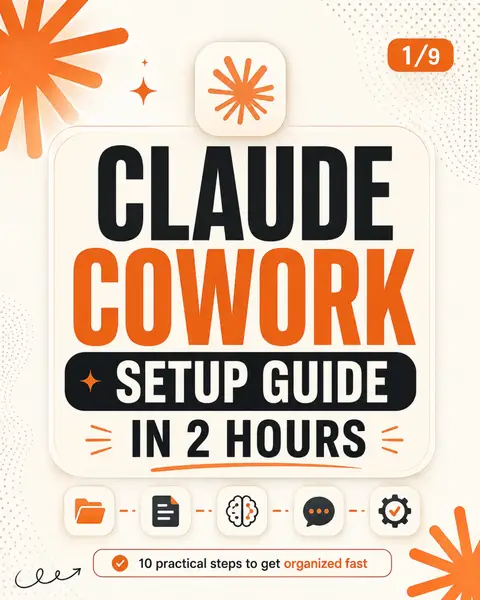
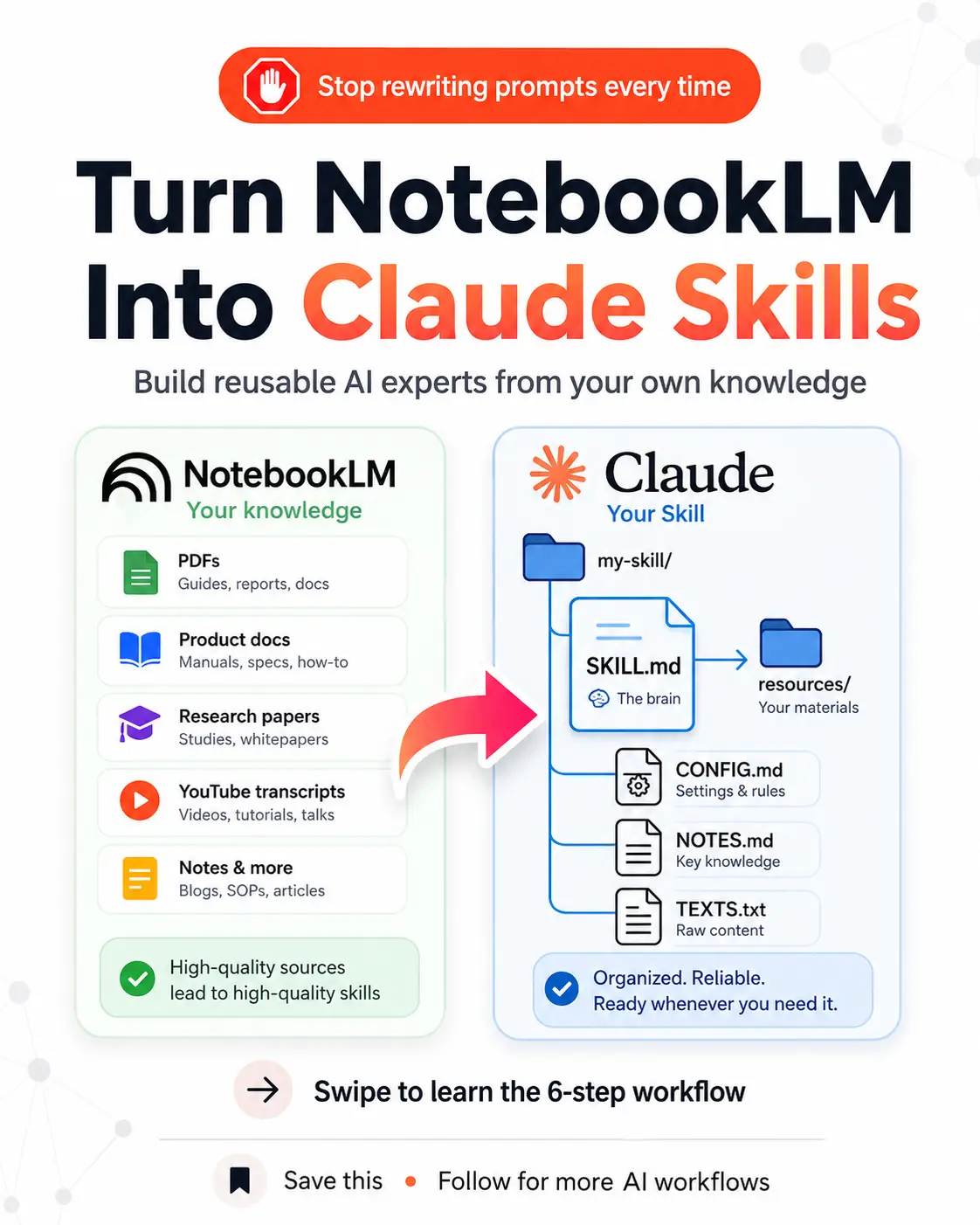
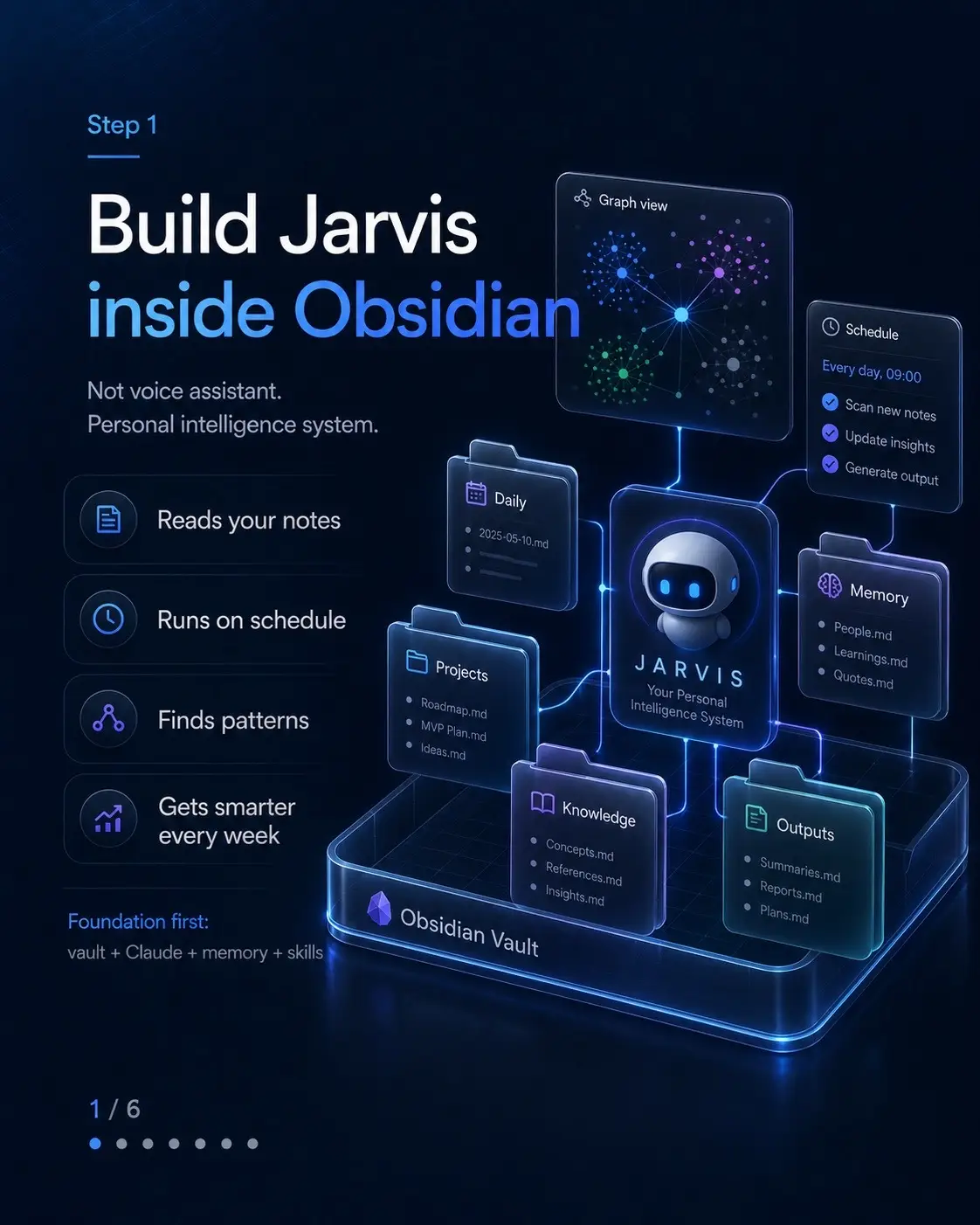
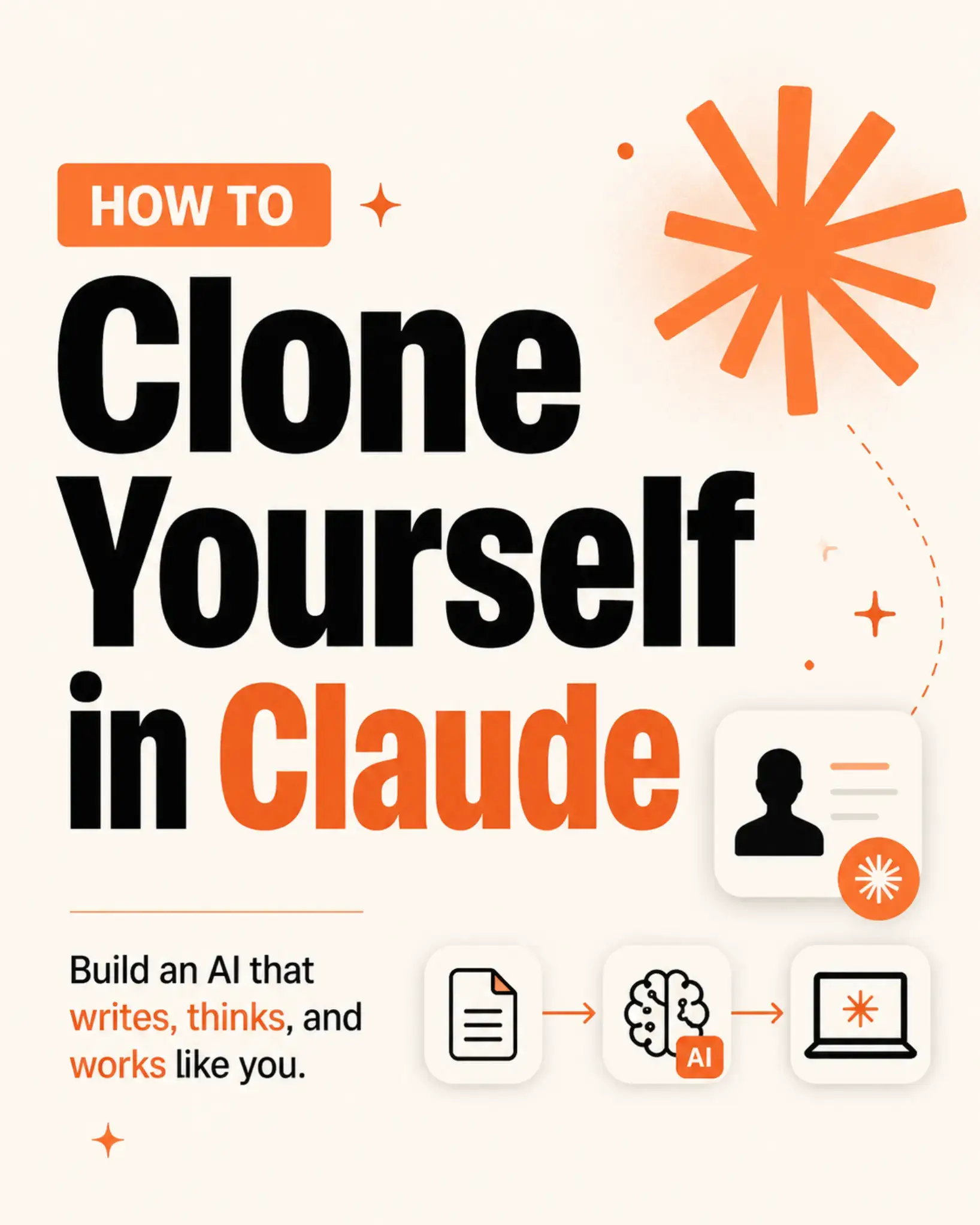
This post outlines a 6-step process for creating a personalized AI assistant using Claude that mimics the user's writing style, preferences, and workflows. It details how to set up identity files, project workspaces, connect tools, install repeatable skills, and schedule tasks to make Claude function as a personal operating system.
The breakdown
Original caption
Most people use AI like a chat box. Smart people turn it into a personal operating system. Create your "ABOUT-ME.md", set your "CLAUDE.md", build projects, connect tools, install repeatable skills, and schedule workflows. The goal is simple: Claude should know your voice, your preferences, your workflow, and your standards — so you spend less time explaining and more time executing. Save this carousel if you want to build an AI assistant that actually works like you. #ClaudeAI #AIAutomation #AITools #ProductivityHacks #ArtificialIntelligence