Loading video…
All breakouts
221Text-HeavyAI Tools
Hook
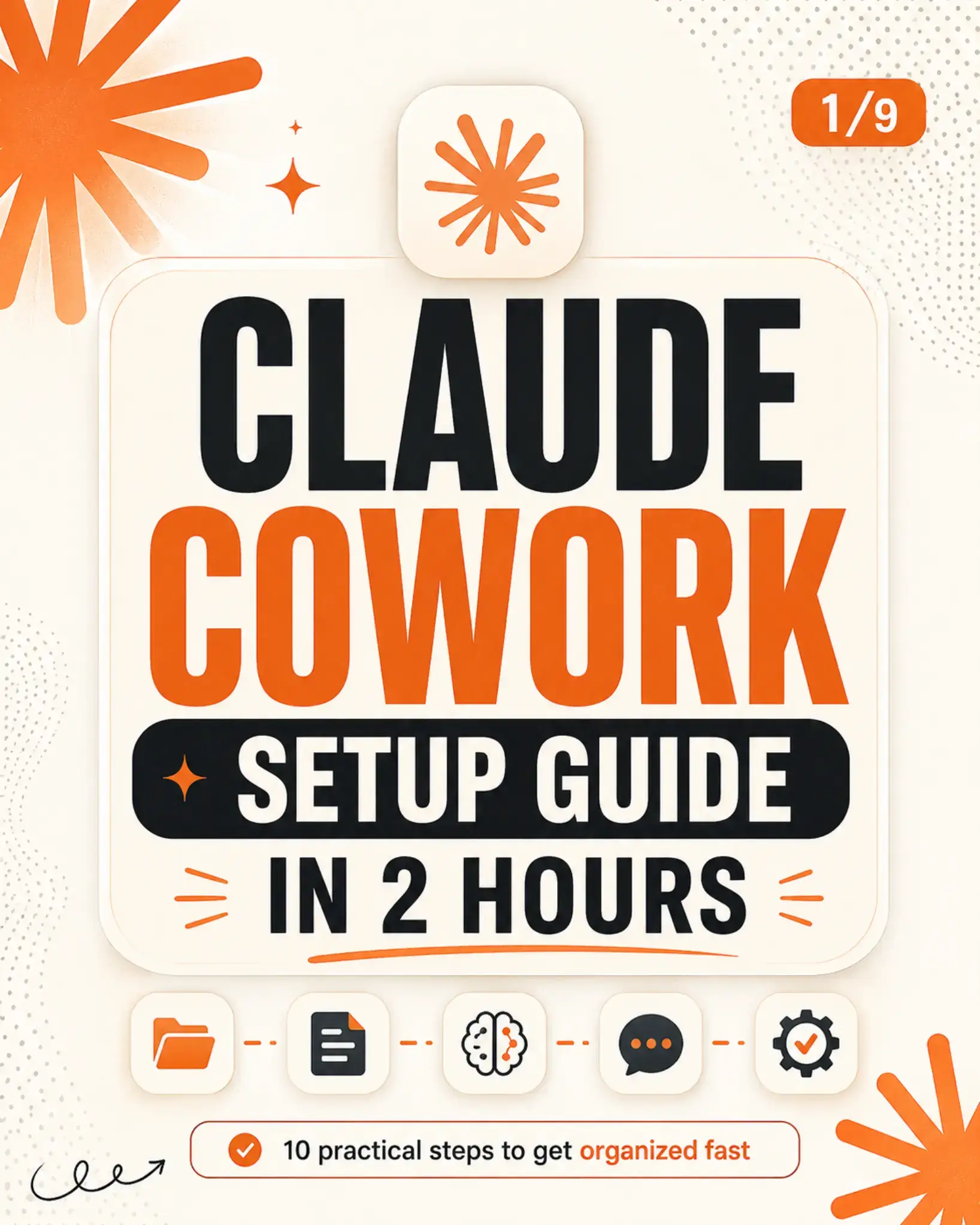
1/9
@aicareersuite
12.3K followers · usually 292 views a post
Views
83.1K
Likes
2.2K
Comments
10
Shares
810
Why it worked
The post breaks down a complex process (setting up an AI workspace) into easily digestible, actionable steps presented visually. It promises a significant outcome (better answers from Claude) within a short timeframe (2 hours), appealing to users looking for efficiency and improved AI interaction.
Summary
This photo post provides a 10-step guide to setting up a personalized AI workspace using Claude, aiming to improve its answers and create reusable workflows. It details steps from downloading the app and organizing files to training Claude on personal preferences and saving successful sessions as templates.
Original caption
Want better answers from Claude? Don’t just chat with it — build a reusable AI workspace. This carousel shows a simple 10-step setup: ✅ Download the Claude app ✅ Create your Cowork folder ✅ Add ABOUT ME, OUTPUTS, and TEMPLATES ✅ Train Claude on your goals, tone, and work style ✅ Set global instructions ✅ Choose the right model ✅ Use Obsidian for markdown files ✅ Save your best workflows as templates The more context you give Claude, the more useful it becomes. Save this guide and use it on your setup day. #ClaudeAI #AIProductivity #PromptEngineering #AITools #WorkflowAutomation
More from @aicareersuite
More breakout videos from this creator.