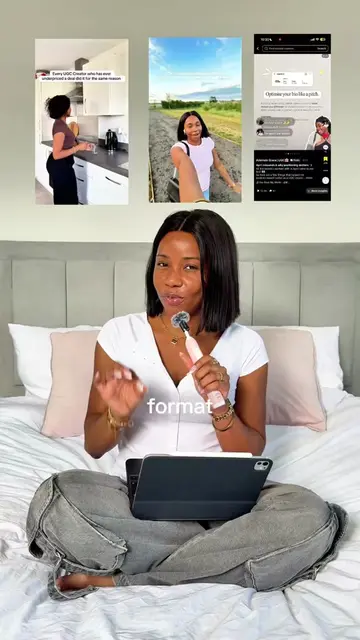
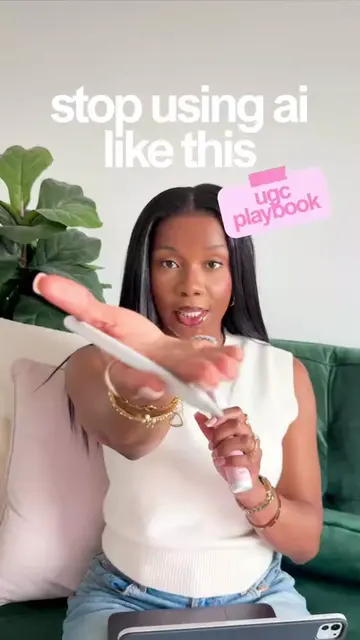
Loading video…
All breakouts
 CapCutseen in 576 videos →
4.5Talking HeadOther hook
Hook
Mama, du travail c'est bien.
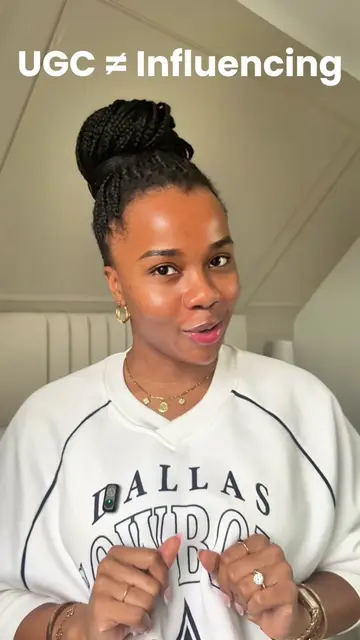
@ugcwithademide
11.0K followers · usually 2.3K views a post
Views
10.3K
Likes
944
Comments
50
Shares
107
Selling · SaaS › Other SaaS
Why it worked
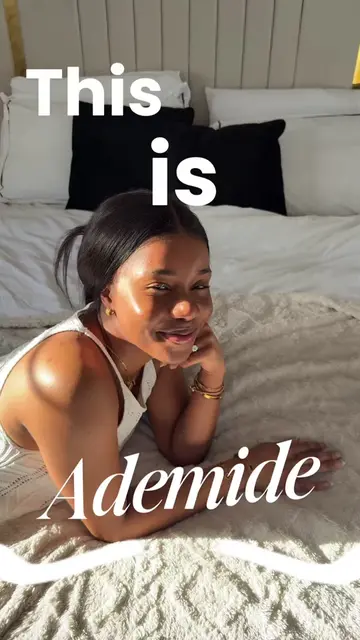
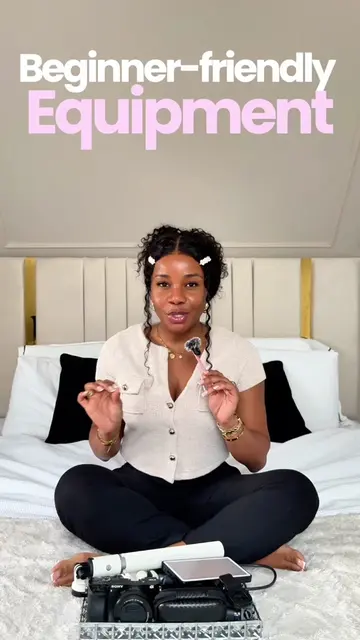
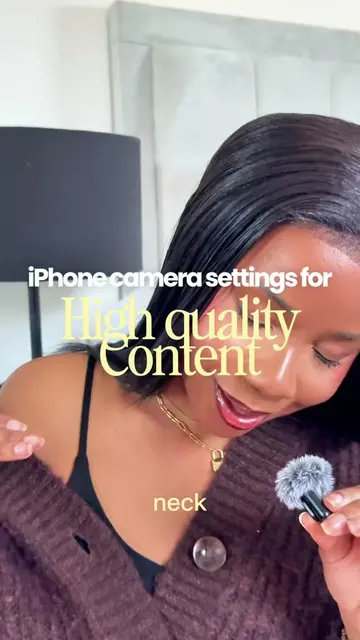
The video leverages a popular and accessible editing tool (CapCut) and provides practical, visually appealing tips on font pairings, directly addressing a common need for content creators. The use of on-screen text to highlight the fonts makes it easily digestible and shareable.
Summary
The creator showcases different font combinations available in CapCut, demonstrating how font choice can reflect personality. They encourage viewers to screenshot their favorite fonts and use them in their own content.
Structure
- 1Introduction to font importance
- 2Showcasing various font pairings
- 3Demonstrating font usage in edits
- 4Encouraging viewer interaction
Product placement
CapCut: video editing software. It ACTS as the tool used to create the video's text overlays. Removing it would change what happens in the video.
Gildan: font name. It APPEARS as a text overlay. Removing it would not change what happens in the video.
Just wright: font name. It APPEARS as a text overlay. Removing it would not change what happens in the video.
Playfair Display: font name. It APPEARS as a text overlay. Removing it would not change what happens in the video.
Poppins: font name. It APPEARS as a text overlay. Removing it would not change what happens in the video.
Shoika: font name. It APPEARS as a text overlay. Removing it would not change what happens in the video.
Signature: font name. It APPEARS as a text overlay. Removing it would not change what happens in the video.
Anton: font name. It APPEARS as a text overlay. Removing it would not change what happens in the video.
Pinyon Script: font name. It APPEARS as a text overlay. Removing it would not change what happens in the video.
Clostan: font name. It APPEARS as a text overlay. Removing it would not change what happens in the video.
Sansita Swashed: font name. It APPEARS as a text overlay. Removing it would not change what happens in the video.
Original caption
Font pairing is one of those things nobody really talks about but everyone notices, and your font is actually another way of showing your personality on screen so it should never just be whatever CapCut defaulted to ✨ Screenshot your favourite and try it in your next edit. #ugccreator #contentcreator #capcut #capcuttips #ugctips
More from @ugcwithademide
Their other posts in the index, biggest breakout first.