Loading video…
Sound

original sound - brandon_ewing
Brandon Ewing 💫 | Google Ads · Original audio
0:00–:––
Playing this video’s own audio, so you’ll hear the creator over the sound.
This video promotes it, but we haven’t matched it to a product page yet, so there are no product figures.
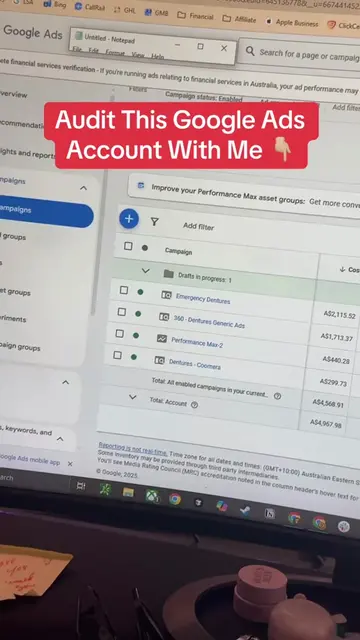
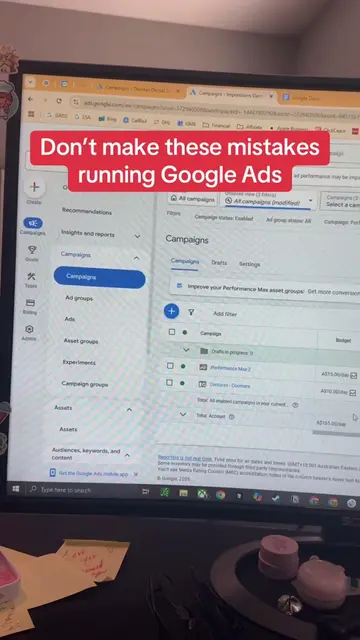
The video provides actionable advice on optimizing Google Ads campaigns by identifying and fixing common mistakes related to network settings, auto-apply features, and broad match keywords. The clear demonstration of the Google Ads interface and the direct call to action for an audit likely resonated with users looking to improve their ad performance.
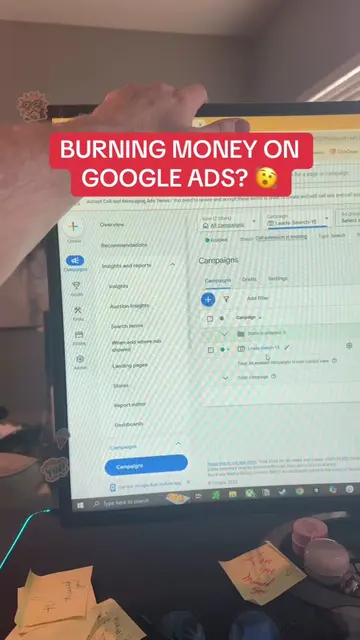
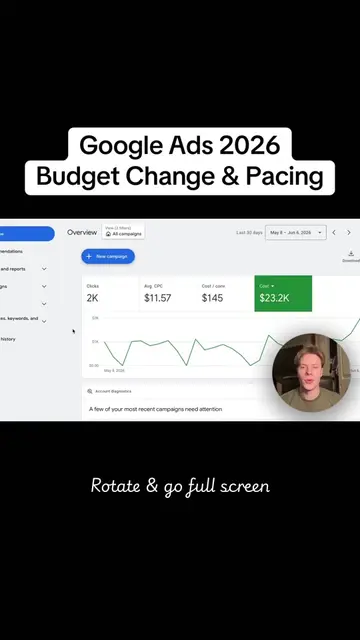
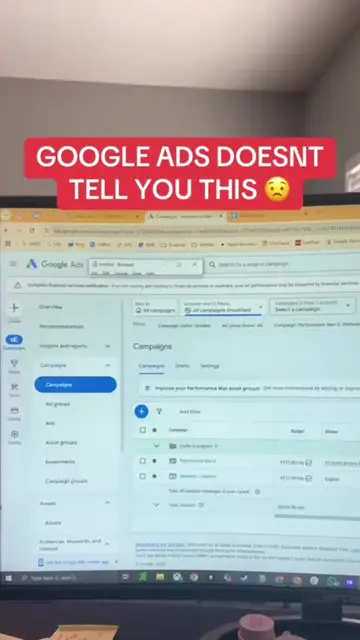
This video demonstrates how to fix common mistakes in Google Ads campaigns. It advises turning off certain network and auto-apply settings, and checking search terms to avoid spending money on irrelevant keywords or competitors.
Google Ads not performing? Check these settings to make sure you aren’t making these mistakes and optimize your Google Ads #googleadwords #googleads #localserviceads #entrepreneur #onlinemarketing
How To Fix Your Google Ads
Introduction to fixing Google Ads
Mistake 1: Network settings
Mistake 2: Auto-apply settings
Mistake 3: Checking search terms
Call to action for an audit
The video demonstrates settings within the Google Ads platform, specifically focusing on campaign settings, network options, auto-apply settings, and search terms. The promoted product is Google Ads itself.
Go to the link in my bio, click it and then get your Google Ads audit.
Playing this video’s own audio, so you’ll hear the creator over the sound.
Outliers and viral hits: their videos on Overshot, all time.