Loading video…
All breakouts
7.8Talking HeadWarning hookConsumer Apps
Hook
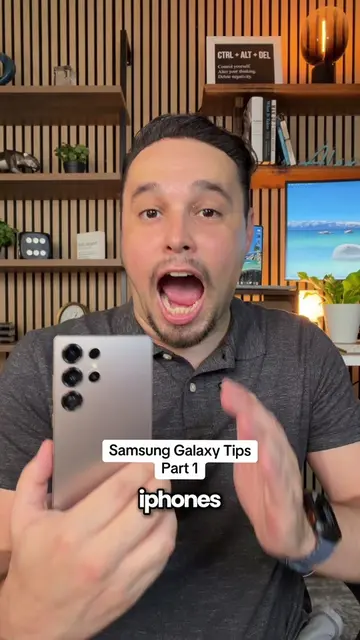
If you plan on switching from iPhone to Samsung
@alexeztechtips
344.7K followers · usually 45.7K views a post
Views
348.2K
Likes
18.6K
Comments
539
Shares
1.9K
Why it worked
The video addresses a common pain point for users switching between major mobile operating systems by showing how to customize the new device to feel familiar. The clear, step-by-step demonstration of features that mimic the iPhone experience on a Samsung device makes it highly relatable and useful for the target audience.
Summary
This video demonstrates how to customize chat themes and notification settings on a Samsung phone to mimic the iPhone experience. It also shows how to switch to swipe gestures for navigation, making the transition from iPhone to Samsung smoother.
Structure
- 1Intro: Switching from iPhone to Samsung
- 2Customizing chat themes
- 3Changing notification style on lock screen
- 4
Original caption
Apple iPhone to Samsung Galaxy Tips PART 1 😳 #samsung #samsungtips #iphone #zfold8ultra
More from @alexeztechtips
More breakout videos from this creator.