Loading video…
All breakouts
4.5App DemoHow-To hookEducation
Hook
ออกแบบได้สนุกขึ้น ถ้าใช้ Canva เป็น ✨
@beerrtoshare
57.1K followers · usually 667 views a post
Views
4.2K
Likes
101
Comments
0
Shares
11
Promoted product
Why it worked
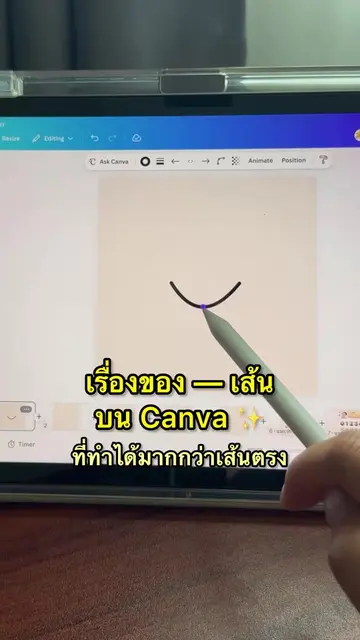
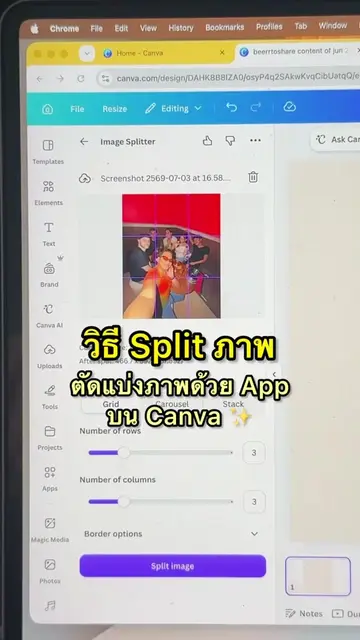
The video effectively showcases a creative editing technique within a popular and accessible platform (Canva), making it appealing to a broad audience interested in visual content creation. The use of a specific, useful app within Canva, combined with clear visual instructions, provides immediate value and encourages engagement.
Summary
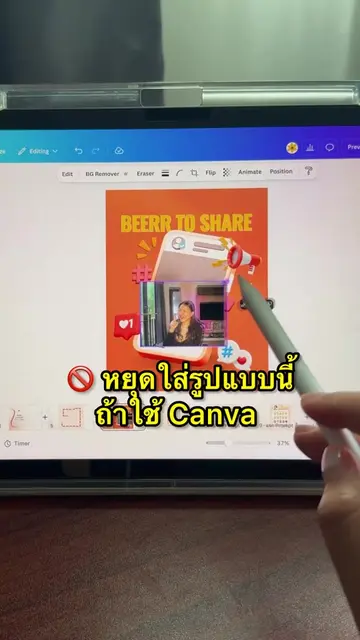
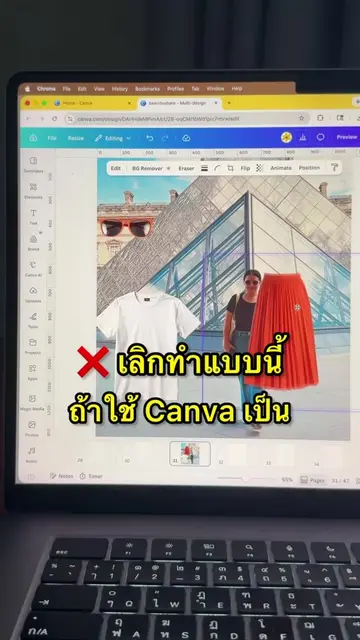
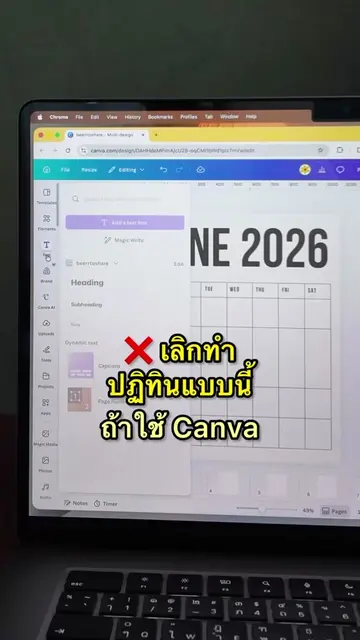
The video demonstrates how to edit an image using Canva, specifically focusing on using the "Image Colorizer" app to remove a background, adjust colors, and add shadows and glow effects to create a stylized image. The creator then adds text and adjusts elements to finalize the design.
Structure
- 1Introduce Canva and its design capabilities
- 2Demonstrate using the 'Image Colorizer' app
- 3Adjust colors and add effects to the image
- 4Add text and finalize the design
- 5Encourage viewers to follow
Product placement
Canva: ACTS - it is used to edit an image, remove a background, and add effects. Removing it would change what happens in the video. Canva is the substrate for the editing process. The video is about using Canva to edit an image. The bio link leads to Canva.
Original caption
ออกแบบภาพสวยๆ ด้วย Canva ✨
More from @beerrtoshare
More breakout videos from this creator.