Loading video…
All breakouts
3.5App DemoWarning hookConsumer Apps
Hook
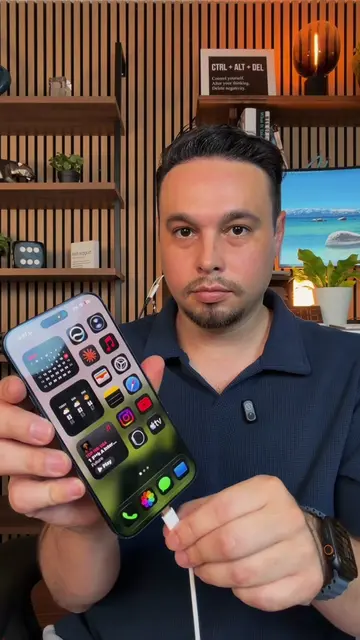
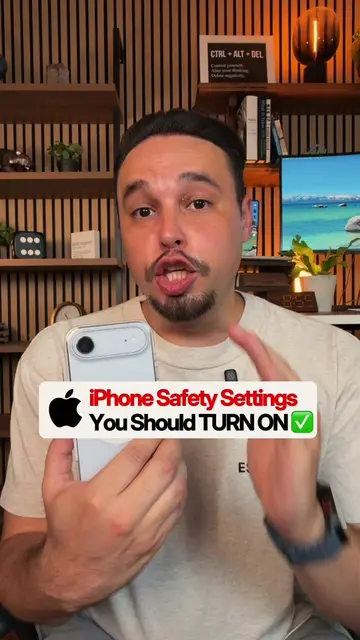
Never hand your iPhone to someone without doing this first
@alexeztechtips
344.7K followers · usually 45.7K views a post
Views
210.0K
Likes
8.0K
Comments
135
Shares
1.6K
Why it worked
The video addresses a common privacy concern for iPhone users, offering a practical and easily implementable solution. The clear, step-by-step demonstration with on-screen text and verbal guidance makes the 'hack' accessible to a wide audience, encouraging shares and saves.
Summary
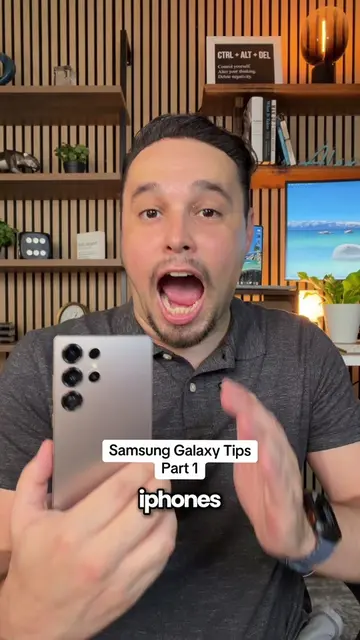
This video demonstrates how to use the 'Guided Access' feature on iPhones to restrict usage to a single app. It explains how to enable the feature, set a passcode, and customize which areas of the screen are touch-interactive, preventing users from exiting the app or accessing other functions.
Structure
- 1Introduce the problem: lending your phone.
- 2Explain the solution: Guided Access feature.
- 3Navigate to Accessibility settings.
- 4Enable Guided Access and set passcode/Face ID.
Original caption
🚨 Never hand someone your phone until you do THIS iPhone Privacy Tip first 💯 #iphonetips #iphonetricks #iphonehack #iphonetipsandtricks #learnontiktokcontest
More from @alexeztechtips
More breakout videos from this creator.