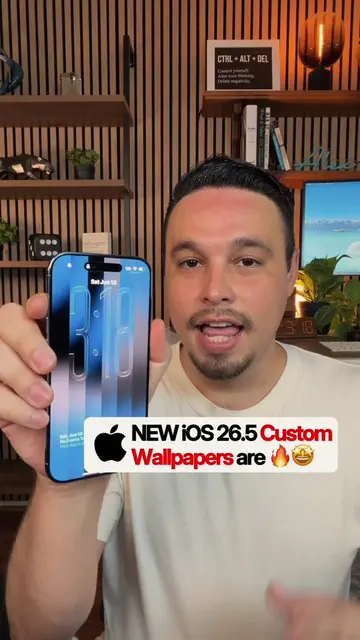
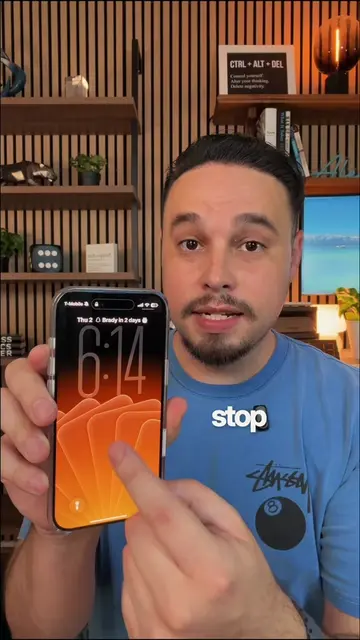
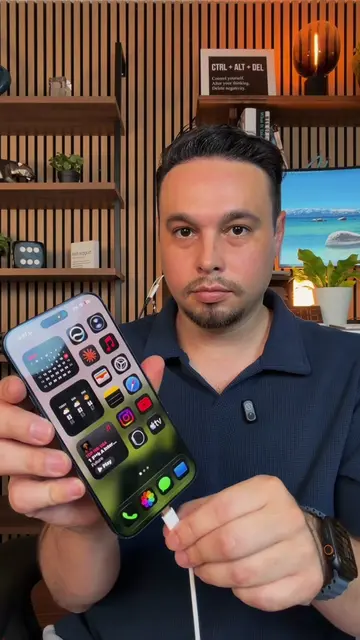
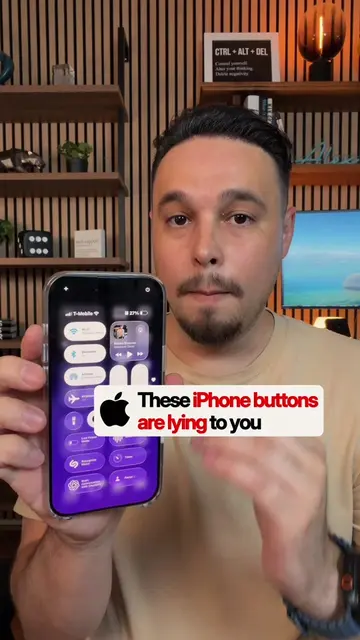
Loading video…
All breakouts
16.9Talking HeadWarning hookConsumer Apps
Hook
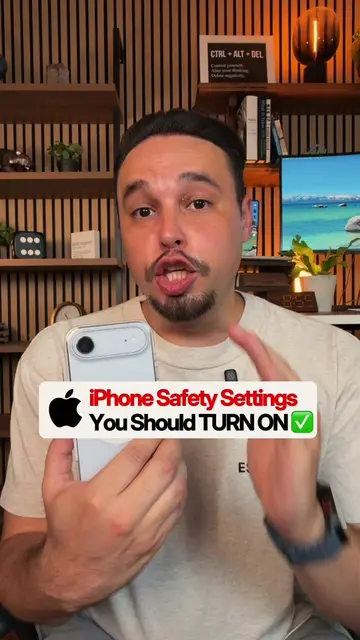
Turn OFF these 5 BAD iPhone settings
@alexeztechtips
344.7K followers · usually 45.7K views a post
Views
754.7K
Likes
33.6K
Comments
576
Shares
2.4K
Why it worked
The video provides practical, actionable tips for improving the iPhone user experience by disabling common, potentially annoying settings. The clear, step-by-step instructions and visual demonstrations make it easy for viewers to follow along and implement the changes, leading to high engagement and shareability.
Summary
This video demonstrates five "bad" iPhone settings that can be turned off to improve the user experience. It covers disabling "Raise to Wake," turning off keyboard click sounds, disabling "Reachability," stopping full-screen screenshot previews, and optimizing night mode for better photos.
Structure
- 1Intro: Turn off 5 bad iPhone settings
- 2Setting 1: Disable Raise to Wake
- 3Setting 2: Turn off keyboard click sounds
- 4Setting 3: Disable Reachability
- 5Setting 4: Turn off Full-Screen Previews for screenshots
- 6Setting 5: Optimize Night Mode for better photos
- 7Outro: Comment 'iPhone' for a guide, share the video
Product placement
Apple: ACTS - The iPhone is operated throughout the video to demonstrate settings. Removing it would change what happens in the video.
iPhone: ACTS - The iPhone is operated throughout the video to demonstrate settings. Removing it would change what happens in the video.
Original caption
How to fix the most annoying iPhone settings 👀 #iphonetips #iphonetricks #iphonehack #iphonetipsandtricks #iphone
More from @alexeztechtips
More breakout videos from this creator.