Loading video…
All breakouts
27.2Talking HeadWarning hookConsumer Apps
Hook
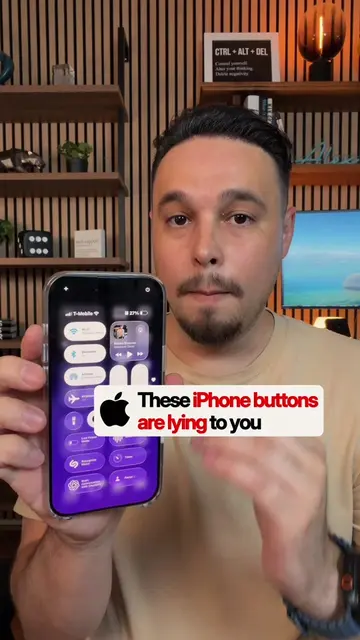
Stop using Apple's default Control Center.
@alexeztechtips
344.7K followers · usually 45.7K views a post
Views
1.1M
Likes
38.3K
Comments
574
Shares
3.5K
Promoted product
ChatGPT
Why it worked
The video provides a practical and visually appealing customization for a widely used feature on a popular device, making it highly shareable and saveable for users looking to personalize their iPhone experience.
Summary
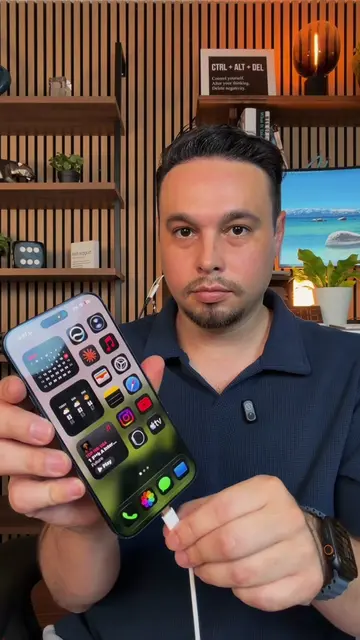
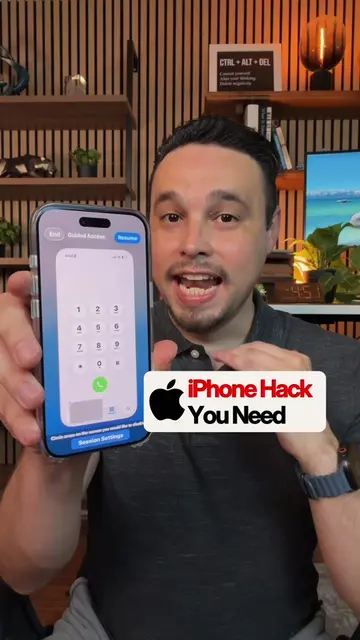
This video demonstrates how to customize your iPhone's Control Center by removing default controls and adding new ones like Wi-Fi, Bluetooth, AirDrop, Airplane Mode, music, volume, brightness, flashlight, dark mode, screen recording, orientation lock, Low Power Mode, Voice Memo, Recognize Music, Timer, ChatGPT, and Focus Modes. The creator aims to make the Control Center more organized and accessible.
Structure
- 1Clear out default controls
- 2Add connectivity controls to the left
- 3Add media and brightness controls to the right
- 4Add utility controls to the bottom
- 5Organize and stretch controls for better access
Product placement
Apple (appears, logo visible, does not act, removing it would not change video)
iPhone (acts, interface is operated, removing it would change video)
Burberry (appears, logo visible, does not act, removing it would not change video)
ChatGPT (acts, interface is operated, removing it would change video)
Call to action
Original caption
Your iPhone Control Center deserves an upgrade 👀 Here's the setup I've been using instead.. Save this for later. 📲 #iphonetips #iphonetricks #iphonehack #iphonetipsandtricks #iphone
More from @alexeztechtips
More breakout videos from this creator.