Loading video…
Sound

original sound - benjieitech
benjieitech · Original audio
0:00–:––
Playing this video’s own audio, so you’ll hear the creator over the sound.
The video provides a practical and easily applicable tip for customizing a popular smartphone interface, directly addressing a common user limitation and offering a free solution. The clear, step-by-step demonstration makes it highly shareable and valuable to users of Samsung Galaxy devices.
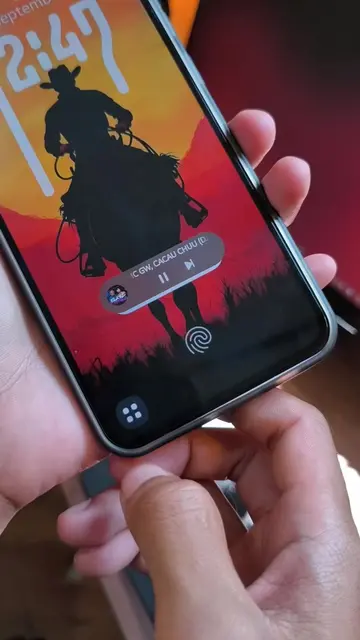
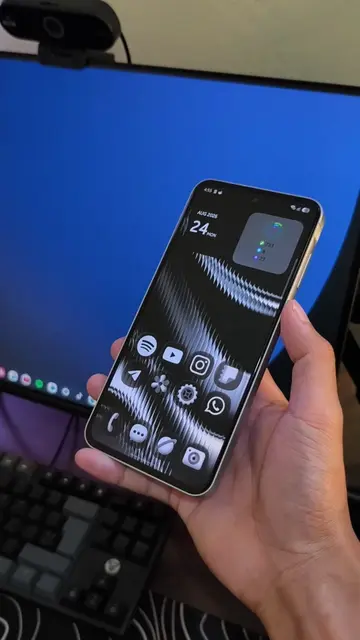
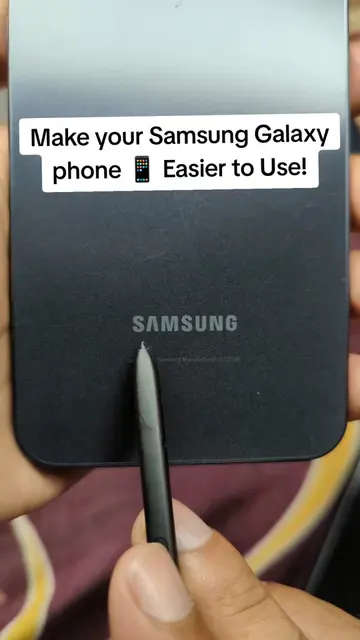
This video demonstrates how to increase the number of favorite apps displayed on the bottom bar of a Samsung Galaxy phone from 5 to 9 using the Good Lock app and its Home Up module. The creator guides viewers through the process of accessing the Home screen settings within Home Up and adjusting the 'Favorites max count' to 9.
¿Tu Galaxy solo muestra 5 apps en favoritos? 👀 Con Good Lock puedes añadir hasta 9 apps en la barra inferior. Te enseño cómo hacerlo en segundos. #Samsung #GalaxyTips #GoodLock #OneUI #SamsungGalaxy
sí
Introduction to the limitation of 5 favorite apps
Introducing Good Lock and Home Up as the solution
Navigating to the Home screen settings
Adjusting the 'Favorites max count' to 9
Applying the changes and showing the result
Call to action to like, share, and follow
Samsung (appears as a watermark on the phone, and is spoken in the transcript, it is the brand of the phone being used, removing it would not change what happens in the video) Galaxy (spoken in the transcript, refers to the phone model, removing it would not change what happens in the video) Good Lock (spoken in the transcript and on-screen text, it is an app that allows customization of the phone's interface, removing it would change what happens in the video) One UI (spoken in the transcript, it is the operating system of the phone, removing it would not change what happens in the video)
dale compártelo más sígueme para tips y trucos sobre iPhone y sobre Tech
Playing this video’s own audio, so you’ll hear the creator over the sound.
Promotes 3 products. Create free account to see more.
Outliers and viral hits: their videos on Overshot, all time.
Samsung phone customization app for Galaxy users
All time.