Loading video…
Sound

original sound - nallu037
🪽nallu🪽⭐ · Original audio
0:00–:––
Playing this video’s own audio, so you’ll hear the creator over the sound.
The video provides a highly specific, actionable tutorial for a popular aesthetic trend on Samsung devices, using native tools that viewers can immediately replicate.
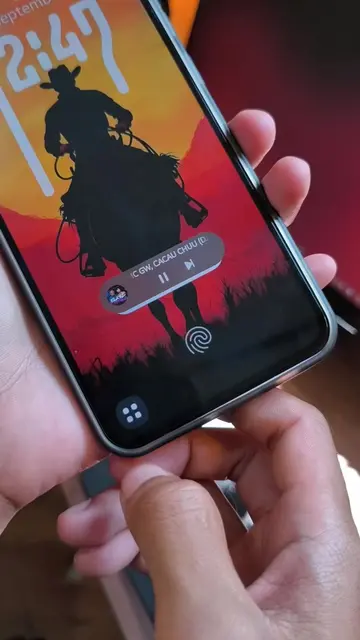
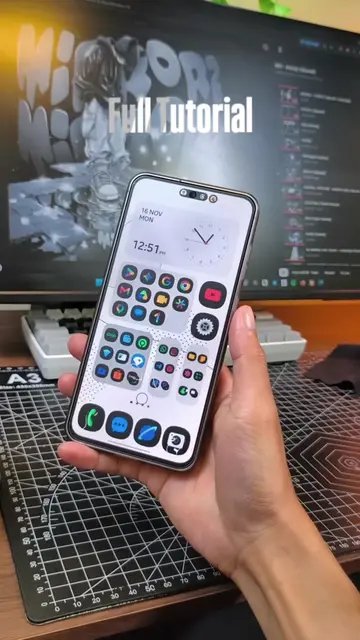
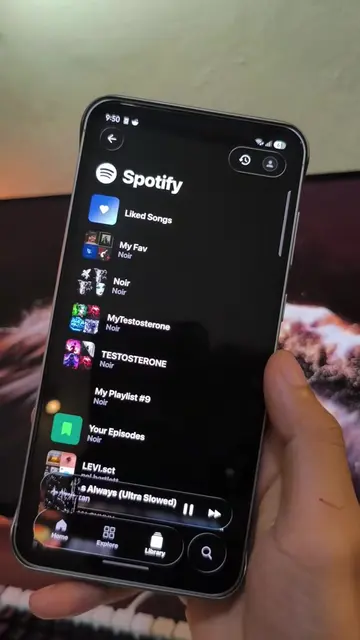
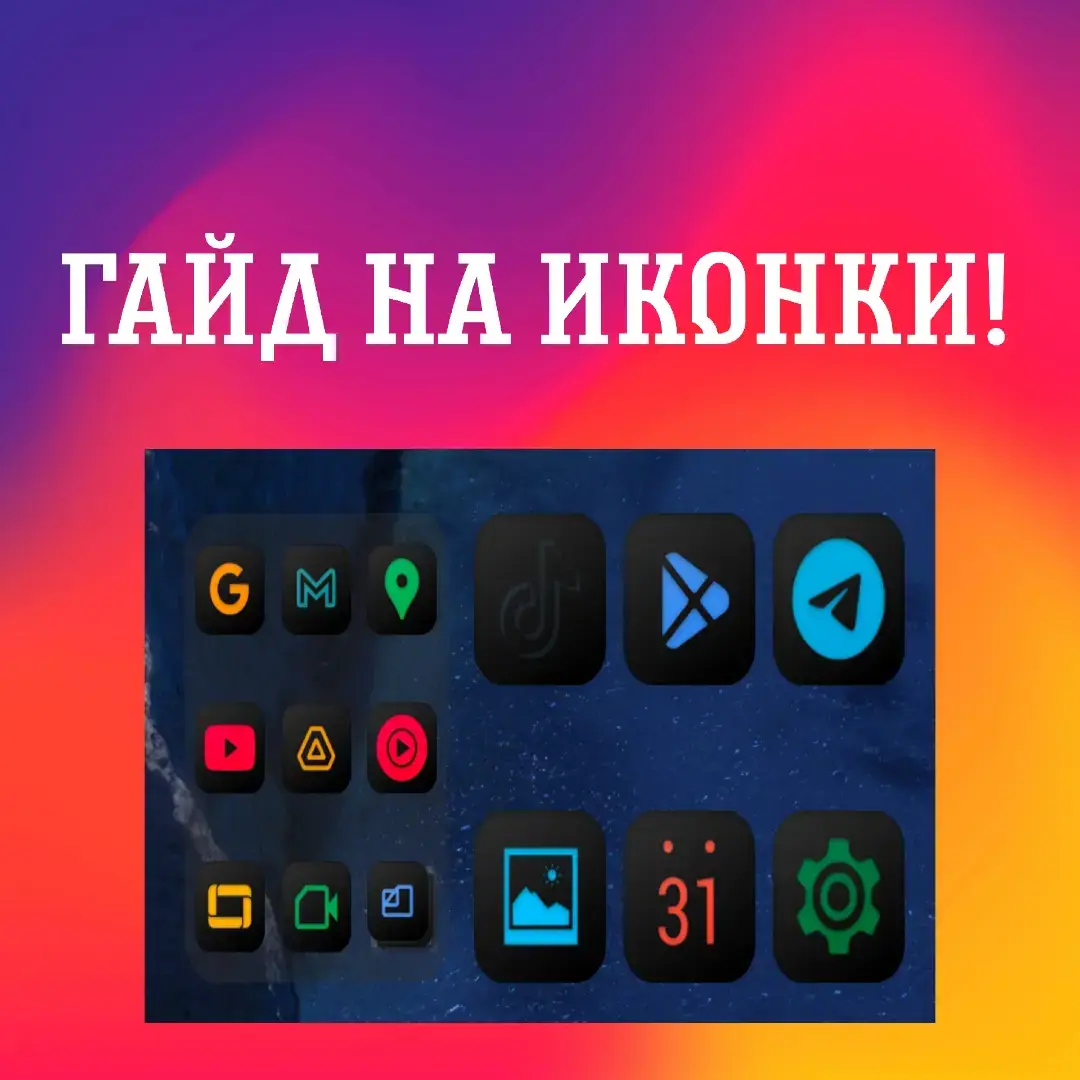
The creator demonstrates how to create transparent black app icons on a Samsung device using the Good Lock app and its Theme Park module. The video shows the step-by-step process of selecting icons and applying custom color codes to achieve the aesthetic.
Transparent Black Icon Tutorial #samsung #samsunga55 #oneui85 #goodlock
Transparent Black Icon Tutorial
Introduction to transparent icon aesthetic
Opening Good Lock and Theme Park
Selecting and customizing app icons
Applying custom color codes
Finalizing and saving the theme
(a) Good Lock (ACTS: interface is operated to customize phone UI); (a) Theme Park (ACTS: interface is operated to create custom app icons and themes). Both are essential to the video's purpose of demonstrating a UI customization tutorial.
Playing this video’s own audio, so you’ll hear the creator over the sound.
Samsung phone customization app for Galaxy users
All time.
Promotes 3 products. Create free account to see more.
Outliers and viral hits: their videos on Overshot, all time.