Loading video…
All breakouts
3.2App DemoHow-To hookEducation
Hook
Import brand logos
@dataanalytics.07
139.0K followers · usually 3.6K views a post
Views
6.3K
Likes
179
Comments
1
Shares
25
Why it worked
The video provides a practical and visually appealing solution to a common problem in data presentation, using a clever Excel formula that saves time and effort. The contrast between "smart work" and "hard work" makes the benefit clear and engaging.
Summary
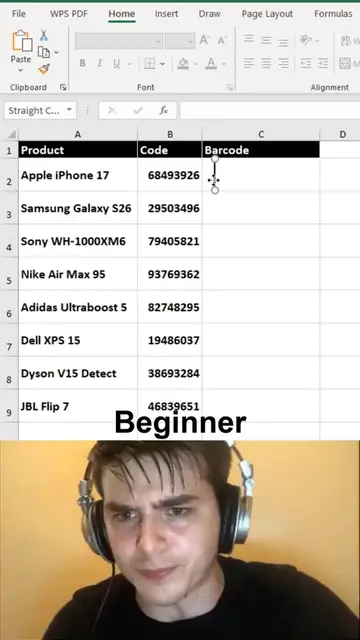
The video demonstrates a smart way to automatically insert brand logos into an Excel sheet using a formula. It contrasts this efficient method with a manual, "hard work" approach, encouraging viewers to use the formula for cleaner and more professional reports.
Structure
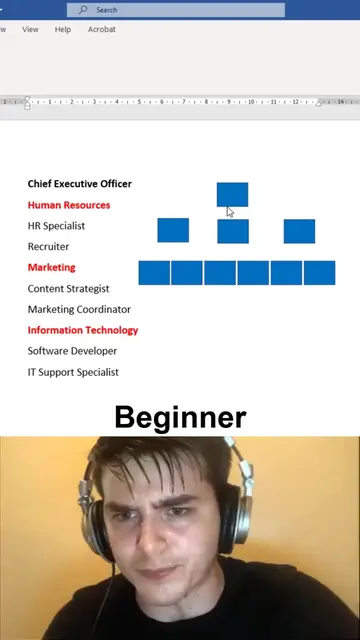
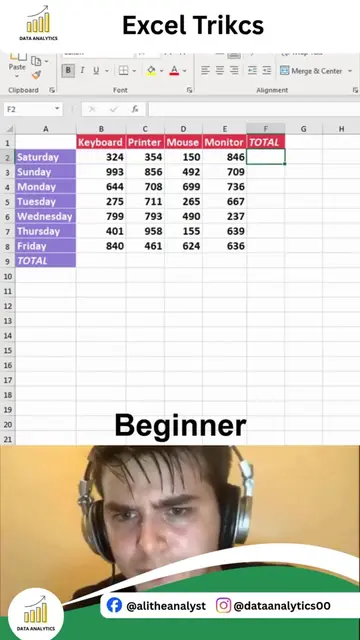
- 1Showcasing manual logo insertion
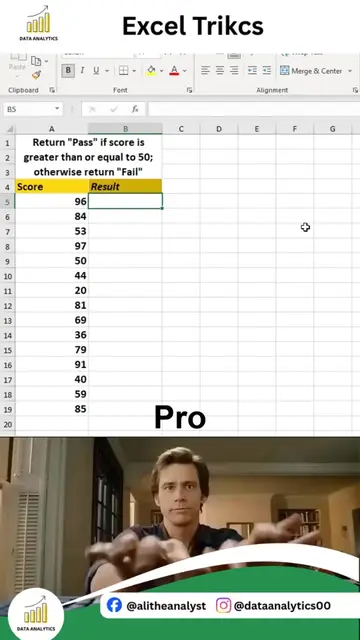
- 2Demonstrating the "smart work" formula
- 3Applying the formula to multiple brands
- 4
Original caption
Want to make your Excel reports look more professional? Instead of manually downloading and inserting company logos, you can automatically display them using just ONE Excel formula. In this quick tutorial, I'll show you how to auto-fill company logos dynamically, making your dashboards, client reports, and business presentations cleaner, faster, and more interactive. This is a practical Excel trick for: Business reports Sales dashboards Customer databases CRM spreadsheets Data analytics projects Small automation techniques like this can save hours of manual work and instantly improve the quality of your spreadsheets. If you're interested in learning Complete Data Analytics from beginner to advanced, including Excel, SQL, Power BI, Python, Statistics, Power Query, DAX, Dashboard Development, and Real-World Projects—comment "INTERESTED" and our team will reach out with the complete course details. Website: www.alidataanalytics.com #Excel #ExcelTips #MicrosoftExcel #Spreadsheet #ExcelAutomation #DataAnalytics #Dashboard #BusinessIntelligence #OfficeProductivity #PowerBI #SQL #Python #LearnExcel
More from @dataanalytics.07
More breakout videos from this creator.