Loading video…
All breakouts
48.0Talking HeadHow-To hookEducation
Hook
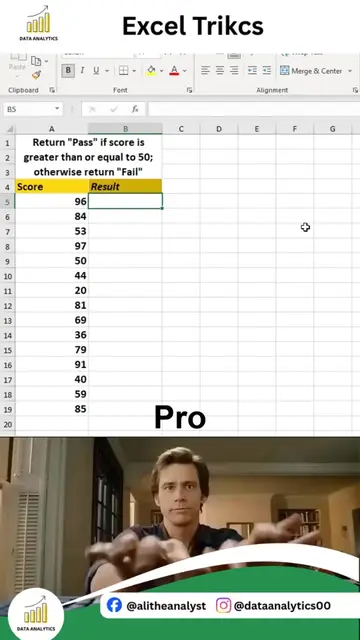
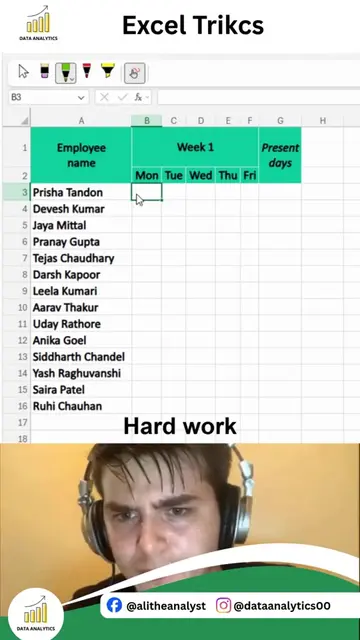
Excel Trikcs
@dataanalytics.07
139.0K followers · usually 3.6K views a post
Views
95.1K
Likes
3.1K
Comments
10
Shares
180
Why it worked
The video effectively contrasts a slow, manual method with a quick, automated shortcut, appealing to users looking to improve their efficiency in Excel. The clear 'Beginner' vs. 'Pro' labeling and the use of visual cues like keyboard shortcuts make the content easily digestible and shareable.
Summary
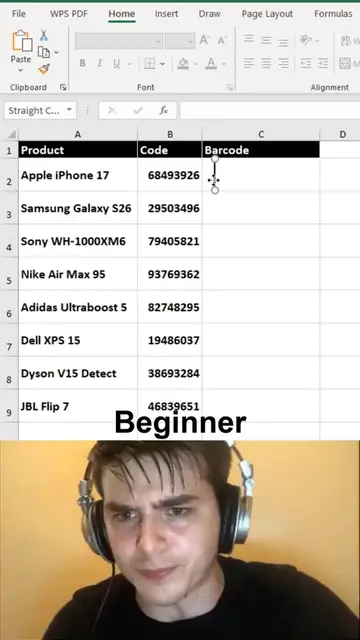
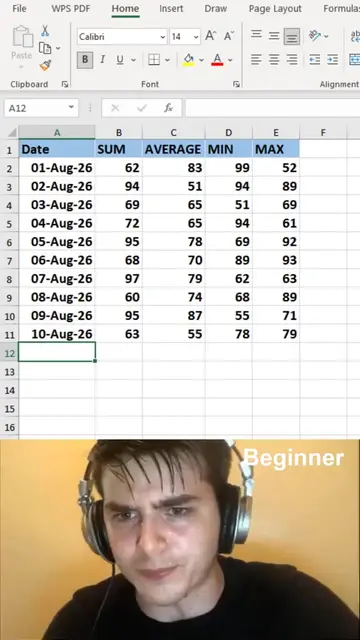
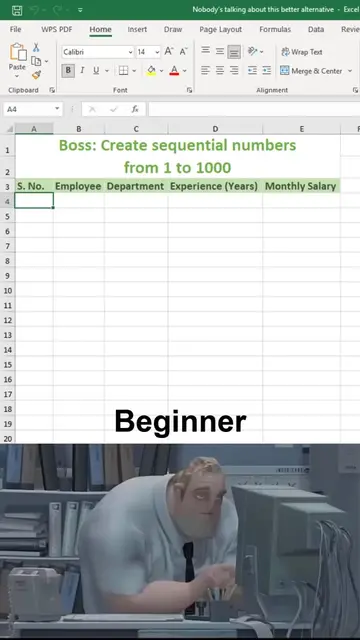
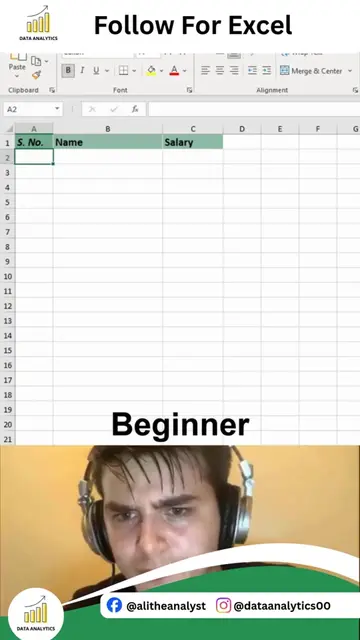
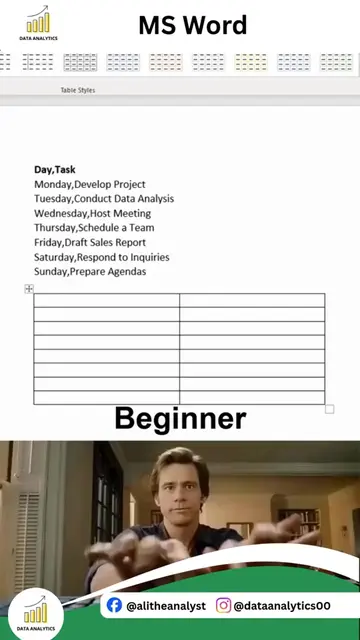
The video demonstrates two methods for calculating totals in Excel. The first method, labeled 'Beginner', shows manual formula entry for summing values. The second method, labeled 'Pro', showcases a much faster shortcut using 'Ctrl+A' and 'Alt+=' to automatically sum selected data.
Structure
- 1Show beginner method of manual formula entry
- 2Show 'Pro' method using Ctrl+A
- 3Show 'Pro' method using Alt+=
- 4Demonstrate automatic summation
On-screen text
Excel Trikcs
Beginner
Pro
Original caption
THE 2-SECOND AUTOSUM TRICK IN EXCEL Still typing formulas manually to calculate totals? There's a much faster way. Excel's AutoSum feature can instantly calculate totals with a single click, helping you save time and work more efficiently. What you'll learn: • Calculate totals in seconds • Use the AutoSum shortcut like a pro • Speed up reporting tasks • Reduce formula-writing time • Improve spreadsheet productivity Why AutoSum is Powerful: • Beginner-friendly • Saves time on repetitive calculations • Reduces manual errors • Perfect for daily reporting • Works with large datasets Common Uses: • Sales Reports • Expense Tracking • Budget Analysis • Financial Statements • Inventory Reports • Business Dashboards Small Excel shortcuts can make a huge difference in your daily workflow. The more shortcuts you learn, the faster and more productive you become. Stop wasting time on manual calculations and start working smarter with Excel. If you want to learn Excel from beginner to advanced level, including formulas, shortcuts, dashboards, Power Query, Pivot Tables, automation, and real-world projects, type "Interested" in the comments. For Excel, Power BI, SQL, Python, and Data Analytics Training: alidataanalytics.com #Excel #ExcelTips #AutoSum #MicrosoftExcel #ExcelShortcuts #SpreadsheetSkills #DataAnalytics #ExcelTraining #OfficeProductivity #BusinessIntelligence #ExcelTricks #DataTutorials
More from @dataanalytics.07
More breakout videos from this creator.