Loading video…
All breakouts
27.0App DemoOther hookEducation
Hook
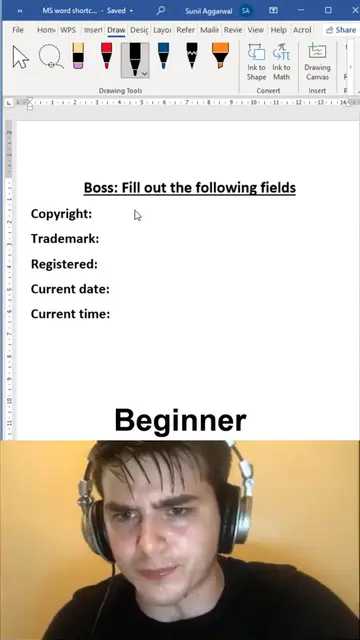
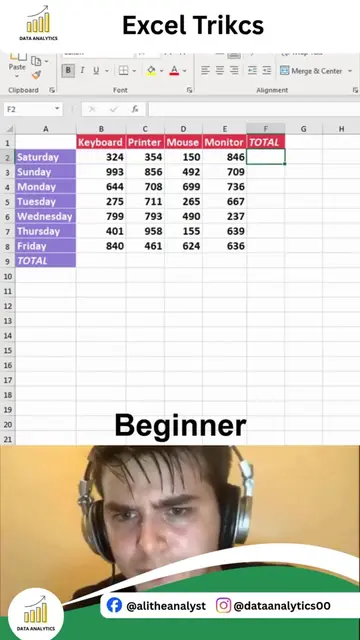
Beginner
@dataanalytics.07
139.0K followers · usually 3.6K views a post
Views
95.8K
Likes
3.8K
Comments
16
Shares
562
Why it worked
The video uses a relatable "beginner vs. pro" format to demonstrate a time-saving Excel trick, appealing to users looking to improve their spreadsheet skills.
Summary
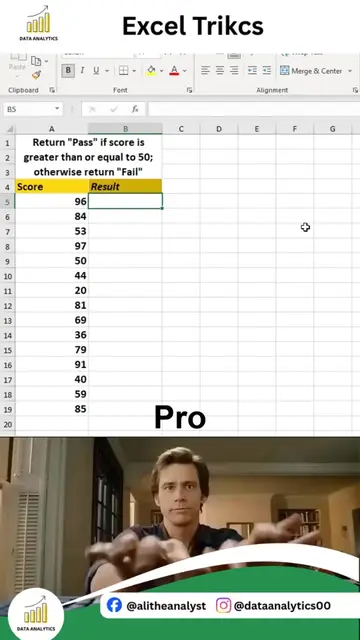
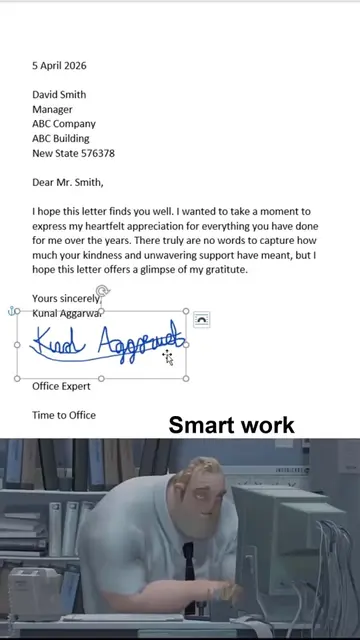
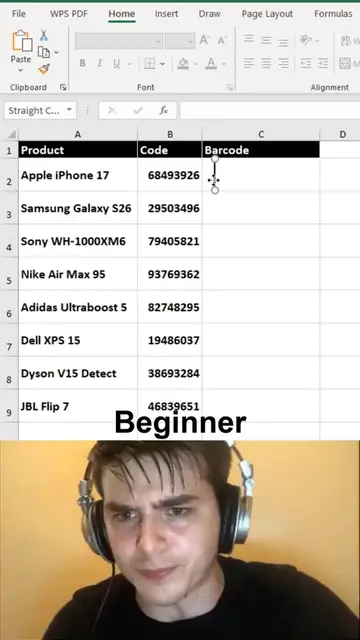
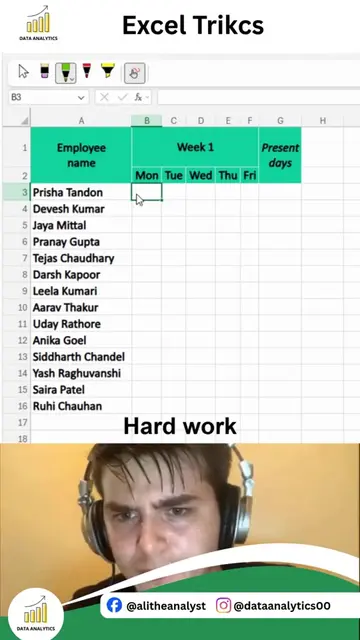
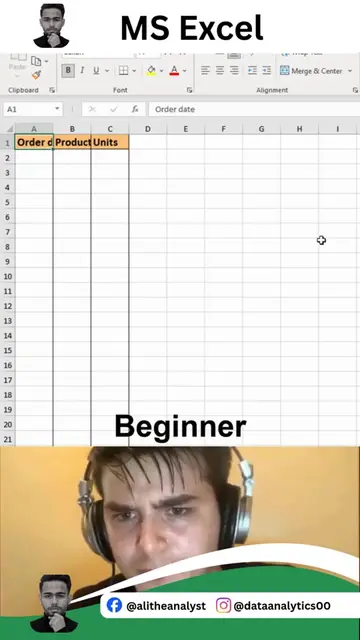
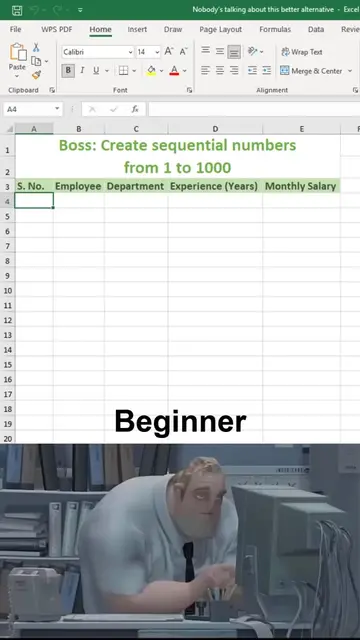
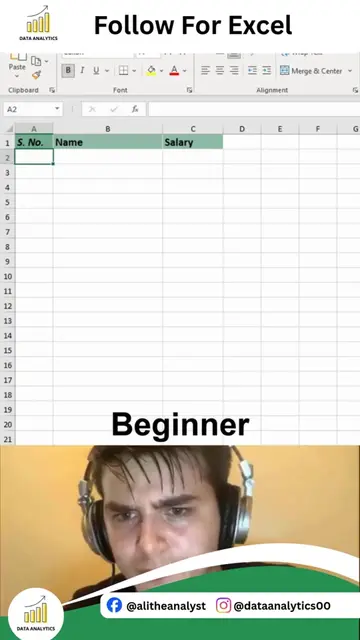
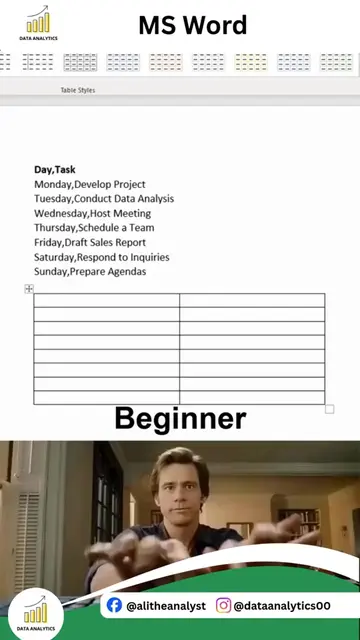
The video contrasts two approaches to calculating totals and averages in Microsoft Excel. A "beginner" struggles with manual formula entry, while a "pro" efficiently uses table features and subtotal functions to achieve the same results.
Structure
- 1Beginner struggles with SUM formula
- 2Beginner calculates SUM manually
- 3Beginner struggles with AVERAGE formula
- 4Pro converts data to a table
- 5Pro uses subtotal functions for SUM, AVERAGE, MIN, MAX
Product placement
Microsoft Excel: ACTs - it is used to perform calculations and organize data. Removing it would change what happens in the video.
On-screen text
Beginner
Pro
Original caption
This excel dropdown trick saves so much time 🤯 #exceltips #spreadsheets #office
More from @dataanalytics.07
More breakout videos from this creator.