Loading video…
All breakouts
16.7App DemoHow-To hookEducation
Hook
Follow For Excel
@dataanalytics.07
139.0K followers · usually 3.6K views a post
Views
27.0K
Likes
895
Comments
2
Shares
43
Why it worked
The video effectively demonstrates practical Excel tips that solve a common user problem, presented in a progressive difficulty format that appeals to a wide range of users. The use of relatable meme-like visuals for each skill level adds to its shareability.
Summary
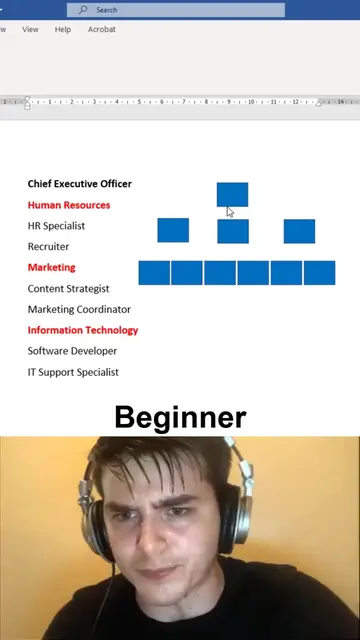
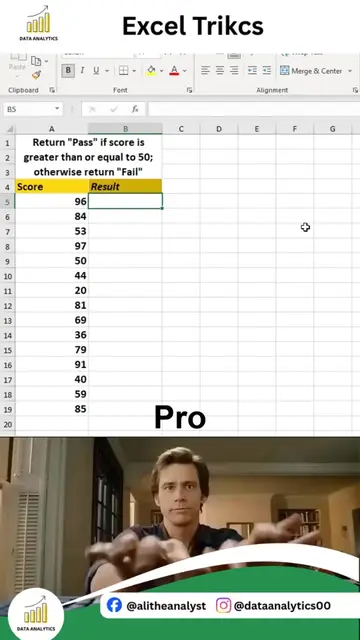
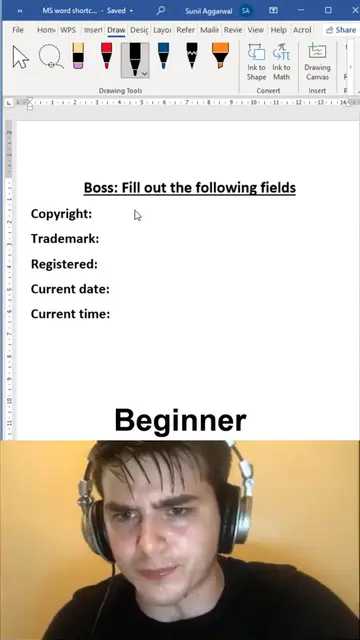
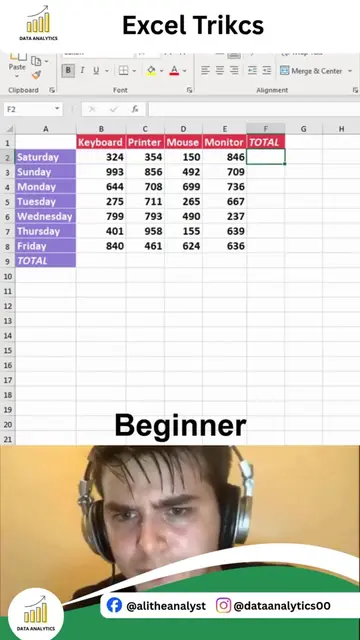
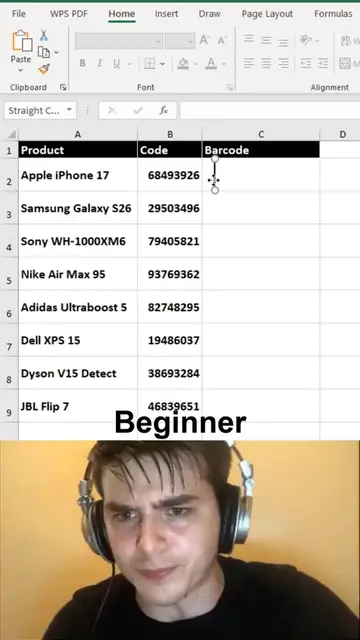
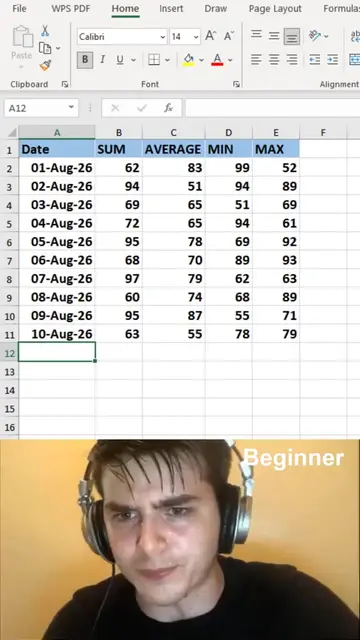
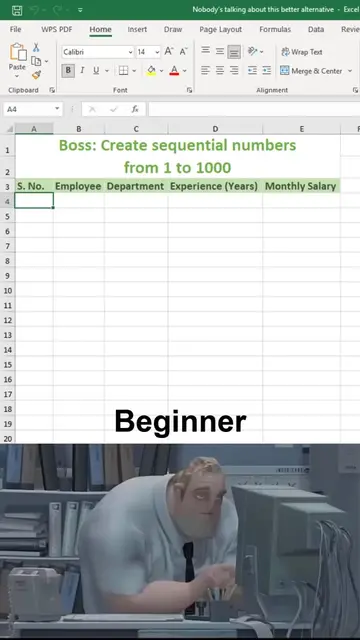
The video demonstrates four different methods for numbering rows in Microsoft Excel, progressing from beginner to expert levels. It showcases techniques like Auto Fill, the ROW function, and the SEQUENCE function to efficiently manage serial numbers in spreadsheets.
Structure
- 1Beginner method: Manual entry and drag fill
- 2Intermediate method: Using the ROW function
- 3Pro method: Using ROW function with absolute reference
- 4
Original caption
4 Ways to Number Rows in Excel Like a Pro Stop manually typing row numbers in Excel. There are smarter and faster ways to automatically create serial numbers and manage your data efficiently. In this Excel tip, you will learn 4 simple methods to number rows: Using Auto Fill Quickly generate sequential numbers by dragging the fill handle. Using Excel ROW Function Create dynamic numbering that automatically updates with your data. Using SEQUENCE Function Generate a complete list of numbers instantly with one formula. Using Fill Series Option Create custom numbering patterns for reports and data tables. These techniques are useful for: • Data entry tasks • Reports and invoices • Excel dashboards • Business data management • Large datasets Mastering small Excel tricks can save hours of repetitive work and improve your productivity. Follow Ali Data Analytics for more: Excel Tips & Tricks Advanced Excel Tutorials Power BI Dashboards Data Analytics Techniques Productivity Hacks #Excel #ExcelTips #ExcelTricks #MicrosoftExcel #Spreadsheets #LearnExcel #ExcelTutorial #DataAnalytics #OfficeTips #Productivity #AliDataAnalytics
More from @dataanalytics.07
More breakout videos from this creator.