Loading video…
All breakouts
195App DemoHow-To hookEducation
Hook
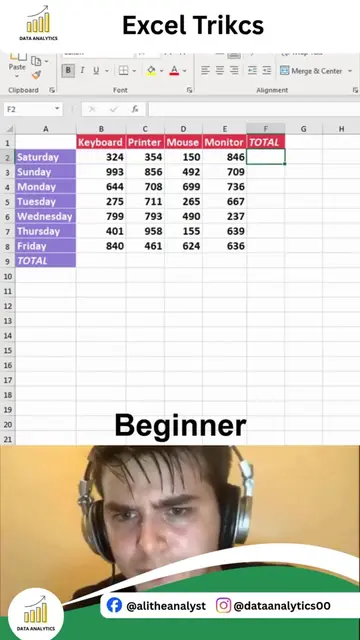
Excel Trikcs
@dataanalytics.07
139.0K followers · usually 3.6K views a post
Views
385.8K
Likes
5.2K
Comments
23
Shares
228
Why it worked
The video provides a quick and practical solution to a common problem faced by many users of spreadsheet software, making it highly shareable and useful.
Summary
The video demonstrates how to use an IF formula in Excel to automatically determine if a student's score results in a 'Pass' or 'Fail'. It shows the formula being applied to a list of scores, highlighting the 'Pro' method of manual entry and the 'Expert' method using the formula.
Structure
- 1Introduce the problem of manual result checking
- 2Show the 'Pro' method of manual entry
- 3Introduce the 'Expert' method with an IF formula
- 4Demonstrate the IF formula step-by-step
- 5Show the results of the formula applied to all scores
On-screen text
Excel Trikcs
Return "Pass" if score is
greater than or equal to 50;
otherwise return "Fail"
Score
Result
Pro
Ctrl + Z
Expert
Original caption
HOW TO CALCULATE PASS AND FAIL IN EXCEL FAST Still checking student results manually? Excel can automatically determine Pass and Fail status using a simple formula, saving you time and eliminating errors. What you'll learn: • Create automatic Pass/Fail calculations • Use IF formulas like a professional • Analyze hundreds of records in seconds • Build smarter result sheets • Automate grading and reporting Example: =IF(B2>=50,"Pass","Fail") This formula instantly checks whether a student's score meets the passing criteria. Where can you use it? • Student Result Management • Employee Performance Evaluation • Training Assessments • Certification Programs • KPI Tracking • Quality Control Reports Why use Excel for Pass/Fail calculations? • Faster than manual checking • 100% consistent results • Easy to update passing criteria • Works with thousands of records • Perfect for reports and dashboards Small Excel formulas can automate tasks that would otherwise take hours to complete manually. Work smarter, not harder. If you want to learn Excel from beginner to advanced level, including formulas, dashboards, Pivot Tables, Power Query, automation, and real-world projects, type "Interested" in the comments. For Excel, Power BI, SQL, Python, and Data Analytics Training: alidataanalytics.com #Excel #ExcelTips #IFFormula #ExcelFormulas #MicrosoftExcel #DataAnalytics #SpreadsheetSkills #ExcelTraining #StudentResults #Automation #OfficeProductivity #DataTutorials
More from @dataanalytics.07
More breakout videos from this creator.