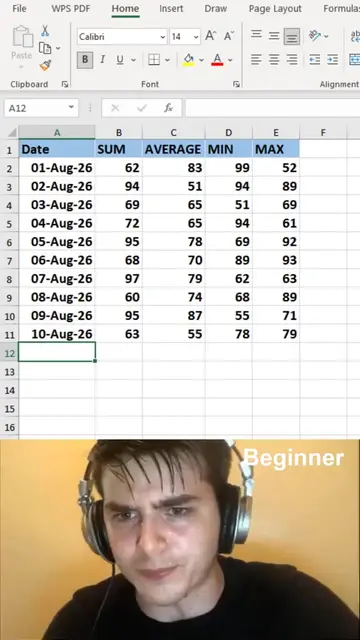
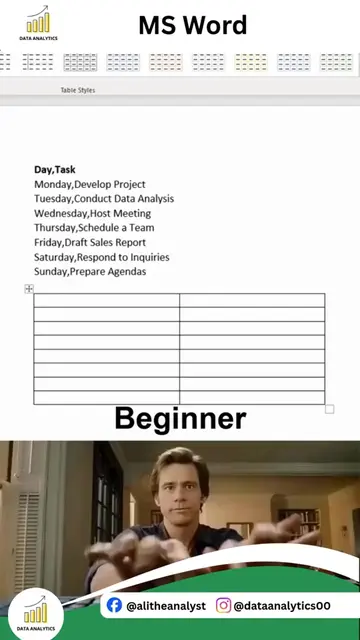
Loading video…
All breakouts
140Text-HeavyPOV / Skit hookEducation
Hook
Boss: Fill out the following fields
@dataanalytics.07
139.0K followers · usually 3.6K views a post
Views
497.1K
Likes
19.5K
Comments
27
Shares
804
Why it worked
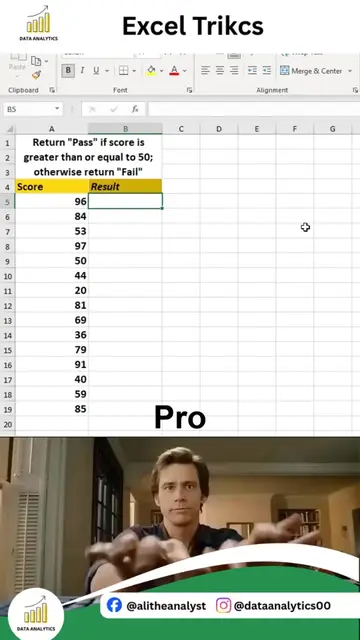
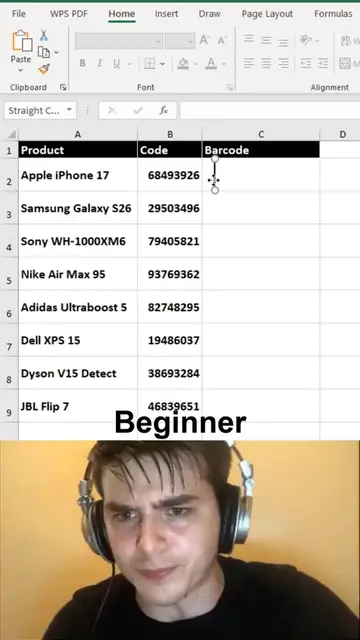
The video effectively uses a relatable "beginner vs. pro" format to demonstrate useful keyboard shortcuts in Microsoft Word, appealing to a wide audience looking for productivity hacks.
Summary
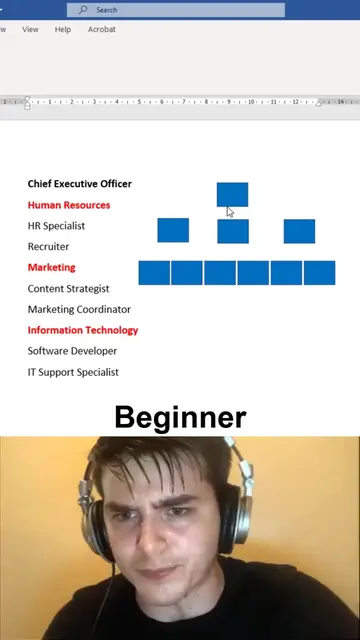
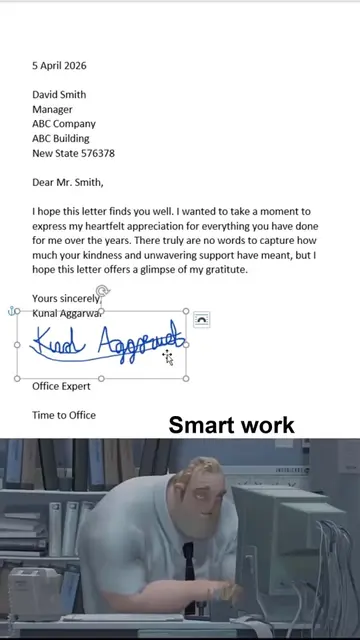
The video contrasts two methods of filling out fields in Microsoft Word: a beginner's method of manually typing symbols and dates, and a "pro" method using keyboard shortcuts to insert copyright, trademark, registered symbols, and current date/time. The "pro" method is shown to be significantly faster and more efficient.
Structure
- 1Boss asks to fill fields
- 2Beginner manually types symbols and date
- 3Pro uses keyboard shortcuts for symbols
- 4Pro uses keyboard shortcuts for date and time
Product placement
Microsoft Word (ACTS): The interface is operated to fill out fields. Removing it would change what happens in the video.
On-screen text
Boss: Fill out the following fields
Copyright:
Trademark:
Registered:
Current date:
Current time:
Beginner
Ctrl + Alt + C
Pro
Ctrl + Alt + T
Ctrl + Alt + R
Alt + Shift + D
Alt + Shift + T
Original caption
MS word shortcuts you NEED to know! 🤯 #wordtips #documents #office
More from @dataanalytics.07
More breakout videos from this creator.