Loading video…
Sound

original sound - thedataandaiguy
thedataandaiguy · Original audio
0:00–:––
Playing this video’s own audio, so you’ll hear the creator over the sound.
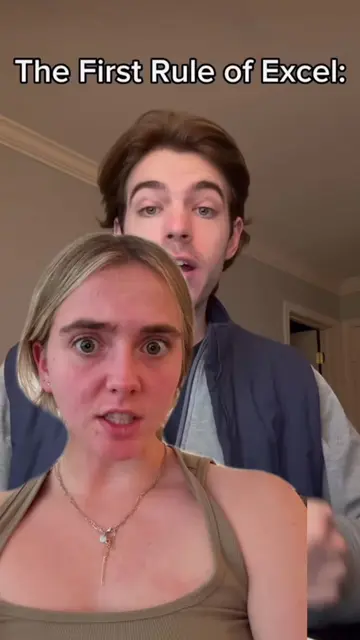
The video explains a common misconception about a widely used tool (Excel) in a clear and visually engaging way, revealing a surprising efficiency mechanism that is not widely known. This educational value and the "aha!" moment likely drove engagement and shares.
This video explains how Microsoft Excel efficiently recalculates spreadsheets by using a hidden dependency graph and topological sort, rather than recomputing every cell. This allows large spreadsheets to update in milliseconds, a feature that has been part of Excel since the 1990s.
You probably think Excel recalculates your whole spreadsheet every time you change a number. It doesn't. 📊🧠 Instead, it maps out a hidden "dependency graph." When you update one cell, Excel only flags the downstream cells that actually rely on it, recomputing them in the exact right order using a topological sort. Excel handles this dependency tracking totally invisibly. It’s not just a boring office tool. It is one of the most impressive incremental computation engines ever shipped to a billion people. #Excel #SoftwareEngineering #ComputerScience #DataAnalytics #TechFacts
BEFORE — What people assume Excel does
Explaining the common misconception about Excel recalculations.
Introducing the concept of a hidden dependency graph.
Detailing how Excel marks and recomputes only 'dirty' cells.
Explaining the topological sort for ordered recalculations.
Highlighting the efficiency and widespread impact of Excel's calculation engine.
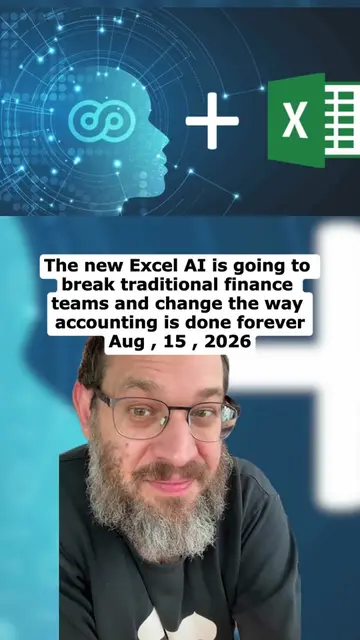
The video uses Microsoft Excel as the primary subject to explain its calculation engine, dependency graph, and topological sort features.
Playing this video’s own audio, so you’ll hear the creator over the sound.
Promotes 9 products. Create free account to see more.
Outliers and viral hits: their videos on Overshot, all time.
Learn and practice dozens of Excel functions and tools online for free - from beginners to pro level, without the need to download any files.
All time.