Loading video…
Sound

original sound - sucoo__
SuCoo · Original audio
0:00–:––
Playing this video’s own audio, so you’ll hear the creator over the sound.
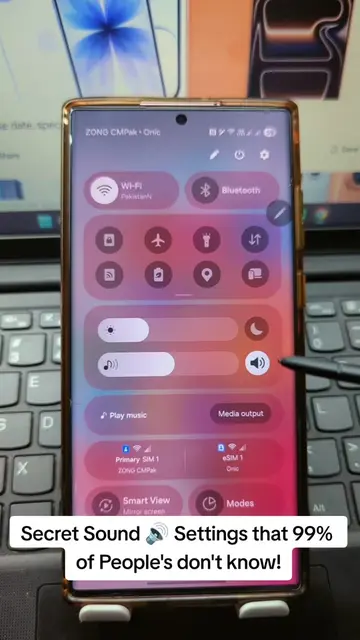
The video addresses a common user pain point regarding notification customization on a popular device, offering a practical solution in a clear, step-by-step tutorial format. The use of on-screen text and direct demonstration makes the information easily digestible and actionable.
This video demonstrates how to set custom notification sounds for specific email accounts within the Gmail app on a Samsung phone. It guides users through the phone's settings to access app notifications and customize sound alerts for different email categories.
Replying to @rockergrl329 #samsung #galaxy #android #Tech #fyp
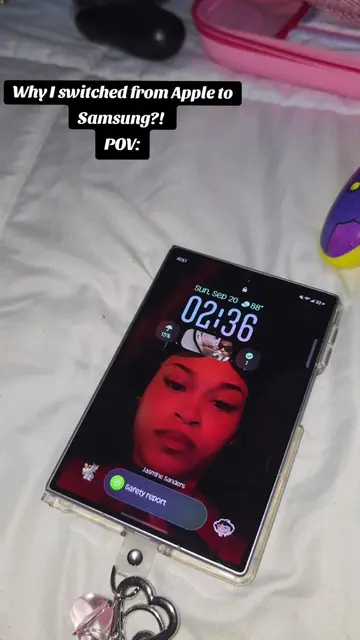
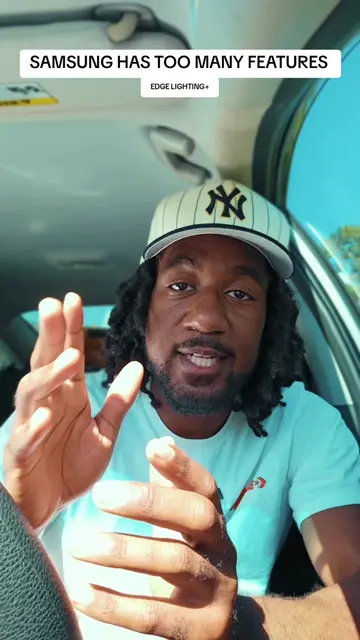
SAMSUNG HAS TOO MANY FEATURES
User expresses frustration with Samsung's notification settings.
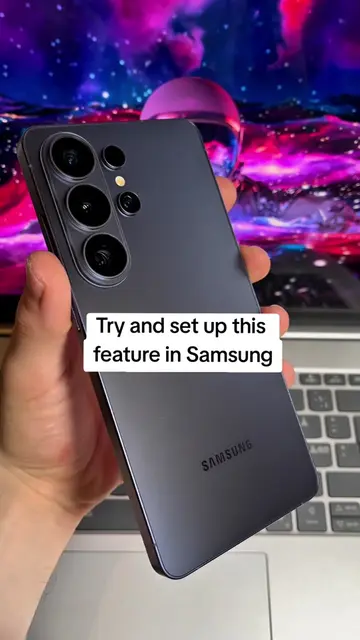
Creator introduces the ability to customize notification sounds per app.
Creator navigates through phone settings to the 'Apps' section.
User selects the 'Gmail' app and navigates to notification settings.
Creator shows how to change the notification sound for specific email categories.
Creator explains that this allows for distinct sounds for different email addresses.
Samsung: ACTS - The video demonstrates how to change notification sounds on a Samsung phone. Removing it would change what happens in the video. Gmail: ACTS - The video shows how to change notification sounds specifically for the Gmail app. Removing it would change what happens in the video.
Playing this video’s own audio, so you’ll hear the creator over the sound.
Promotes 3 products. Create free account to see more.
Outliers and viral hits: their videos on Overshot, all time.
Discover the latest in electronic & smart appliance technology with Samsung. Find the next big thing from smartphones & tablets to laptops & tvs & more.
All time.