Loading video…
All breakouts
10.0Talking HeadListicle hookConsumer Apps
Hook
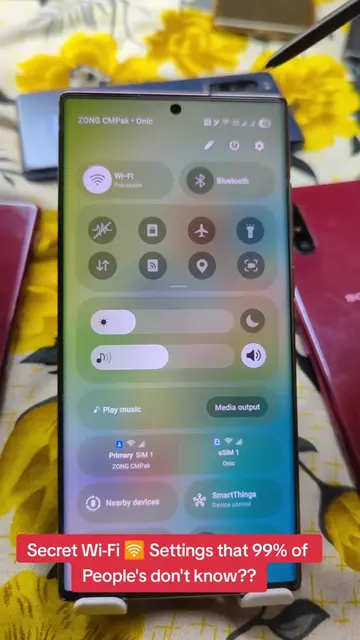
Secret Sound 🔊 Settings that 99% of People's don't know!
@herrytech8
725.0K followers · usually 77.4K views a post
Views
770.3K
Likes
15.0K
Comments
94
Shares
4.1K
Why it worked
The video taps into a common user desire for better audio quality on their phones and presents a 'hidden' or lesser-known feature, creating intrigue and perceived value. The step-by-step, easy-to-follow instructions make it highly shareable and practical for a wide audience.
Summary
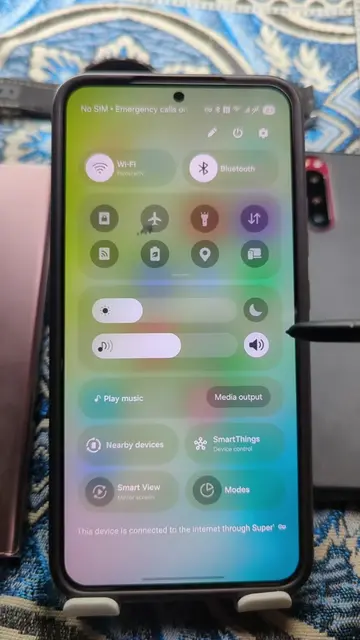
This video demonstrates how to enhance the audio quality and volume on a Samsung phone by accessing hidden settings. It guides viewers through adjusting media volume limits, enabling Dolby Atmos, and using the 'Adapt Sound' feature for a personalized listening experience.
Structure
- 1Introduce the concept of enhancing Samsung phone audio
- 2Navigate to Sound and Vibration settings
- 3Adjust Media Volume Limit
- 4
Original caption
Secret Sound 🔊 Settings that 99% of People's don't know! #sound #speaker #volume #samsung #PhoneTricks
More from @herrytech8
More breakout videos from this creator.