Loading video…
Sound

original sound - quick.tips45
Quick Tips · Original audio
0:00–:––
Playing this video’s own audio, so you’ll hear the creator over the sound.
Hook
Posted Jul 24, 2026Video · 0:43by @quick.tips45
The video provides a practical and easy-to-follow solution to a common problem, making it highly shareable and useful for a broad audience.
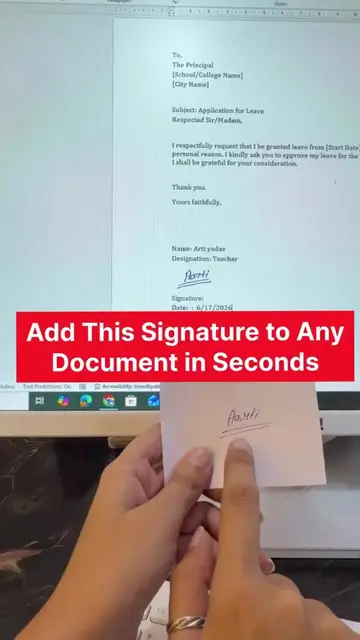
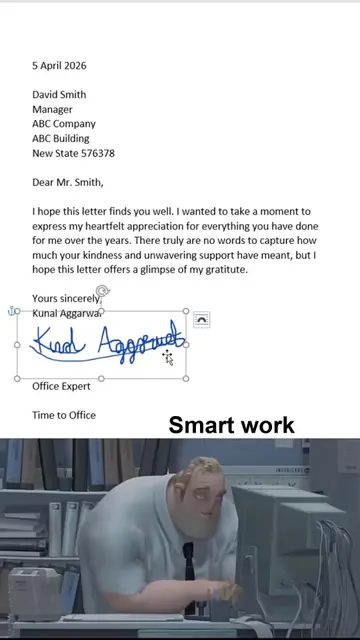
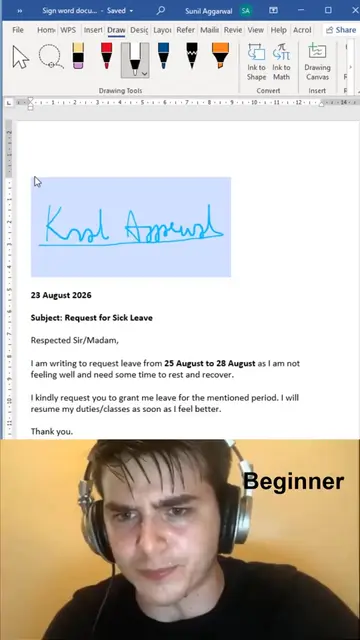
This video demonstrates how to add a handwritten signature to a Microsoft Word document. It shows how to take a photo of a signature, insert it into Word, and then use the background removal tool to make it clean and professional.
#Add Signature in word document Like a Pro 😎 . Stop printing documents just to add your signature! ✍️📄 This simple MS Word trick lets you use your handwritten signature in seconds. Would you use this trick for office or college work?👇 Follow @TechHelp4You for more useful tech tips every day. . ... Read more
Paper pe kiye hue signature ko agar aap clean aur professional tarike se MS Word ke kisi document pe karna chahte hain
Show signature on paper
Show document in Word
Take photo of signature
Insert photo into Word
Remove background
Adjust signature in document
Microsoft Word: ACTS - used to create and edit a document, allowing for the insertion of a signature. Removing it would change what happens in the video. TechHelp 4 You: APPEARS - logo in the corner of the video. Removing it would not change what happens in the video.
Follow @TechHelp4You for more useful tech tips every day.
Playing this video’s own audio, so you’ll hear the creator over the sound.
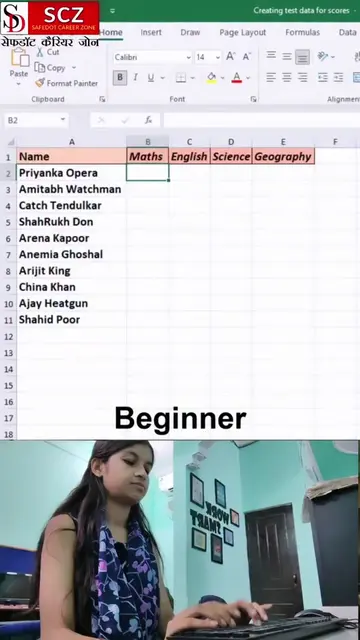
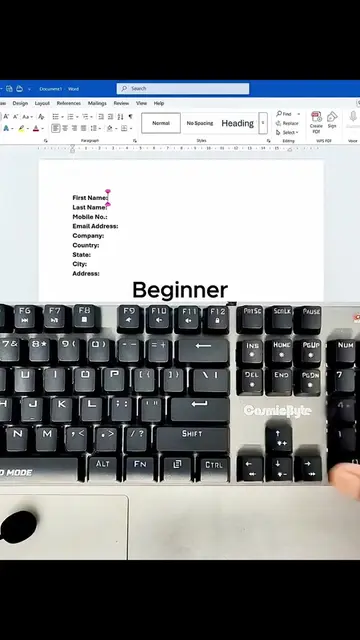
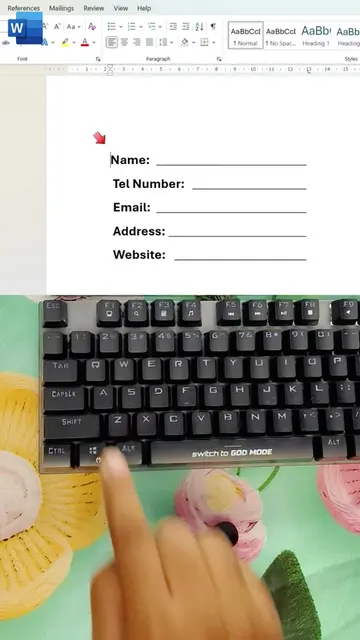
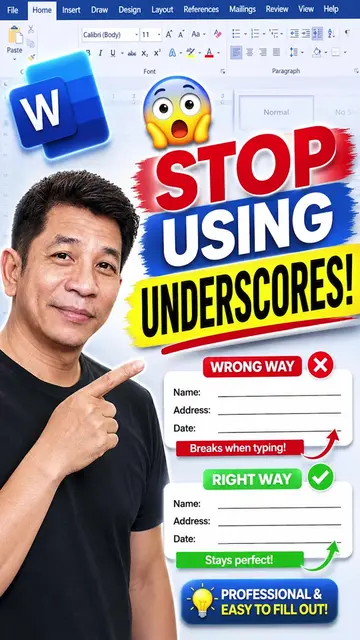
Microsoft Word is a word processing software used to add signatures, create fillable lines, format tables, and insert various line styles into documents.
Views and creators: posted in the last 30 days (English videos). Videos: all time.
Promotes 2 products. Create free account to see more.
Outliers and viral hits: their videos on Overshot, all time.