Loading video…
Sound

original sound - justuse_channel
JustUse
0:00–:––
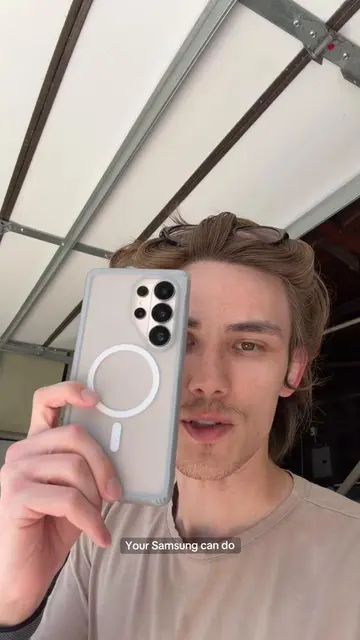
The video provides practical, easy-to-follow tips for a popular smartphone brand, leveraging visual demonstrations and clear instructions to offer immediate value to viewers interested in maximizing their device's functionality.
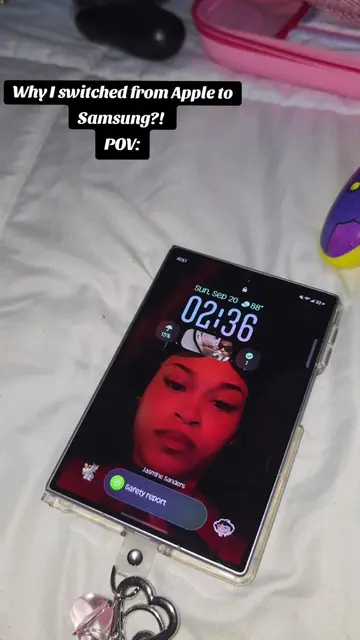
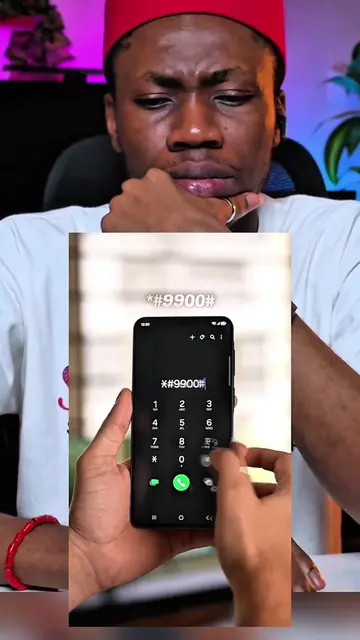
The video demonstrates five useful gestures for Samsung phones, including taking screenshots with a palm swipe, quickly opening the camera, silencing calls by flipping the phone, waking the screen with a double-tap, and enabling split-screen multitasking. It also shows how to activate split-screen mode through settings if it doesn't work automatically.
⚡️ТОП-5 ЖЕСТОВ НА SAMSUNG⚡️#samsung #android #samsunggalaxy
а вы знали
Introduction to Samsung gestures
Gesture 1: Palm swipe for screenshot
Gesture 2: Double-tap power button for camera
Gesture 3: Flip to silence calls
Gesture 4: Double-tap screen to wake
Gesture 5: Split-screen multitasking activation
Samsung (acts - the phone is used to demonstrate features and take screenshots, removing it would change the video); Samsung Galaxy (appears - part of a hashtag, removing it would not change the video)
подпишись
Discover the latest in electronic & smart appliance technology with Samsung. Find the next big thing from smartphones & tablets to laptops & tvs & more.
All time.
Promotes 1 product. Create free account to see more.
Outliers and viral hits: their videos on Overshot, all time.