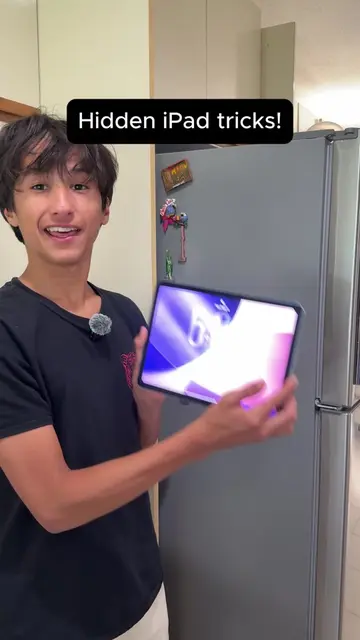
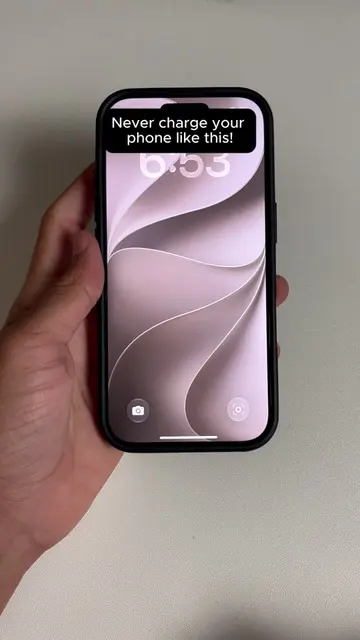
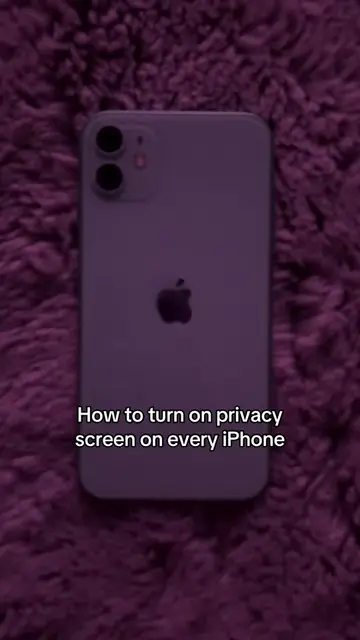
Loading video…
Sound

original sound - tycotech.ca
tycotech · Original audio
0:00–:––
Playing this video’s own audio, so you’ll hear the creator over the sound.
Hook
Posted Jul 27, 2026Video · 0:24by @tycotech.ca
This video promotes it, but we haven’t matched it to a product page yet, so there are no product figures.
The video provides a practical and easily discoverable solution to a common communication problem, leveraging a built-in feature of a widely used device. The clear, step-by-step demonstration makes the tip accessible to a broad audience.
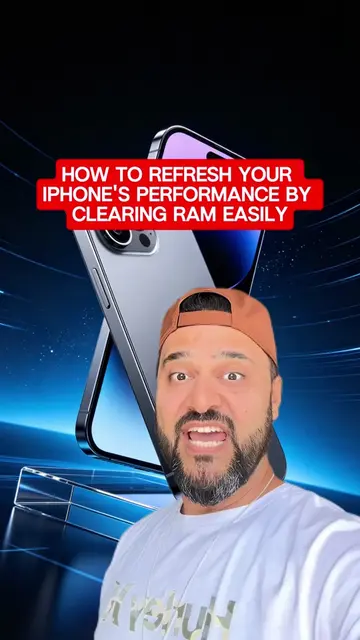
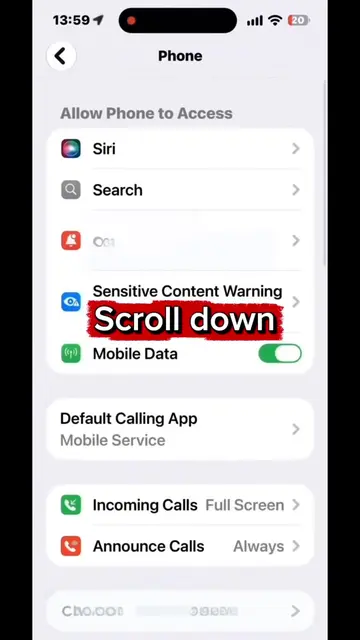
This video demonstrates how to enable Live Captions on an iPhone to transcribe phone calls in real-time. It shows users how to navigate to the accessibility settings to turn on the feature and customize its appearance, such as text size and color.
Your iPhone can turn any phone call into live captions in real time so you never miss a word even in the loudest places. What do you think about this?🤔 #iPhoneTips #TechHacks #calls #apple #iphone
If you're on a call and cant understand them do this!
Introduce the problem of not understanding callers.
Show how to access iPhone settings.
Navigate to Accessibility and Live Captions.
Demonstrate enabling and customizing Live Captions.
Show the Live Captions feature in action during a call.
Encourage sharing the tip.
iPhone (acts): A smartphone whose interface is operated to demonstrate a feature. Removing it would change what happens in the video. Apple (appears): A brand logo visible on the phone. Removing it would not change what happens in the video.
Follow for more.
Playing this video’s own audio, so you’ll hear the creator over the sound.
Promotes 2 products. Create free account to see more.
Outliers and viral hits: their videos on Overshot, all time.