Loading video…
Sound

original sound - medicoumaima
guidebyomaima🦋 · Original audio
0:00–:––
Playing this video’s own audio, so you’ll hear the creator over the sound.
Hook
Posted Jul 29, 2026Video · 0:32by @medicoumaima
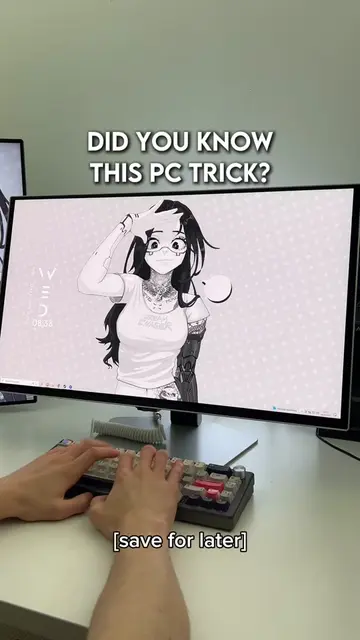
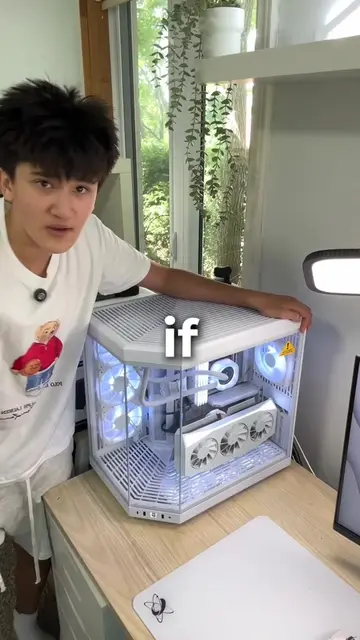
The video provides practical, actionable tips for common laptop issues, presented in a concise and easy-to-follow format with clear visual demonstrations of keyboard shortcuts.
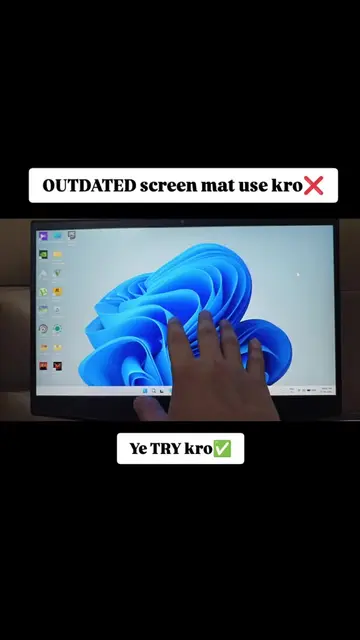
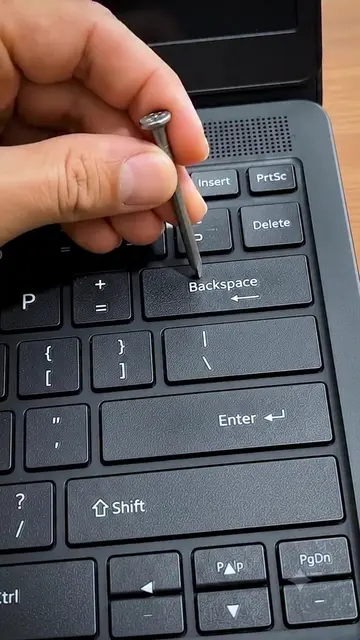
This video demonstrates three useful keyboard shortcuts for Windows laptops. It shows how to delete entire words with Ctrl + Backspace, how to run the Microsoft Malicious Software Removal Tool using Win + R, and how to reset the graphics driver with Ctrl + Shift + Win + B.
laptop hack TikTok don't underreview ok it's not a fraud or scams video #internship #foryou #creatorsearchinsights #tiktok
laptop hack TikTok don't underreview ok it's not a fraud or scams video
Demonstrate Ctrl + Backspace for word deletion
Show how to run Microsoft Malicious Software Removal Tool
Explain Ctrl + Shift + Win + B to reset graphics driver
Call to action to follow for more tips
ASUS (appears, removing it would not change what happens in the video) Microsoft Windows (appears, removing it would not change what happens in the video) Microsoft Malicious Software Removal Tool (acts, removing it would change what happens in the video)
follow and like
Playing this video’s own audio, so you’ll hear the creator over the sound.
Windows utility that scans for and removes specific prevalent malware
All time.
Promotes 2 products. Create free account to see more.
Outliers and viral hits: their videos on Overshot, all time.