Loading video…
Sound

original sound - j.skills0
J. Skills · Original audio
0:00–:––
Playing this video’s own audio, so you’ll hear the creator over the sound.
The video provides practical, easily applicable tech tips that solve common user problems, making it highly shareable and engaging for a broad audience interested in technology.
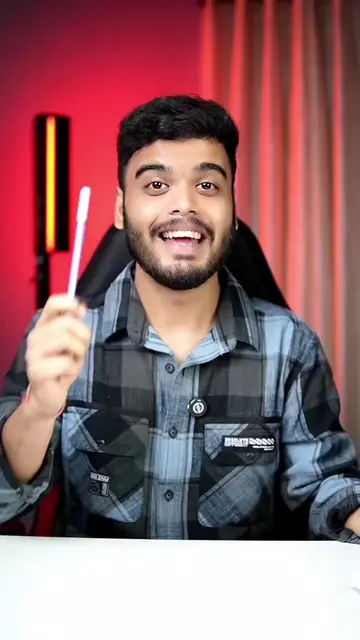
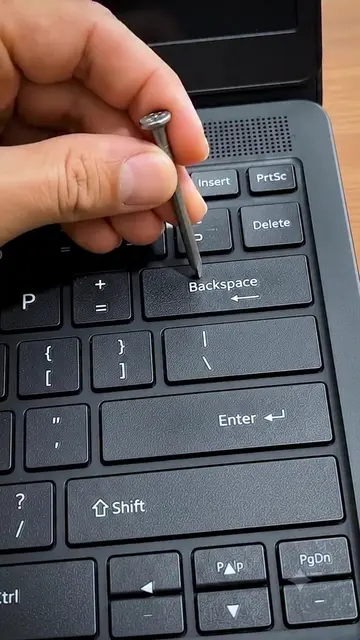
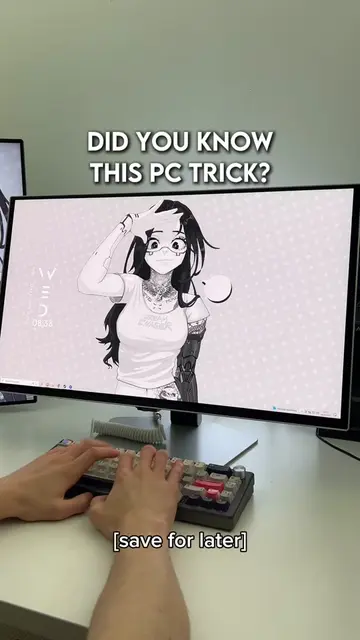
The video demonstrates three Windows keyboard shortcuts: using Ctrl+Backspace to delete entire words, using the Malicious Software Removal Tool (MRT) to scan for and remove viruses, and using Ctrl+Shift+Win+B to reset the graphics driver. These tips are presented as helpful solutions for common laptop issues.
You're using the Backspace key the wrong way #reelsfeed #explorepage #TechTips #technology
You're using the Backspace key the wrong way
Demonstrate incorrect Backspace usage
Show Ctrl+Backspace for word deletion
Introduce MRT for virus scanning
Explain Ctrl+Shift+Win+B for graphics driver reset
Encourage following for more tips
Windows (operating system) - enables computer functionality. It appears as a watermark and is operated by the user. Removing it would change what happens in the video. Malicious Software Removal Tool (MRT) - a tool to scan for and remove viruses and malware. It is operated by the user. Removing it would change what happens in the video. Lenovo (brand) - appears as a logo on the laptop. Removing it would not change what happens in the video.
Follow J. for more Tips and Tricks🧐 follow second account @Digital Genius Hub J.
Playing this video’s own audio, so you’ll hear the creator over the sound.
Windows utility that scans for and removes malware from PCs
All time.
Promotes 15 products. Create free account to see more.
Outliers and viral hits: their videos on Overshot, all time.