Loading video…
Sound

original sound - pames.jawl
James Paul TikTok Growth · Original audio
0:00–:––
Playing this video’s own audio, so you’ll hear the creator over the sound.
We didn’t find a product being promoted in this video. Its hook, format and structure below still show why it took off.
Browse products winning on TikTokThe video provides a clear, concise tutorial on a useful TikTok feature, leveraging trending sounds and a dual posting strategy (feed and story) to maximize reach, which appeals to creators looking for easy content generation.
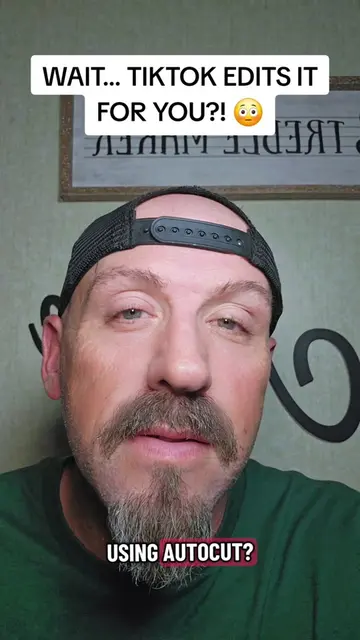
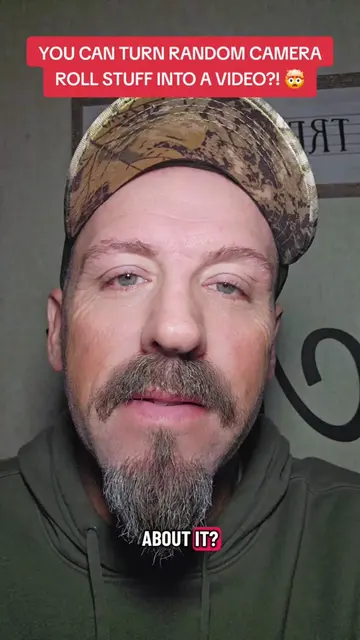
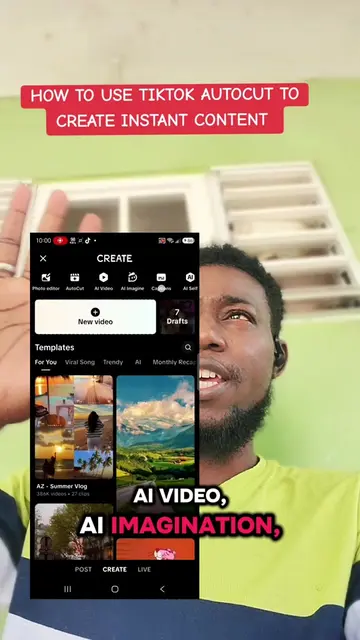
This video demonstrates how to use TikTok's Autocut feature to automatically create videos from photos and videos in your camera roll. The creator explains the steps to access Autocut, select media, and emphasizes leaving the trending sound intact for better reach.
Tutorial Included. How to use Autocut for instant Content #smallcreators #autocut #tiktoktips #tiktokfeature
How to use Autocut !! For Instant Content !!
Introduction to Autocut feature
How to access Autocut
Selecting photos/videos
Importance of trending sounds
Posting to feed and story for extra reach
Call to action to follow for more tips
Autocut: A feature within TikTok that automatically edits videos. It acts by building videos for the user, adding transitions, and syncing to music. Removing it would change what happens in the video.
Go ahead and give me a follow.
Playing this video’s own audio, so you’ll hear the creator over the sound.
Promotes 5 products. Create free account to see more.
Outliers and viral hits: their videos on Overshot, all time.